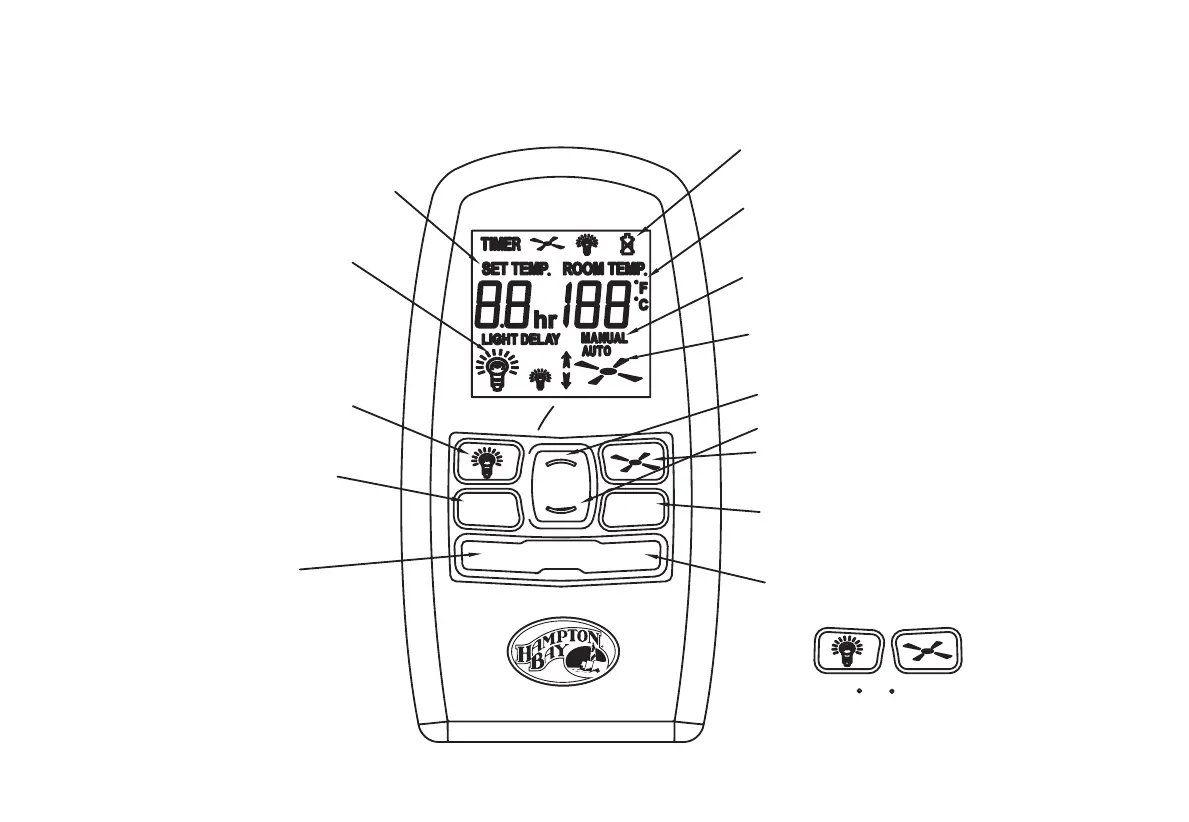
(Turn light on for 3 minutes)
buttons at the same time and hold
(Temp. at which fan turns on)
Auto mode temperature setting
Light delay
Set timer
(Fan/Light Off)
for 3 seconds
To select C / F, press these two
(LEDs On/Off)
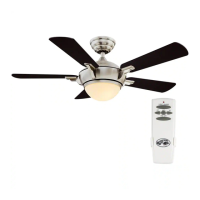
Lighting status indicator
Light switch
(LEDs On/Off)
(High, Medium, Low, Off)
Fan switch
(Manual / Auto)
Fan switch mode select
(Down-Summer; Up-Winter)
Air direction select
FAN AUTO
FOR/REV
TIMER
LIGHT DELAY
Temperature / Timer set down
Low battery indicator
Room temperature
Fan speed indicator
(Manual/Auto)
Temperature/ Timer set up
(High,Medium,Low,Off)
Fan switch mode indicator
(Degree)
12.




 To Next Page