EasyManua.ls Logo

handi quilter HQ Pro-Stitcher Premium - User Manual

handi quilter HQ Pro-Stitcher Premium
52 pages
Print Icon
To Next Page IconTo Next Page
Loading...
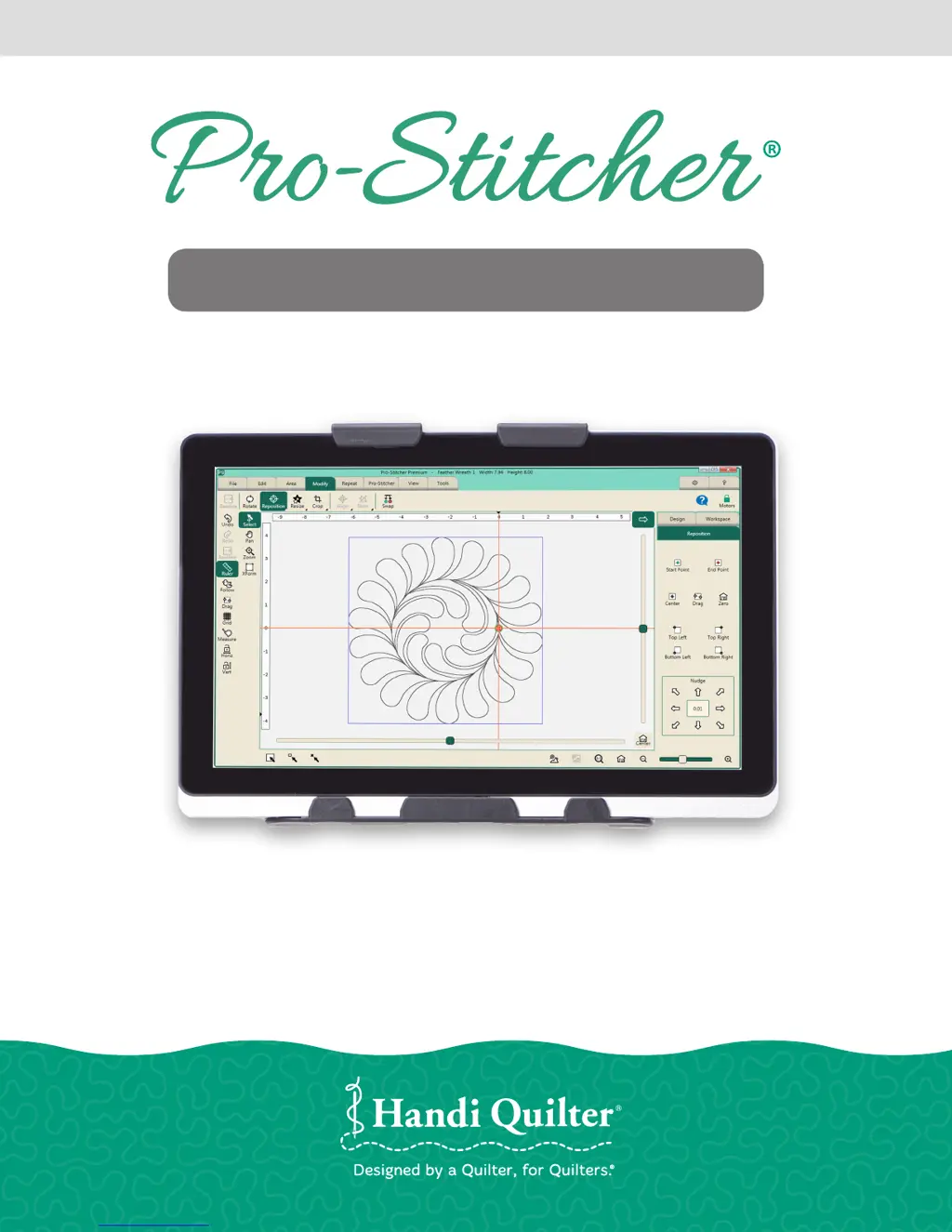
HANDI QUILTER COMPUTERIZED QUILTING SYSTEM
Designed by a Quilter, for Quilters.
®
GETTING STARTED GUIDE
PREMIUM
QM30010-1

Questions and Answers

  • W
    Walter WatsonSep 4, 2025
    Why is my HQ Sixteen C-Pod screen blank or scrambled on my Handi Quilter Sewing Machine Accessories?
    • J
      James MillerSep 4, 2025
      If you own an HQ Sixteen and the C-Pod screen is blank or scrambled, and the handlebar screens are stuck on a screen that says, “Handlebars Version X.X”, the gray flat stitch regulator cable might be plugged in upside-down to one or both of the stitch regulator encoder wheels. Make sure the red stripe on the gray cable is facing up on both encoder connections.
  • D
    davidtuckerSep 18, 2025
    How to correct jumps when using repeat functions on Handi Quilter Sewing Machine Accessories?
    • L
      Lindsey MurraySep 18, 2025
      When using the Repeat functions on your Handi Quilter Sewing Machine Accessories, if the start and/or stop points are within the block of the pattern, there will be a jump between each repeat of the pattern. This can be corrected by selecting the Point 2 Point box in the Repeat screen.
  • D
    dianenguyenSep 16, 2025
    Why isn't the pattern positioned properly when I press Reset Home on my Handi Quilter Sewing Machine Accessories?
    • J
      Jon PerezSep 16, 2025
      The Reset Home button on your Handi Quilter Sewing Machine Accessories is not intended to be used as a re-positioning tool.
  • M
    Matthew CantuSep 14, 2025
    Why does my Handi Quilter Sewing Machine Accessories start stitching and then stop?
    • K
      Karina StoneSep 14, 2025
      If the HQ Pro-Stitcher on your Handi Quilter Sewing Machine Accessories begins to stitch but stops right away, make sure the 'Y' or 'machine' encoder, which is mounted to the back left-hand side (when looking from the front) is the newest version encoder for the HQ Sixteen.
  • M
    Mark StewartSep 12, 2025
    What to do if I see a System Restore message on my Handi Quilter Sewing Machine Accessories?
    • A
      April DavisSep 12, 2025
      If a message appears on boot-up asking whether to run System Restore or Start Windows Normally on your Handi Quilter Sewing Machine Accessories, select 'Start Windows Normally' by using the volume buttons on the tablet to move your selection up or down and use the 'Windows' button to select 'Start Normally.'
  • A
    Allison RobinsonSep 12, 2025
    Why does my Handi Quilter Sewing Machine Accessories squeak when the carriage levers are engaged?
    • M
      Madeline AndersonSep 12, 2025
      If you hear squeaking when the Pro-Stitcher carriage levers are engaged as the machine is pushed or driven on your Handi Quilter Sewing Machine Accessories, lubricate the teeth of the white plastic gears for both the X and the Y axes by applying a small amount of silicone lubricant to the teeth of the white gears.
  • M
    Melissa ThompsonSep 9, 2025
    Why don't the crosshair lines move when I push my Handi Quilter Sewing Machine Accessories?
    • L
      Luke MunozSep 9, 2025
      If the horizontal and/or vertical crosshair lines do not move when the quilting machine is pushed by hand on your Handi Quilter Sewing Machine Accessories, make sure the white gears fully engage the blue rack. Use the manual engagement/disengagement tool to adjust. Insert into the hole at the front of the EZ Carriage.
  • M
    Melissa HartSep 7, 2025
    Why are my stitched designs jagged or wobbly on my Handi Quilter Sewing Machine Accessories?
    • A
      April LoganSep 7, 2025
      If stitched designs appear jagged or wobbly on your Handi Quilter Sewing Machine Accessories, and pressing the machine allows a little motion and the white gear rotates, monitor the motor assembly while engaged and enabled to determine which gear/pulley is slipping.
  • U
    uvaughnSep 5, 2025
    How to turn on Handi Quilter Sewing Machine Accessories?
    • S
      Shannon StephensonSep 6, 2025
      To turn on the Handi Quilter Sewing Machine Accessories, press the Power button at the top-right side of the computer.
  • J
    Joshua HardinAug 21, 2025
    Why does my Handi Quilter Sewing Machine Accessories show a motor error with a lightning bolt?
    • L
      Lisa SantiagoAug 21, 2025
      A motor error with a lightning bolt icon in the top-right corner generally indicates that the Pro-Stitcher cannot communicate with the motors. To resolve this, check that the carriage is plugged in and that the serial cables are properly connected into the box behind the Pro-Stitcher computer.

Summary

Important Safety Instructions

Installation Overview and Grounding

Installation for HQ Fusion, Avanté, and Simply Sixteen

Y-Encoder Circuit Board Replacement

Procedure for replacing the Y-encoder circuit board on compatible machines.

Installation for HQ Sixteen and Avanté with 4-wheel Carriage

X-Rack and Y-Rack Installation

Steps for installing the X-Rack and Y-Rack components on the frame.

Pro-Stitcher Power Management

Getting Started with Pro-Stitcher Operation

Troubleshooting Common Issues

Warranty Information

Limited Warranty Terms

Details the warranty periods for mechanical, electronic, and tablet components.

Warranty Exclusions and Limitations

Outlines conditions that void the warranty and liability limitations.

Warranty Claims and Service

Procedures for obtaining warranty service and contact information.

handi quilter HQ Pro-Stitcher Premium Specifications

General IconGeneral
CategorySewing Machine Accessories
TypeComputerized Quilting System
DisplayTouchscreen
USB PortYes
Wireless ConnectivityNo
CompatibilityHandi Quilter Longarm Machines
SoftwarePro-Stitcher Premium
User InterfaceIntuitive touchscreen controls
Design FeaturesAdvanced editing and resizing capabilities
Design LibraryExtensive built-in design library
Design ImportYes, via USB
Stitch RegulationYes
Software UpdatesAvailable
WarrantyLimited warranty included

Related product manuals