EasyManua.ls Logo

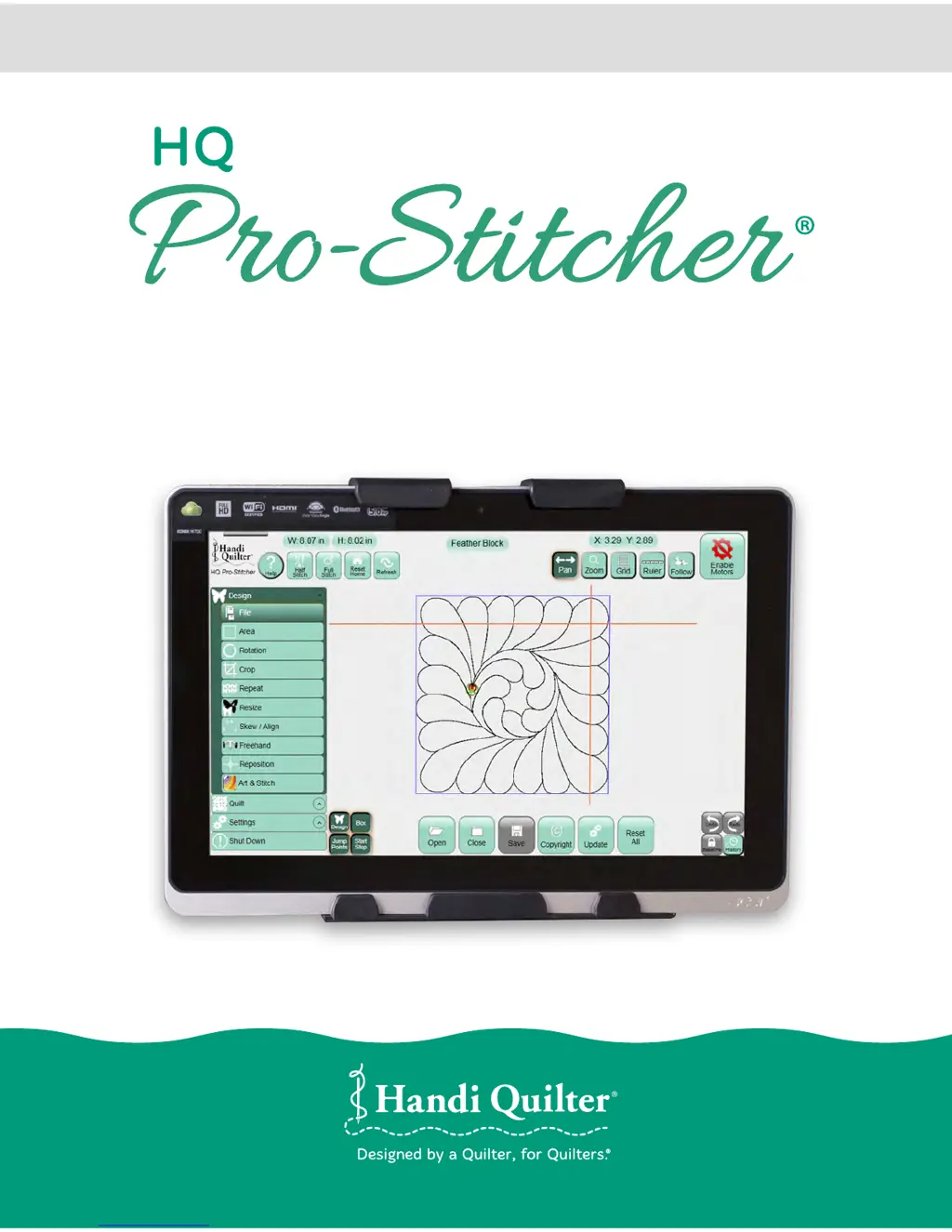
handi quilter Pro-Stitcher QM30010-2 - User Manual

handi quilter Pro-Stitcher QM30010-2
139 pages
Print Icon
To Next Page IconTo Next Page
Loading...
© 2015 Handi Quilter, Inc. All rights reserved. Printed in the U.S.A.
HANDI QUILTER DIGITAL QUILTING SYSTEM
Designed by a Quilter, for Quilters.
®
USER MANUAL
QM30010-2 • MAY 2015

Table of Contents

Questions and Answers

  • J
    Julia LeeAug 17, 2025
    Why does my Handi Quilter Sewing Machine stitch length smaller than selected?
    • S
      Samantha BarrAug 17, 2025
      The quilting machine may be locking up at a higher speed than selected. Reboot both the quilting machine and the Pro-Stitcher computer to resolve this.
  • K
    Kenneth CampbellAug 20, 2025
    What to do if Handi Quilter Pro-Stitcher moves but does not stitch?
    • A
      Amber HarrisonAug 20, 2025
      Check that the gray flat stitch regulator cable is plugged into the back of the C-Pod, the encoder wheel on the back wheel of the quilting machine, and the encoder wheel on the carriage. Also, verify the black cable connecting the Pro-Stitcher to the machine encoder wheel is properly connected. Ensure the Pro-Stitcher and quilting machine are communicating by pressing Reconnect Machine in the Settings -> Advanced menu. If communicating, pressing the Full Stitch or Half Stitch buttons should make the quilting machine's needle perform that function. Check the gray stitch regulator cable for damage (one wire clipped at the C-Pod end is normal).
  • J
    Jasmin SmithAug 22, 2025
    What to do if handi quilter Pro-Stitcher QM30010-2 Sewing Machine stitched designs appear jagged?
    • M
      Maurice RiosAug 22, 2025
      The system may be skipping teeth, causing the design to shift. If the motion is in the X-axis (left-right), check the X-axis gear assembly to ensure nothing prevents it from pressing down on the blue rack. If the motion is in the Y-axis (front/back), align the blue rack and white gear, adjusting by loosening the Y-axis bracket mounting screws and shifting the bracket. If the white gear doesn't fully engage the blue rack, install shim washers between the quilting machine base-plates and the Y-axis bracket to lower it slightly.
  • V
    vazquezaustinAug 26, 2025
    What to do if handi quilter Pro-Stitcher QM30010-2 Sewing Machine shows Buffer Underflow message?
    • T
      Tonya EstesAug 26, 2025
      A Buffer Underflow message indicates that data isn't reaching the motors quickly enough, possibly due to the computer's CPU being overloaded. Although you may resume quilting by closing the error message and pressing the Motor Error lightning bolt button, it is best to cancel the current design, save the pattern, and reboot the computer. Use the New Start Point function to resume where you left off.
  • M
    Melissa LambertAug 28, 2025
    What to do if Handi Quilter Sewing Machine shows System Restore message?
    • G
      Gregory BushAug 28, 2025
      If a message appears on boot-up asking whether to run System Restore or Start Windows Normally, select Start Windows Normally by using the volume buttons on the tablet to move your selection up or down and use the “Windows” button to select “Start Normally.” The system should resume as normal.
  • H
    Heather ClarkAug 30, 2025
    Why Handi Quilter Sewing Machine pattern is not positioned properly after pressing Reset Home?
    • K
      Krystal CastroAug 30, 2025
      The Reset Home button isn't for repositioning. It aligns the current needle position with the pattern's “X=0, Y=0” point, which varies between patterns. Use the Area or Reposition tools from the menu to reposition the pattern.
  • R
    Ryan CarterSep 1, 2025
    How to fix loose pulleys/gears on handi quilter Pro-Stitcher QM30010-2?
    • D
      destinyrodriguezSep 1, 2025
      Monitor the motor assembly while engaged and enabled to identify which gear/pulley is slipping. It's likely the gear on the motor shaft or the gear on the shaft driving the white gear. Tighten both set screws on the gear using the appropriate Allen wrench. The motor gear requires a 1/16” Allen wrench, and the larger gear on the drive axle with the white gear requires a 5/64” Allen wrench.
  • R
    Richard ZavalaSep 4, 2025
    What to do if Handi Quilter Pro-Stitcher begins to stitch but stops right away?
    • R
      Robert ChambersSep 4, 2025
      Ensure that the 'Y' or 'machine' encoder is the newest version for the HQ Sixteen. If the old encoder is mounted, replace it with the new encoder from the HQ Pro-Stitcher accessory bag.
  • R
    Russell DelgadoSep 6, 2025
    What to do if Handi Quilter C-Pod screen is blank?
    • O
      otranSep 7, 2025
      The gray flat stitch regulator cable might be plugged in upside-down to one or both of the stitch regulator encoder wheels. Make sure the red stripe on the gray cable is facing up on both encoder connections.
  • A
    Andrew CohenSep 9, 2025
    How to turn on Handi Quilter Sewing Machine if LED is on?
    • N
      nicolecastilloSep 9, 2025
      Press the Power button at the top-right side of the computer to turn it on.

Summary

USER MANUAL

Important Safety Instructions

General Safety Precautions

Key warnings for safe operation, including risks of fire, shock, and injury.

Machine Safety and Handling

Guidance on safe machine use, maintenance, and handling procedures.

Installation Instructions

Optional U.S. Grounding

Guidance on proper electrical grounding procedures for the quilting machine.

Parts List

Inventory of components included with the HQ Pro-Stitcher system.

Installation for HQ Fusion;Avanté

Step-by-step instructions for installing HQ Pro-Stitcher on specific machine models.

Installation for HQ Sixteen;Avanté

Detailed setup for HQ Pro-Stitcher on HQ Sixteen and HQ Avanté with 4-wheel carriage.

Getting Started with HQ Pro-Stitcher

Initial steps to move the machine, use USB drives, and connect peripherals.

HQ Pro-Stitcher Overview

Handlebar Control and Motors

Understanding handlebar communication, motor control, and screen status indicators.

Screen Navigation and Work Area

Overview of the Pro-Stitcher interface, menus, and design work area.

On-Screen Help and Design Navigation

Accessing help, cycling needle positions, and displaying the on-screen grid.

Art & Stitch

Design Transfer and Licensing

Transferring designs, managing software licenses, and updates.

Using Input Devices and Software Updates

Connecting mice/keyboards and updating Art & Stitch software.

Design Menu

Design History and Baseline

Managing design changes, clearing history, and freezing design states.

Working with Design Files

Loading, saving, opening, and duplicating design files.

Creating and Manipulating Areas

Defining quilting areas using 2-Corner or Multi-Point methods.

Rotating and Repeating Designs

Options for rotating, mirroring, and repeating designs within areas.

Cropping Designs

Using Crop and Start-End functions to isolate and modify design portions.

Skew and Align Options

Fitting designs into areas using skew and alignment tools.

Freehand and Repositioning Tools

Recording freehand motion and repositioning designs on the quilt.

Quilt Menu

Stitching and Tracing Designs

Choosing between stitching and tracing, and emergency stop procedures.

Moving Machine and Adjusting Speed

Using move buttons, changing speed, and stitching straight lines.

Adjusting Stitch Settings

Modifying speed, auto jump, stitches per inch, and tie-off settings.

Managing Start;End Points

Changing quilting start/end points and recovering from thread breaks.

Settings Menu

Speed, Jumps, and Stitches Per Inch

Configuring machine speed, auto jump, and stitch density.

Tie-Offs, Pullups, and Pause Delay

Managing tie-off methods, bobbin pullups, and pause delay settings.

Advanced and Communication Options

Accessing simulation licenses, thread break sensors, and communication settings.

Troubleshooting

Monitor and Cable Connectivity Issues

Resolving problems with screen display and stitch regulator cable connections.

Encoder, Gear, and Tension Spring Issues

Troubleshooting engagement, slipping, and tension problems with axis components.

Error Messages and System Restore

Addressing buffer underflows, system restore prompts, and motor errors.

Warranty

Limited Warranty Terms and Exclusions

Details on warranty coverage, limitations, and conditions for HQ Pro-Stitcher.

Warranty Claims and Service

Procedures for filing warranty claims and obtaining product service and maintenance.

Handi Quilter Printouts

Latest Information Resources

Links to download news, tips, and tutorials for Pro-Stitcher.

Tutorials

Handi Quilter Educator Tutorials

Accessing step-by-step lessons and tips from Handi Quilter educators.

Designs

Storing and Cataloging Designs

Organizing and printing design catalogs for browsing and customer selection.

My Ideas

Inspiration and Idea Storage

A dedicated section for keeping inspirational images and notes.

handi quilter Pro-Stitcher QM30010-2 Specifications

General IconGeneral
BrandHandi Quilter
ModelPro-Stitcher QM30010-2
TypeLongarm Quilting Machine
CompatibilityHandi Quilter Longarm Machines
SoftwarePro-Stitcher Software
DisplayTouchscreen
Stitch RegulationYes
ComputerizedYes
Stitch Length ControlYes
ConnectivityUSB
BobbinL-style
PatternsIncludes pre-loaded patterns and ability to import more

Related product manuals