EasyManua.ls Logo

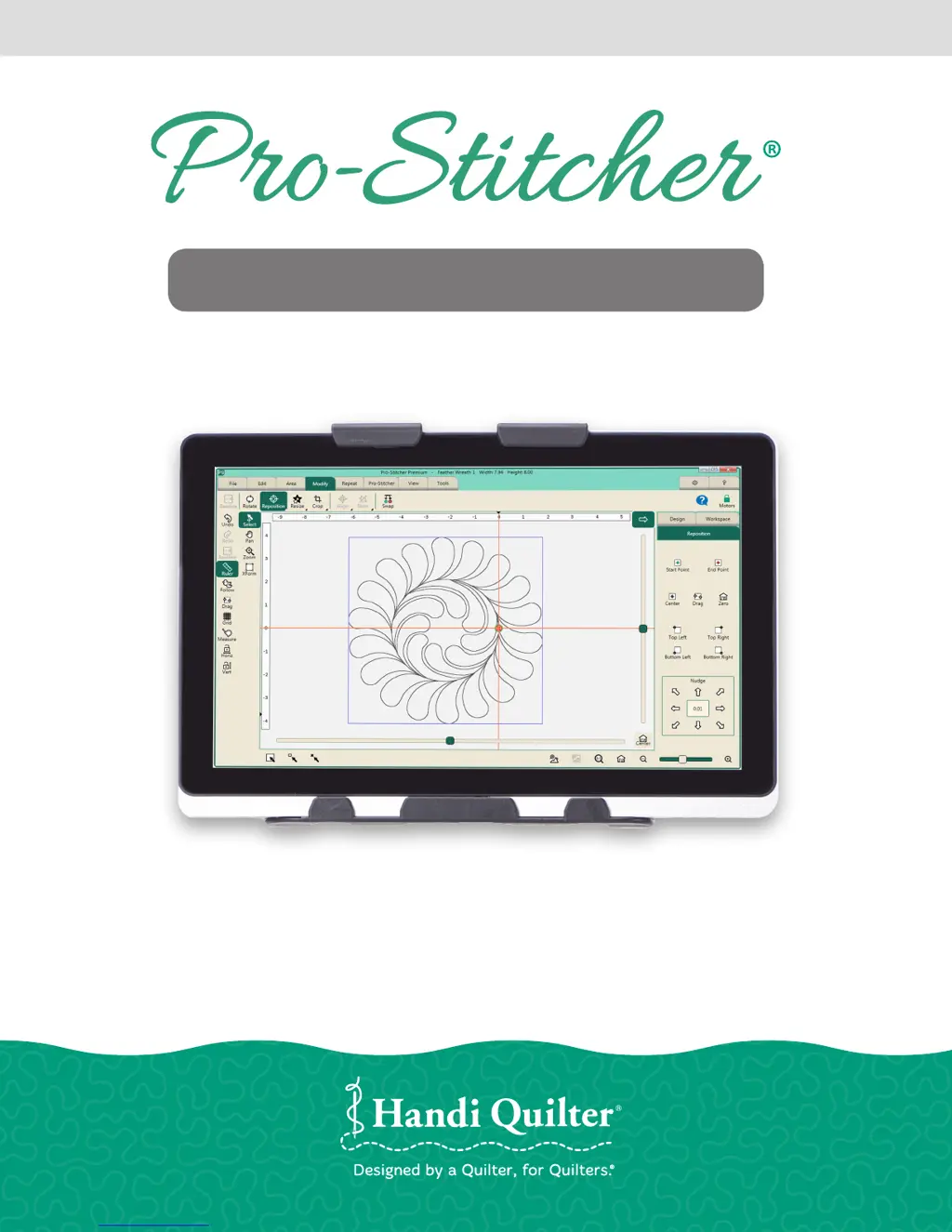
handi quilter HQ Pro-Stitcher Premium - User Manual

handi quilter HQ Pro-Stitcher Premium
52 pages
Print Icon
To Next Page IconTo Next Page
Loading...
HANDI QUILTER COMPUTERIZED QUILTING SYSTEM
Designed by a Quilter, for Quilters.
®
GETTING STARTED GUIDE
PREMIUM
QM30010-1

Questions and Answers

  • L
    Laura HubbardSep 2, 2025
    What to do if the current path points to the wrong drive letter on my Handi Quilter Sewing Machine Accessories?
    • A
      andrea49Sep 2, 2025
      If the current path is pointing to the wrong drive letter on your Handi Quilter Sewing Machine Accessories, press Cancel if the Open screen is already open, remove the USB flash drive, wait about 15 seconds, and then press the Open button again. This is because the patterns that come pre-loaded on the Handi Quilter USB Flash drive are located in a folder called Designs on the USB flash drive.
  • K
    kennethroseAug 31, 2025
    What causes gear tooth skipping on Handi Quilter Sewing Machine Accessories?
    • V
      Victoria ThomasAug 31, 2025
      If gear tooth skipping occurs, causing the stitched design to be shifted in either the X or the Y direction on your Handi Quilter Sewing Machine Accessories, the X and Y tension springs may need to be tightened.
  • B
    balvarezAug 29, 2025
    How to fix jagged or wobbly stitched designs on Handi Quilter Sewing Machine Accessories?
    • D
      David MarshallAug 29, 2025
      If stitched designs appear jagged or wobbly on your Handi Quilter Sewing Machine Accessories, and the system may be skipping teeth when running, resulting in a shifting of the design on the quilt, check the following: * If there is motion in the X-axis (left-right), check the X-axis gear assembly and make sure nothing is preventing the assembly from springing downward and putting pressure on the blue rack. * If the motion is in the Y-axis (front/back), make sure the blue rack and the white gear are properly aligned and adjust if necessary.
  • K
    Kevin KramerAug 27, 2025
    Why is the stitch length smaller than selected on my Handi Quilter Sewing Machine Accessories?
    • T
      trevinobiancaAug 28, 2025
      If the stitch length is much smaller than selected and the machine is running faster than it should on your Handi Quilter Sewing Machine Accessories, rebooting both the quilting machine and the Pro-Stitcher computer should resolve the issue.
  • C
    campbellstevenAug 26, 2025
    Why does my Handi Quilter Sewing Machine Accessories move but not stitch?
    • S
      Stephen ThompsonAug 26, 2025
      If the Pro-Stitcher on your Handi Quilter Sewing Machine Accessories moves but doesn't stitch, ensure the gray flat stitch regulator cable is plugged into the back of the C-Pod, the encoder wheel on the back wheel of the quilting machine, and the encoder wheel on the carriage. Also, check the black cable that connects the Pro-Stitcher to the machine encoder wheel. Verify the Pro-Stitcher and the quilting machine are communicating with each other by pressing Reconnect Machine in the Settings -> Advanced menu.
  • E
    Ernest BellAug 25, 2025
    What to do if a 'Buffer Underflow' message appears on my Handi Quilter Sewing Machine Accessories?
    • T
      Timothy SmithAug 25, 2025
      A 'Buffer Underflow' message on your Handi Quilter Sewing Machine Accessories indicates that data isn't reaching the motors fast enough, likely because something in the computer is using too much CPU. It's best to cancel the current design, save the pattern, and reboot the computer, even though you can resume quilting by closing the error message.
  • A
    Andrea WolfeAug 22, 2025
    What to do if the LED is off on my Handi Quilter Sewing Machine Accessories?
    • C
      cookrobertAug 22, 2025
      If the LED on the power button of your Handi Quilter Sewing Machine Accessories is off, it means there is no power to the tablet computer. Ensure the power cord is plugged into a powered outlet and the power supply under the carriage. Also, check that the round barrel connector is firmly plugged into the mating cable connector under the Pro-Stitcher carriage. If the LED remains off, press the Power button on the top-right side of the monitor.

Summary

Important Safety Instructions

Installation Overview and Grounding

Installation for HQ Fusion, Avanté, and Simply Sixteen

Y-Encoder Circuit Board Replacement

Procedure for replacing the Y-encoder circuit board on compatible machines.

Installation for HQ Sixteen and Avanté with 4-wheel Carriage

X-Rack and Y-Rack Installation

Steps for installing the X-Rack and Y-Rack components on the frame.

Pro-Stitcher Power Management

Getting Started with Pro-Stitcher Operation

Troubleshooting Common Issues

Warranty Information

Limited Warranty Terms

Details the warranty periods for mechanical, electronic, and tablet components.

Warranty Exclusions and Limitations

Outlines conditions that void the warranty and liability limitations.

Warranty Claims and Service

Procedures for obtaining warranty service and contact information.

handi quilter HQ Pro-Stitcher Premium Specifications

General IconGeneral
CategorySewing Machine Accessories
TypeComputerized Quilting System
DisplayTouchscreen
USB PortYes
Wireless ConnectivityNo
CompatibilityHandi Quilter Longarm Machines
SoftwarePro-Stitcher Premium
User InterfaceIntuitive touchscreen controls
Design FeaturesAdvanced editing and resizing capabilities
Design LibraryExtensive built-in design library
Design ImportYes, via USB
Stitch RegulationYes
Software UpdatesAvailable
WarrantyLimited warranty included

Related product manuals