Easy Hotspot Kit
35
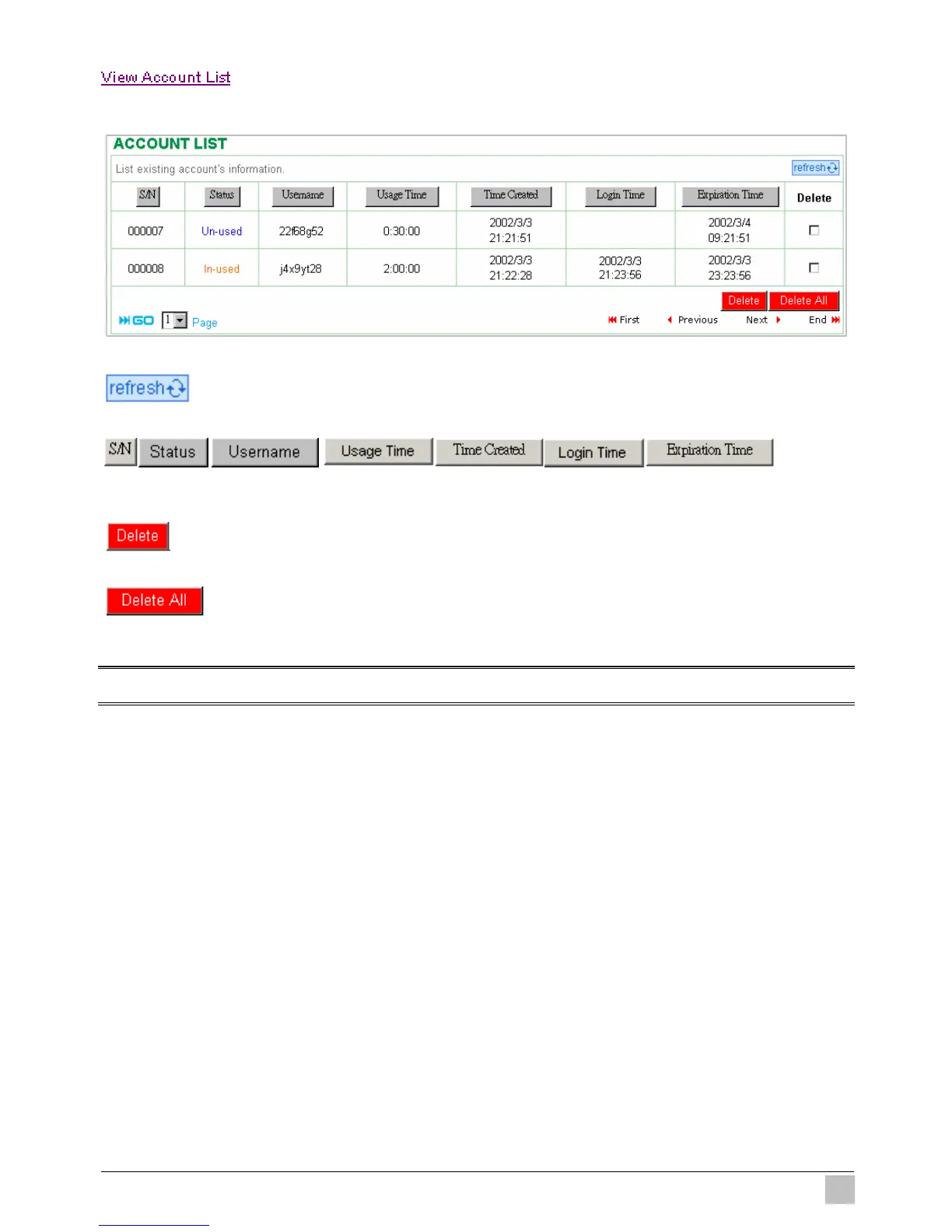
Click “View Account List” to display current account information.
Figure 3-21 Account List
Click on refresh button to update the account list page.
The field name button in this list show that this list can be sorted in ascending/descending order
according to the corresponding field name.
Select the check boxes and click ‘Delete’ to delete accounts.
Delete all accounts in account list.
Note: This page will refresh automatically every 5 minutes.



 To Next Page