Easy Hotspot Kit
63
Item Default Description
Accumulation
Accumulation Disable The subscriber can access Internet many times with one account. The
system can keep and accumulate every single usage time until the
pre-defined usage time run out.
Idle Time Out 5 Min(s) The idle time out valid range is 1-1440. If the idle time out is set as 5
minutes, it means if the account doesn’t send packet in 5 minutes, the
account will logout automatically.
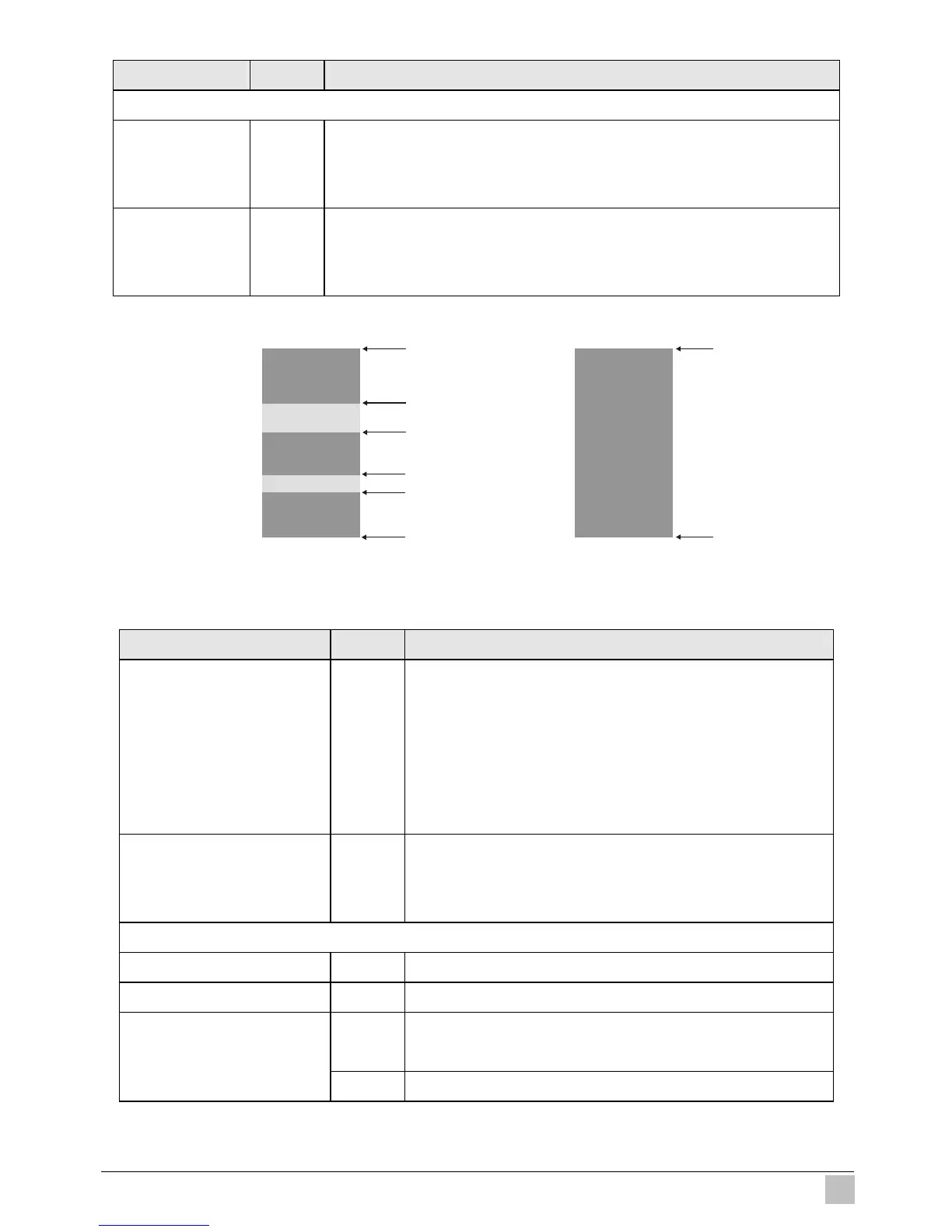
Figure 3-50 Accumulation and Time to Finish
Item Default Description
Post-Paid Disable The subscribers can access Internet without pre-defined
usage time. This can be operated with an optional
external PS/2 keypad that is connected with exclusive
printer. The printout will only show the
username/password. An account can also to be
terminated with the optional keypad.
Idle Time Out 5 Min(s) The idle time out valid range is 1-1440. If the idle time out
is set as 5 minutes, it means if the account doesn’t send
packet in 5 minutes, the account will logout automatically.
Billing Profile
Currency $ Enter the appropriate currency unit or currency symbol.
Number of decimals places 2 Enter the number. The field maximum value is 3.
Disable This check box is used to indicate the taxable status of the
account.
Tax Percentage
5% Enter the tax rate (i.e. a 5% sales tax is entered as 5).
A
B
C


 To Next Page