Easy Hotspot Kit
81
Item Default Description
Secure Server Address https://www.
vious.net/m
erchant/proc
esscc.asp
Enter the secure server address.
Secure Pay
Merchant ID Empty Enter your Merchant ID. This is a Merchant Identification
Number that you’re received from your Merchant Provider.
The maximum character of the Merchant ID is 7.
SecurePay Address https://www.
securepay.c
om.au/secur
epay/payme
nts/process
2.asp
Enter the address of SecurePay Payment Gateway.
Credit Card icons to be
displayed on the login
page
VISA Click on check box to display credit card icon on the login
page.
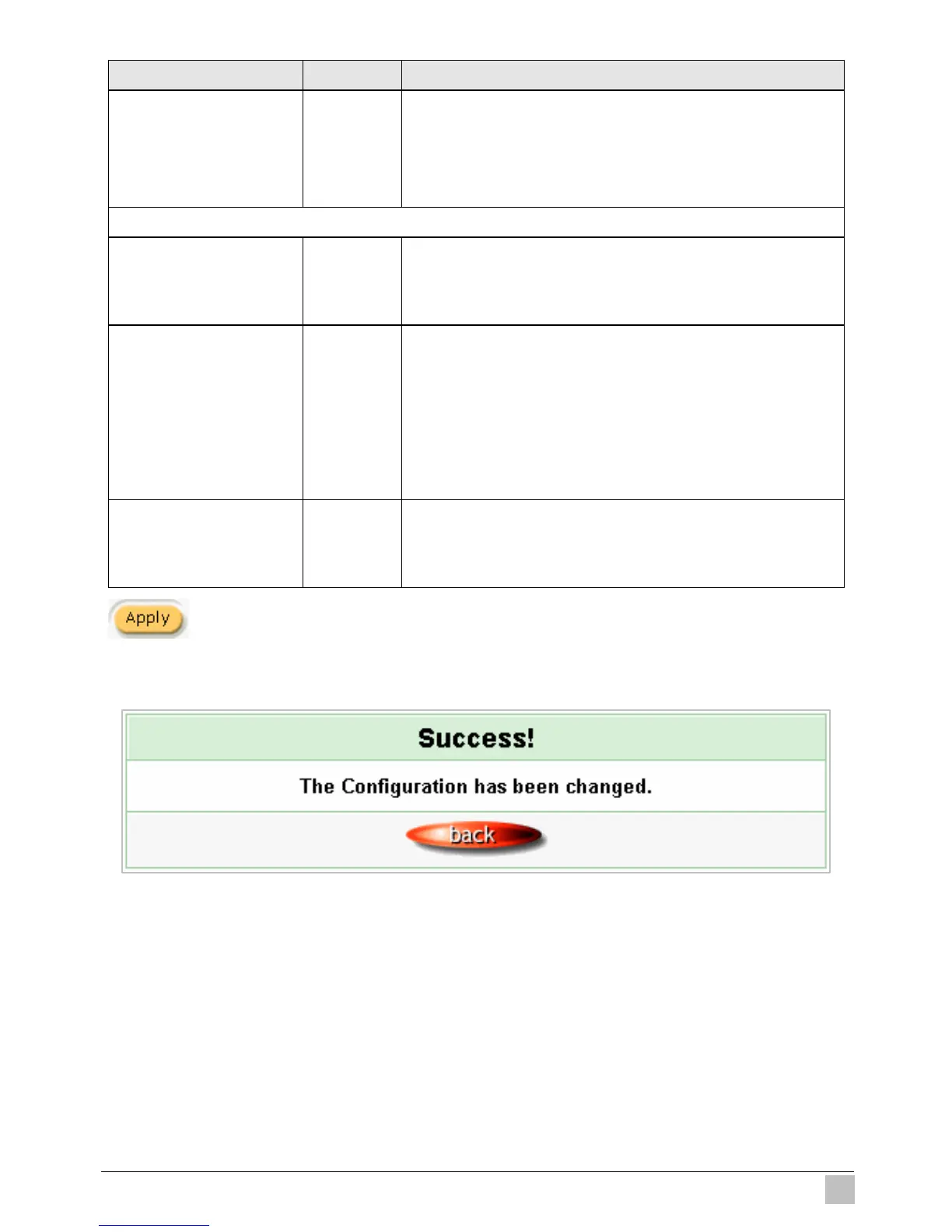
Click Apply button to save the new settings.
Click Apply button, the success dialog box appears. Click on Back to return to Accounting setting
screen.
Figure 3-72 Success Dialog Box



 To Next Page