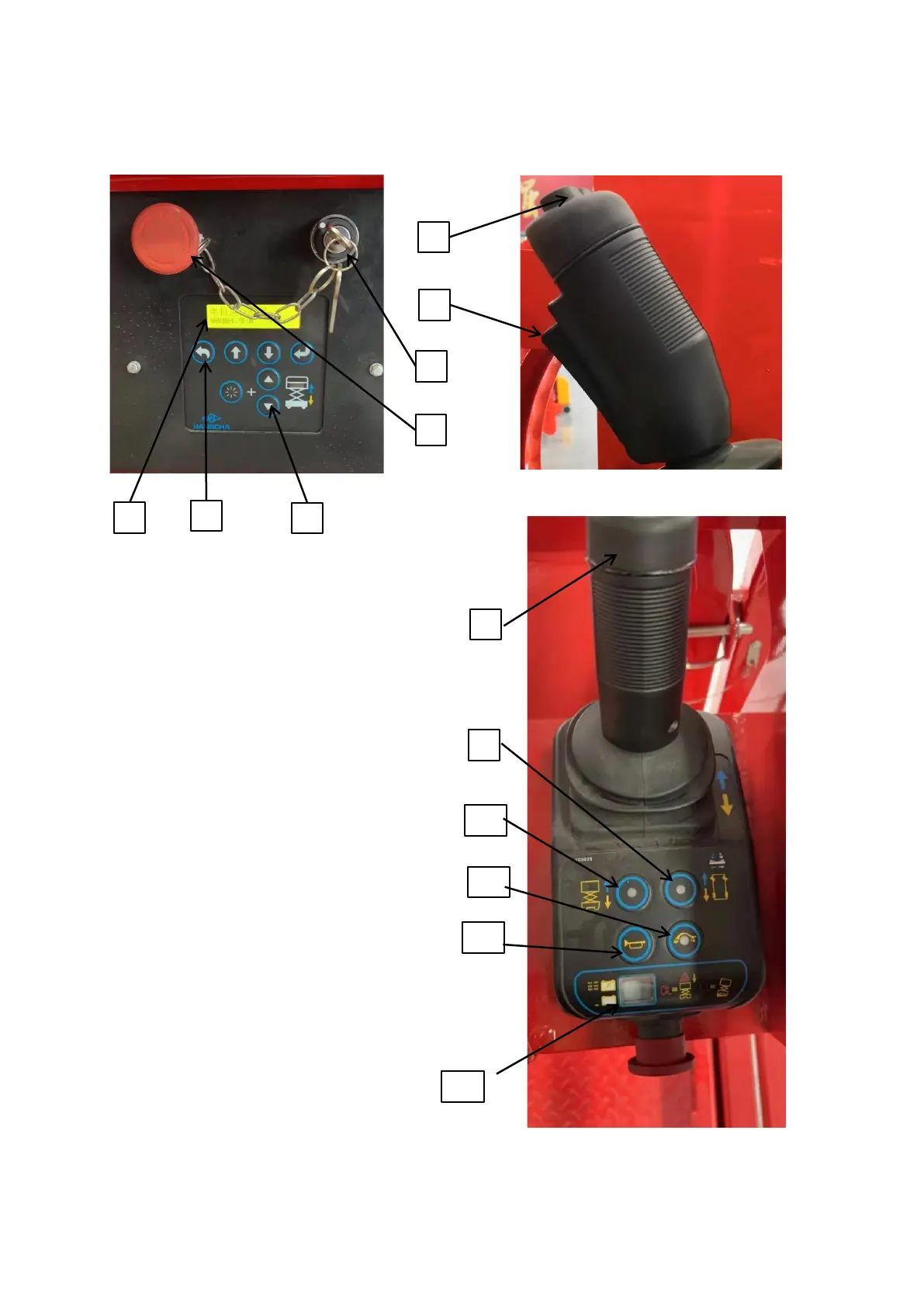
2.4 Display and control
1、ECU Display screen: It is used to display machine modes
or
fault codes.
2、Parameter setting: It is used to set/change the system
parameters.
3. Ground lifting/lowering control: It is used to control the
lifting and lowering action of the platform on the ground.
4. Emergency stop switch: It is used to stop all functional
actions.
5. Key switch: It is used to switch between the ground and
platform control.
6. Enable button: It is used to enable the driving/lifting
function.
7. Steering button: It is used to control the machine to turn
left or right
8. Control handle: It is used to control the lifting, lowering,
forward and backward action of the machine.



 To Next Page