www.ihanil.com
16/26
4. Operation
4.4 Vacuum
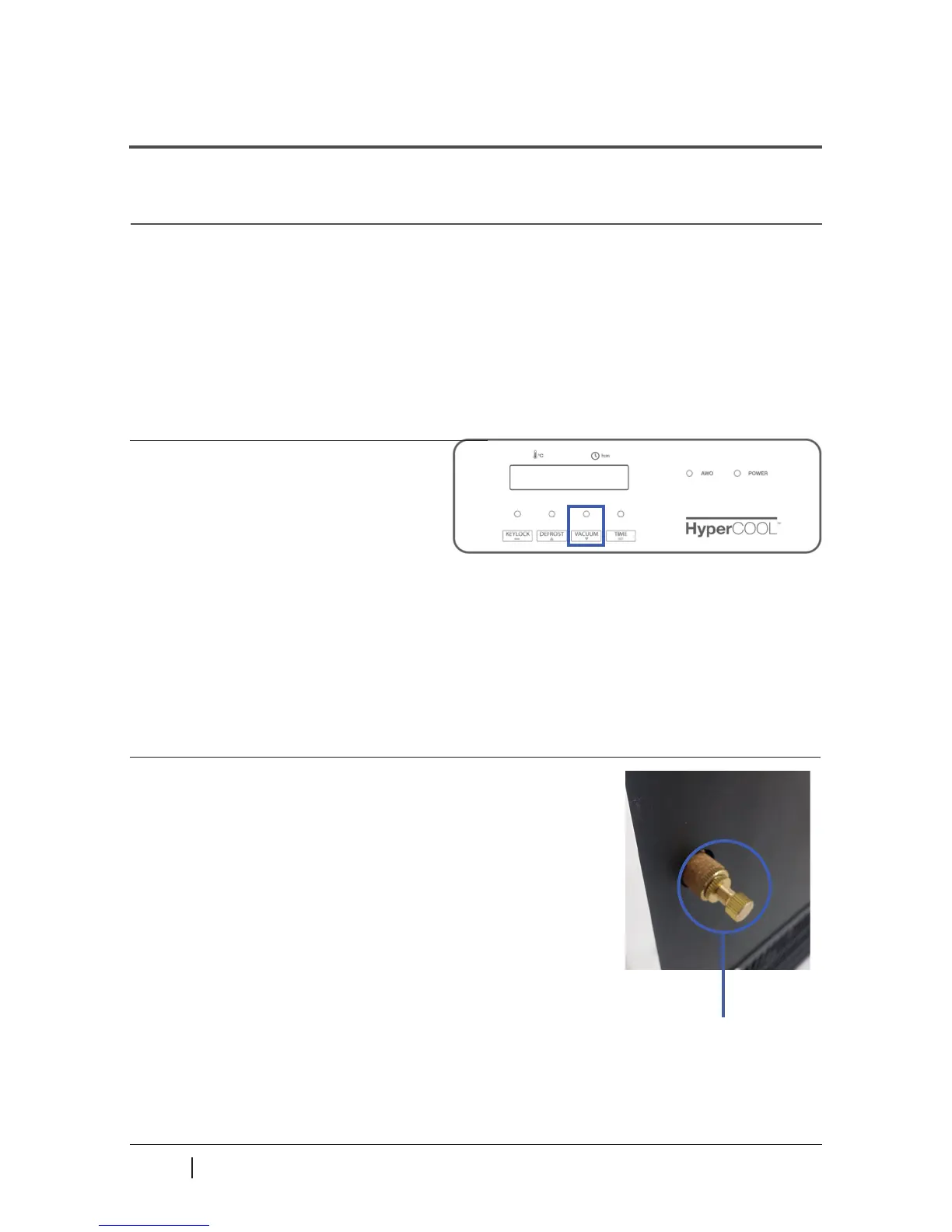
VACUUM function is to turn on or o the vacuum pump, where the VACUUL LED indicates
current status of the vacuum pump.
▶ While the vacuum pump is resting, the VACUUM LED ashes.
▶ While the vacuum pump is running, the VACUUM LED is ON.
The vacuum pump is turned o by pressing VACUUM button.
1. Press VACUUM button to evacuate the
HyperCOOL chamber.
2. When the pump is on, it turns o by pressing
the VACUUM button. The HyperCOOL allows air
into the chamber by opening the vacuum release
valve on the backside.
Vacuum release valve
▶ The vacuum release can be adjusted by turning the
release valve.
(1) Vacuum: Tightened the valve by turning clockwise
(2) Vacuum release: Loosened the valve by turning
counterclockwise
▶ VACUUM LED ashes when the vacuum
pump is o and turns on when the
pump starts to operate.
▶ When the temperature of the condenser reaches -50℃, the vacuum pump automatically
starts to operate.
The pump can turn on by pressing the VACUUM button when the temperature reaches -30℃.



 To Next Page