User’s Manual
19
ERROR MESSAGE & POSSIBLE SOLUTION
CABLE NOT CONNECTED :
1. Check that the signal-cable is properly connected, If the connector is loose, tighten
the connector’s screws.
2. Check the signal-cable’s connection pins for damage.
INPUT NOT SUPPORT :
Your computer has been set to unsuitable display mode, set the computer to display
mode given in the following table.
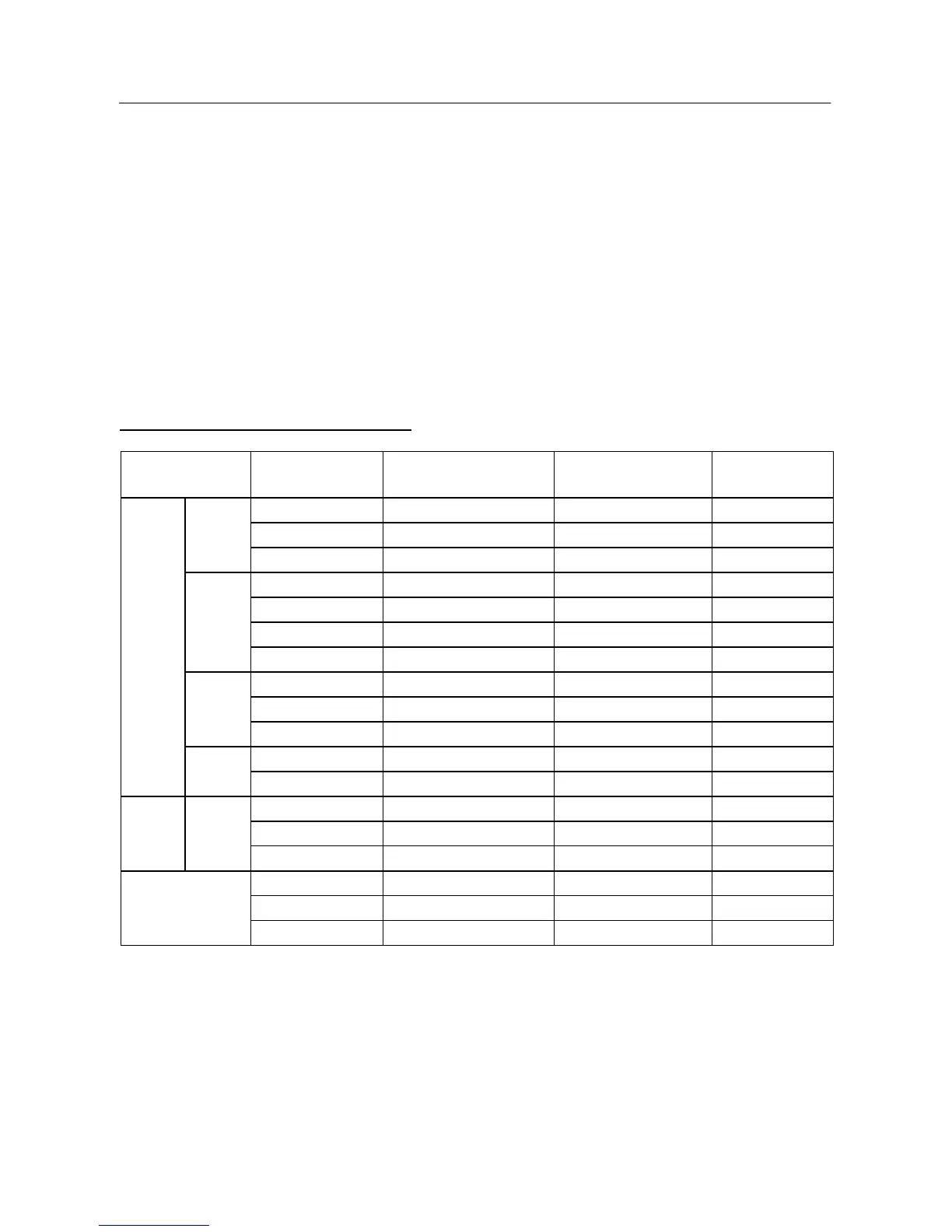
FACTORY PRESET TIMING TABLE:
VIDEO MODE RESOLUTION
HORIZONTAL
FREQUENCY (kHz)
VERTICAL
FREQUENCY (Hz)
APPLICABLE
MODEL
640 × 480 31.469 59.94 19”
640 × 480 37.500 75.00 19”
VGA
640 × 480 37.861 72.81 19”
800 × 600 35.156 56.25 19”
800 × 600 37.879 60.32 19”
800 × 600 48.077 72.19 19”
SVGA
800 × 600 46.875 75.00 19”
1024 × 768 48.363 60.00 19”
1024 × 768 56.476 70.07 19”
XGA
1024 × 768
60.023 75.03 19”
1280 × 1024
63.981 60.02 19”
VESA
SXGA
1280 × 1024
79.976 75.03 19”
640 × 350 31.469 70.09 19”
640 × 400 31.469 70.09 19”
IBM DOS
720 × 400
31.469 70.09 19”
640 × 480 35.000 66.67 19”
832 × 624
49.725 74.55 19”
MAC
1152 × 870
67.500 75.00 19”


 To Next Page
 Loading...