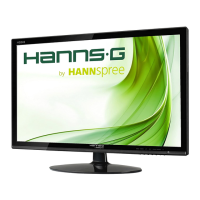
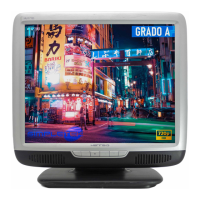
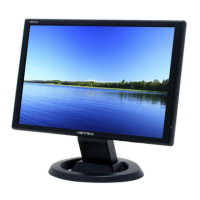
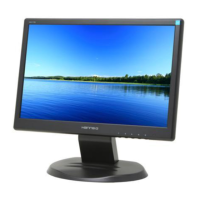
19" LCD Color Monitor HSD HG191D
7
3. Operating Instructions
3.1 General Instructions
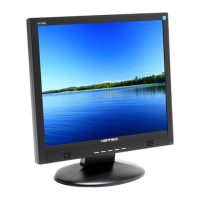
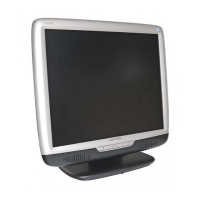
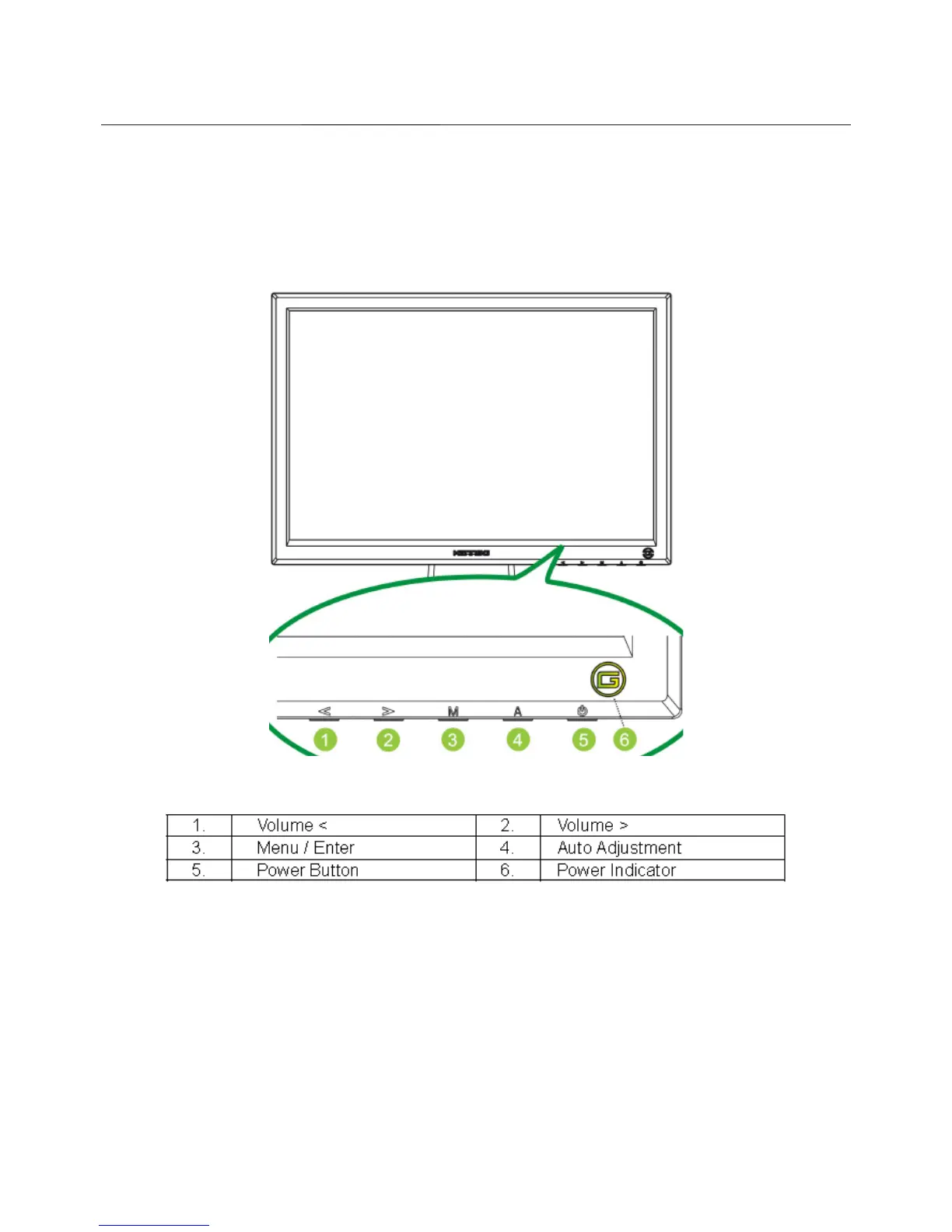
Press the power button to turn the monitor on or off. The control buttons are located in the front of the monitor.
By changing these settings, the picture can be adjusted to your personal preferences.
-
The power cord should be connected.
-
Connect the video cable from the monitor to the video card.
-
Press the power button to turn on the monitor, the power indicator will light up.
3.2 Control Buttons


 To Next Page
 Loading...