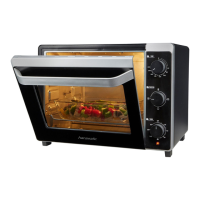
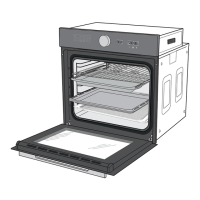
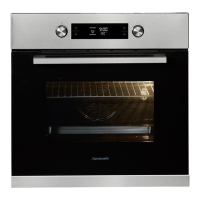
Controls and appliance parts
Page EN-15
Defrosting
WARNING
Health hazard!
Defrosting meat, poultry or fi sh in the
oven can cause dangerous microorgan-
isms (such as salmonella) to multiply
rapidly, thereby This increases the risk
of food poisoning.
■ Do not defrost meat, poultry and fi sh
in the oven.
■ Only use the defrosting function to
defrost vegetables, pre-cooked food,
etc.
■ Take the frozen food out of the freez-
er ahead of time and let it defrost in
the refrigerator. The fl uid from the
frozen food must be able to properly
drain, otherwise harmful microorgan-
isms can form.
c
88:88
888
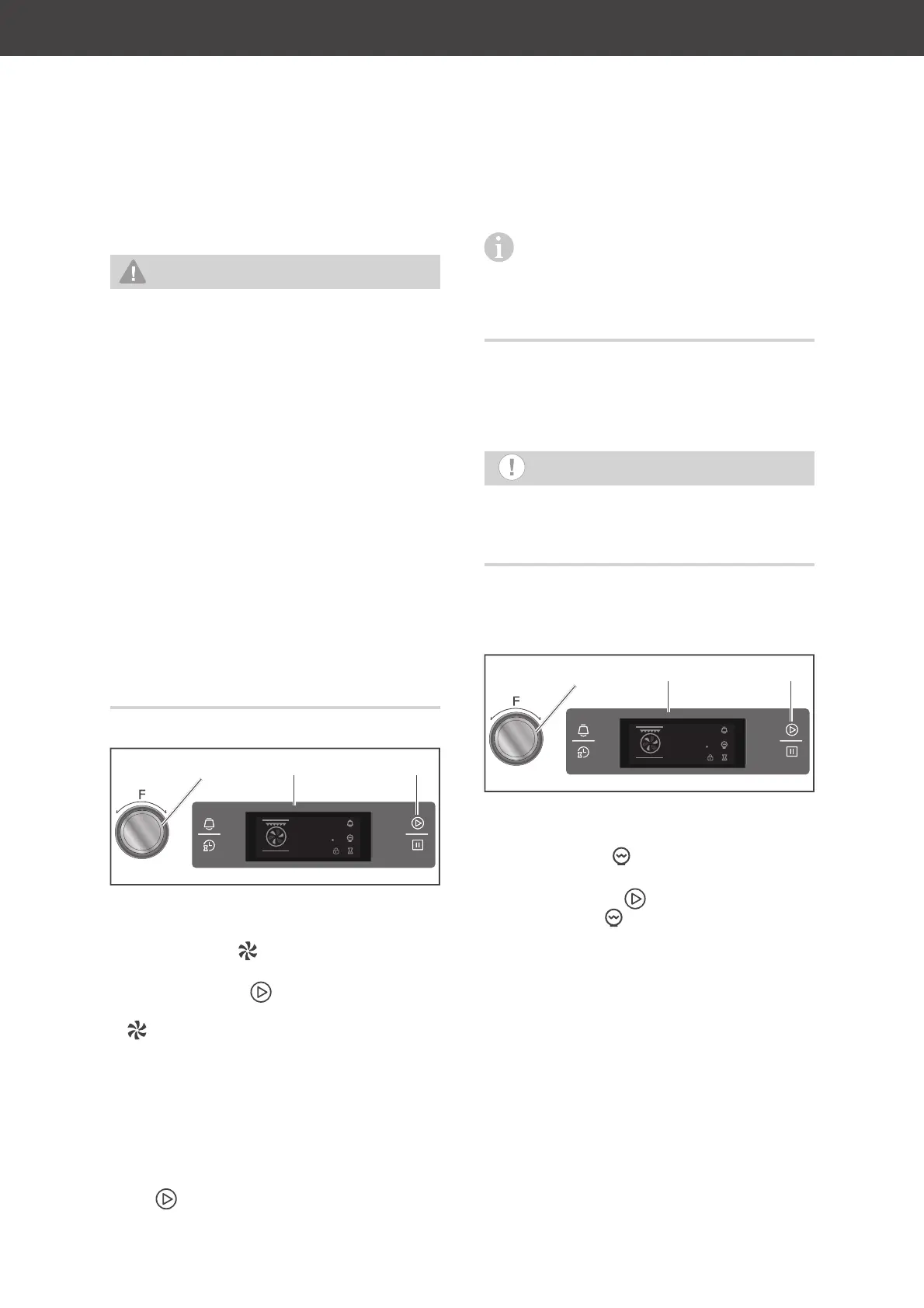
(7) (10) (11)
1. Selecting a function:
Turn the function dial (7) until the display
(10) shows the symbol.
2. To confirm the selection and start the
function, tap the
sensor (11).
0 : 00
will appear in the display and the
symbol will rotate. The display shows
the maximum cooking time of
9:00
hours.
The cooking compartment is lit up.
3. Changing the cooking time:
Turn the function dial (7) until the display
(10) shows the desired cooking time (
0:01
to
9:00
).
4. To confirm the displayed cooking time, tap
the sensor (11).
In order to make more room in the cook-
ing compartment when defrosting food,
you can remove the oven rack guides and
place the food container directly on the bot-
tom of the oven.
Cooking compartment light
NOTICE
Use the oven light only to illuminate the
cooking compartment. It is not suitable
for lighting a room.
Unlike most other programmes, you cannot
set a cooking time or temperature here.
:
c
88:88
888
(7) (10) (11)
1. Selecting a function:
Turn the function dial (7) until the display
(10) shows the symbol.
2. To confirm the selection and start the
function, tap the
sensor (11).
0:00
and the symbol will appear in the
display. The cooking compartment is lit up.


 To Next Page