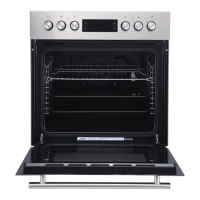
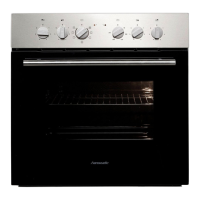
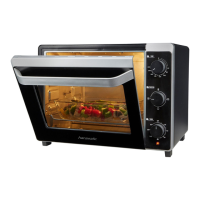
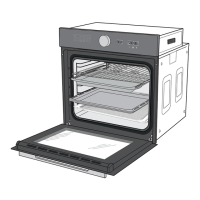
Controls and appliance parts
Page EN-17
Energy-saving mode
–Tap the sensor (11) for 3 seconds in
standby or timer mode to switch to Ener-
gy-saving mode.
The display will disappear.
– If no other settings are applied, the oven
switches automatically to energy-saving
mode after 10 minutes in standby mode.
The display will disappear.
– To end energy-saving mode, tap a sensor
or turn one of the control dials.
Tips for saving energy
– Preheat the oven only if it is called for in the
recipe or stipulated in the cooking tables
provided.
– Use dark-coloured baking dishes and trays
when possible. They effectively absorb the
heat.
– Avoid frequently opening the oven door dur-
ing cooking, baking or roasting.
– Bake several cakes one after the other
while the oven is still warm in order to short-
en the baking time for subsequent cakes. If
you use loaf tins, place both of them side by
side in the oven.
– In the case of longer cooking times, switch
the oven off 10 minutes before the end of
the cooking time. The residual heat is suffi-
cient enough to complete the cooking.
– Switch to energy-saving mode (see “Ener-
gy-saving mode” on page EN-17).


 To Next Page