The oven
Page GB-21
Semi-automatic operation
Semi-automatic operation allows you to spec-
ify the desired cooking duration or shutdown
time during operation. The oven automatical-
ly switches off after the cooking duration is up
or after the shutdown time has expired.
Setting the cooking duration or
shutdown time
Requirements:
– The current time must be set.
– No automatic operation may already be in
use. If an automatic operation is already
being used, hold down the OK button (17)
until the display returns to the standard dis-
play.
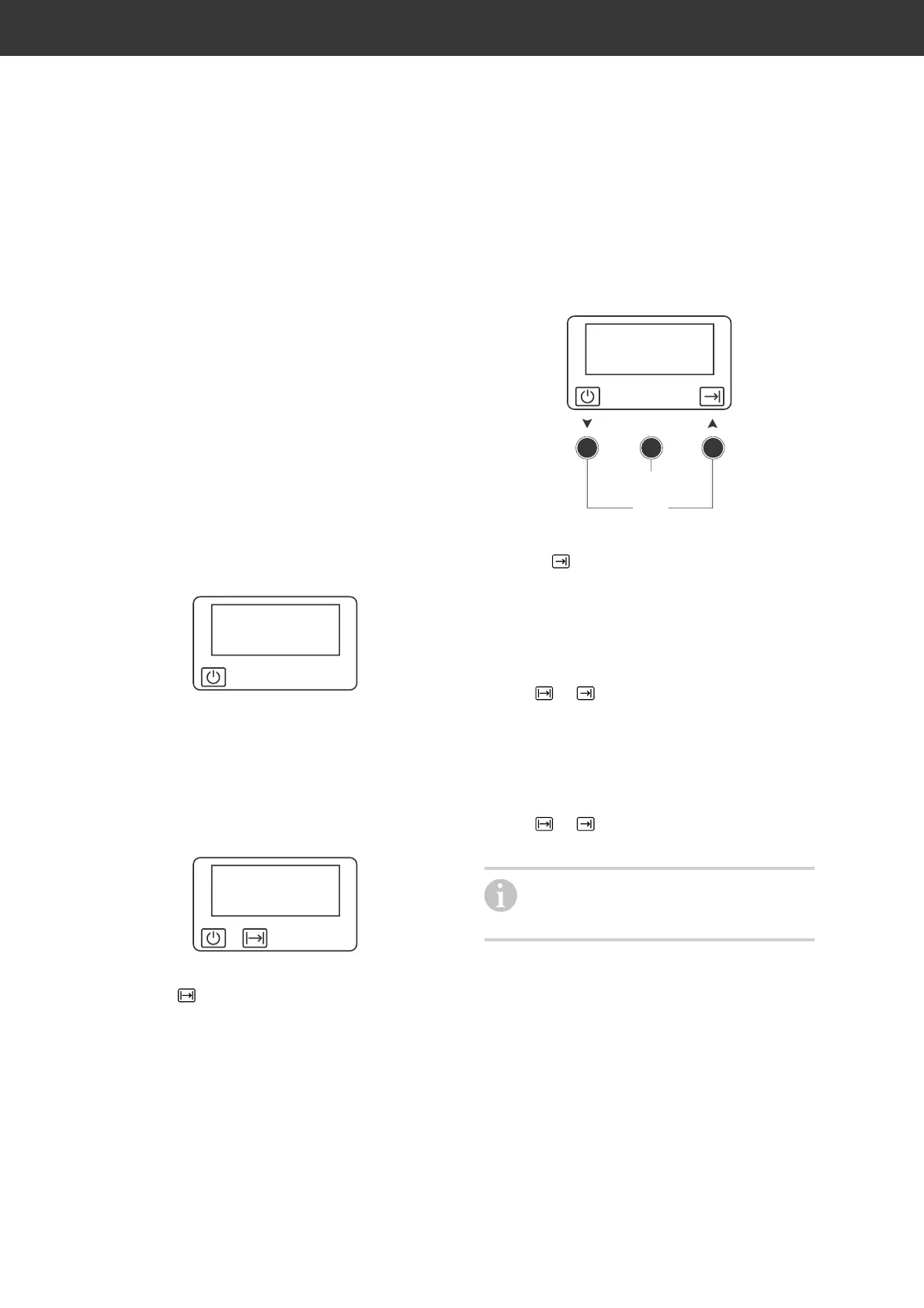
17:26
Standard display
1. Place the food in the oven and select the
desired operating mode and tempera-
ture.
2a If you wish to select the cooking dura-
tion, briefly press the OK button (17).
The oven switches off itself.
00:00
The clock displays the time 00:00 as well
as the
symbol.
2b. If you wish to select the shutdown
time, hold down the OK button for three
seconds.
The oven switches off itself.
12:00
(17)
(18)
The clock displays the time 12:00 as well
as the
symbol.
3. Use the arrow buttons to select (18) the
cooking duration or shutdown time. Con-
firm your selection using the OK button.
The oven will switch on automatically
after the last press of a button.
The
or symbol will be displayed the
entire time the oven is in use.
Once the preselected time has expired,
– the oven automatically switches off itself
and will beep.
– The or symbol flashes.
If you wish to switch off the automatic
operation ahead of time, hold down the
OK button for approx. three seconds.


 To Next Page