Page 13 , Total 15
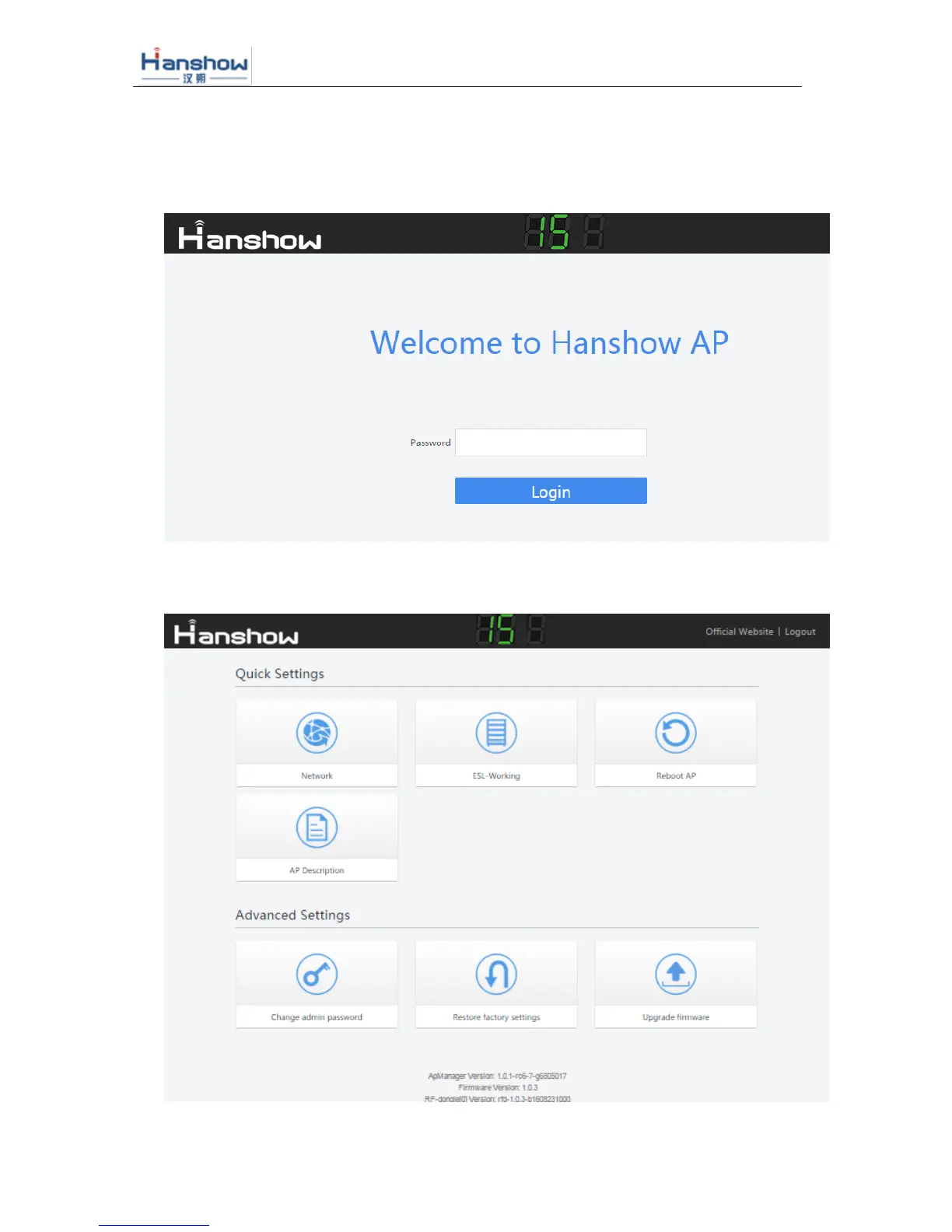
The Access Point support http page configuration. Login coorespoding webpage via IP
address to modify the settings of Access Point. For example, login http:192.168.51.100
for the Access Point IP address is 192.168.51.100.
Figure 5-1 ESL Access Point configuration landing page
Default password:admin. Enter the password to log into the configuration page, as follows:



 To Next Page