using controller mode
26_ using controller mode
~
Event & Preset: If you select a CP number set in the <Event & Preset> menu, it will be activated. (Up to 16 supported)
- In the <System Setting>
;
<All Event & Preset List>, the events (up to 16) and Contact Closure
Number must be set up.
- If you click the Contact Closure Number, the event broadcasting configured to the zone will be
transmitted without running [Start Broadcasting].
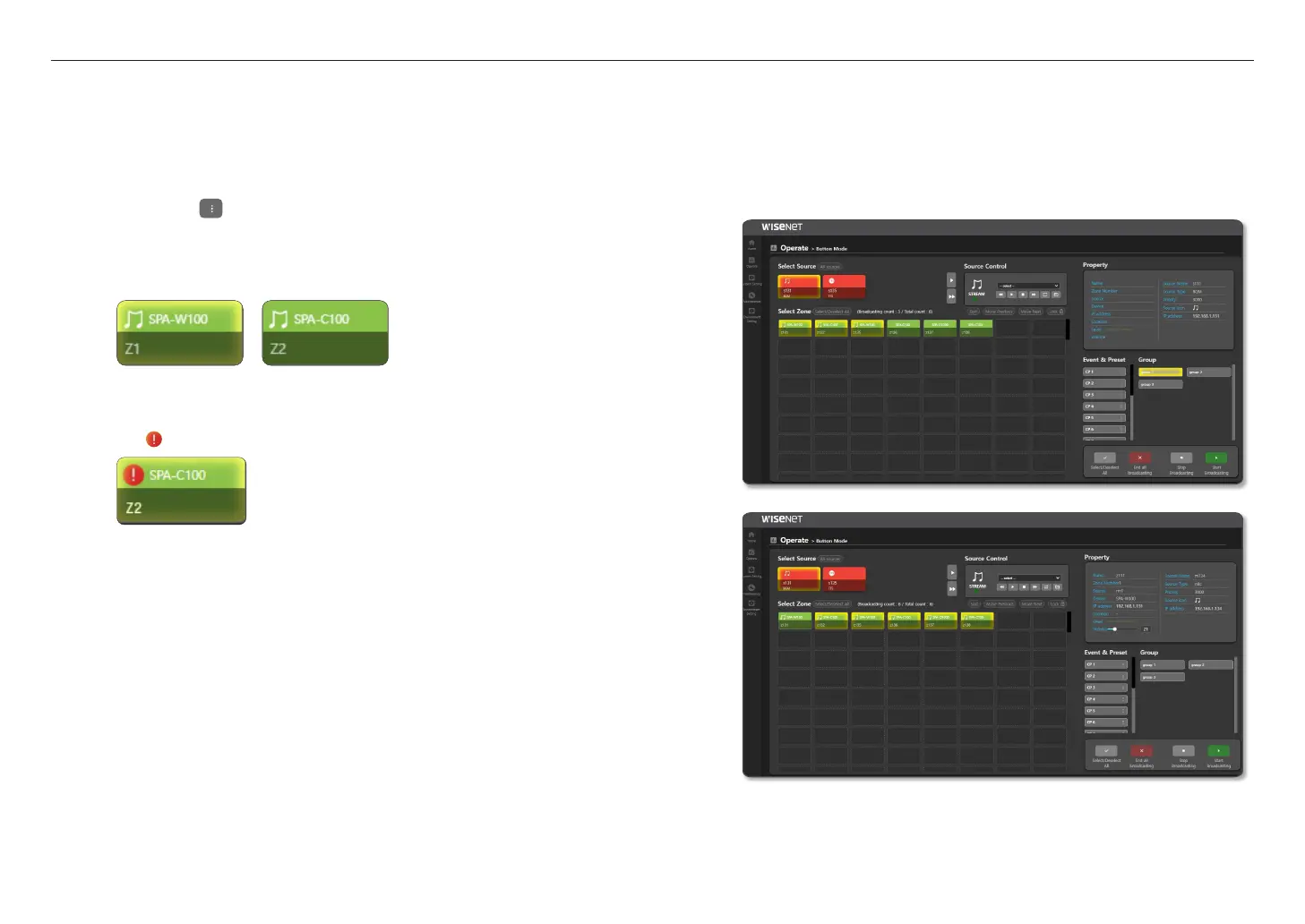
- If you click the Contact Closure Number, a musical note will be displayed on the zone device button
selected in the <Broadcasting Routing> or <Local File Play> of <Event & Preset>.
- If you click the [
] button on the right of the preset number, you can change the preset name.
M
`
As the zone with the musical note in the zone button box is broadcast even if they are not highlighted, ensure running [End all
broadcasting] and reconfigure it.
The zone device which can be broadcast is displayed as (Broadcasting count / Total count).
`
If you separately control <Broadcast Server> or <Broadcast Client> in the <BGM Streaming> menu on a speaker
selected as a source or zone while running all the broadcasts with the <Controller Mode> speaker, an error may occur
in the <Button Mode> broadcast, so please be cautious.
`
If the icon is displayed on the registered device, please check the network status of the device.
`
If you press the number which is set as Zone or Group mode on the microphone device during the broadcast of the
sound source in <Button Mode> and run the <Talk> function, the speaker transmits the microphone’s audio instead of
broadcasting the sound source.
`
In order for the microphone to transmit the voice inputs while broadcasting, the microphone's priority must be higher than
that of the source speaker running in the <Button Mode>
`
The speaker which transmits the microphone's audio displays the microphone’s information in the source information of
<Property>, and it is converted to the speaker information when <TALK> is stopped in the microphone.



 To Next Page