Preparing the Camera
■ Avoid mix-matching brands, types, or ages of the batteries, which
will greatly increase the odds of a battery leaking, leading to a
damaged camera.
■ Anytime you place or remove the batteries, make sure that the
camera is OFF.
■ Most batteries will lose their activity when working at low
temperatures, leading to a camera failure. Put the camera indoors and it
will return to work normally. Rechargeable batteries cannot be
recharged in the camera with an external power supply.
■ It is not recommended to use a universal external power adapter, if
the voltage is adjusted to inaccurate, you risk to burn the camera.
■ When using an external power source, please keep the four new
batteries in( Avoid External Power Suspension).
2.2. Inserting the memory card
A TF/Micro SD memory card is required can it takes and saves the
videos and photos.
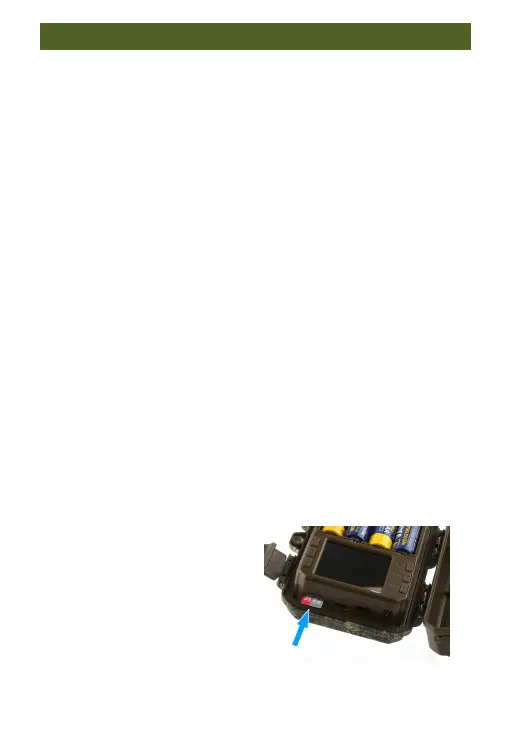
1.Switch OFF the camera;
2.Insert the memory card;
3.Push the memory card into
the card slot until it clicks into
place;


 To Next Page