8
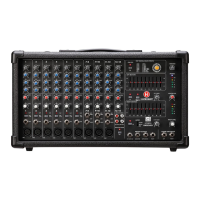
LP9800
POWERED MIXER
LP9800 Owner's Manual
FRONT PANEL
18
19
20
17
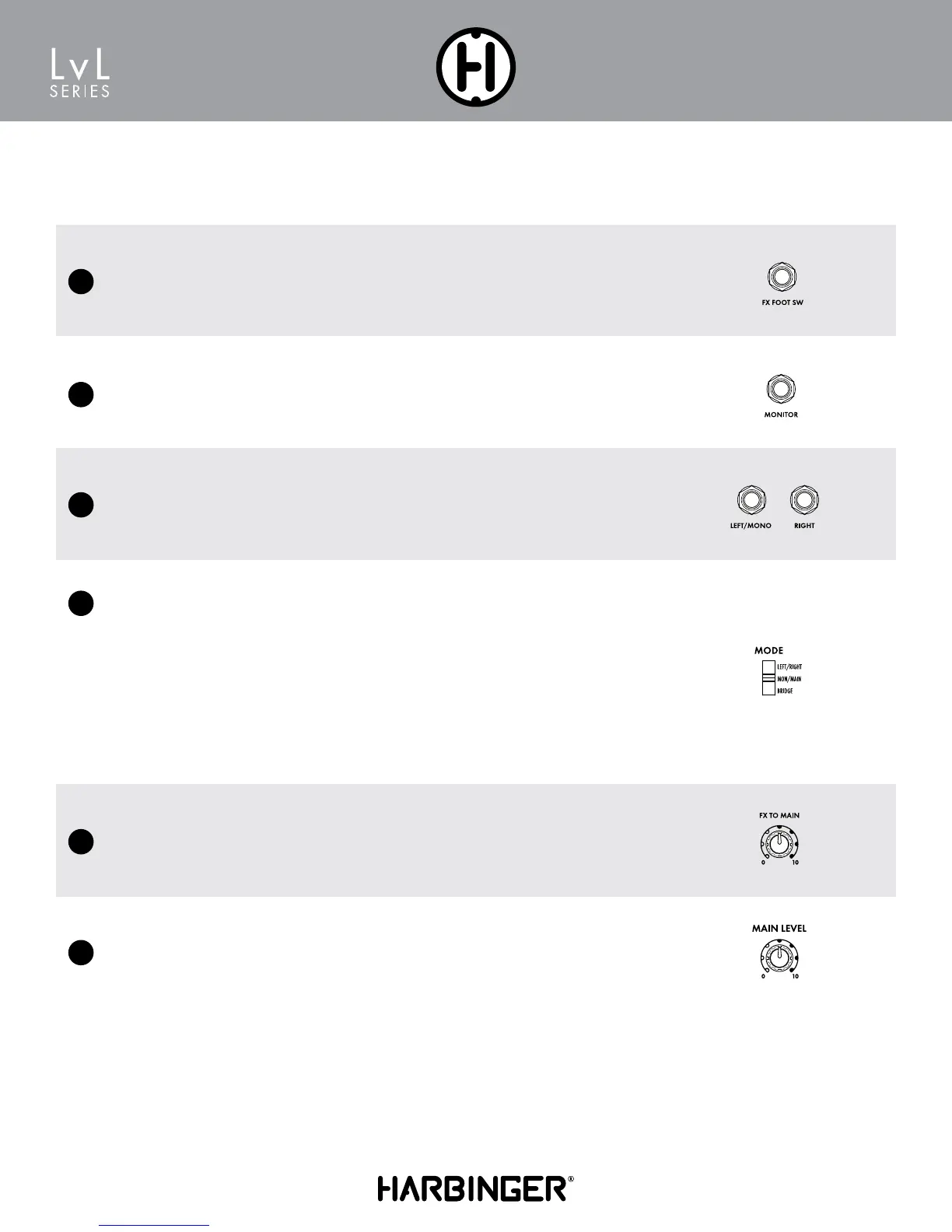
Left / Right Main Out
Line level output controlled by the Monitor or Main Level knob to send the signal to external ampli-
fiers or powered speakers.
FX to Main Level
This control sends a signal from the FX/Aux return to the Main speakers and Main Line Output.
Main Level
This knob controls the overall output level delivered to the speakers.
Amplifiers Assign Switch
The LP9800 features 225W@8Ω, 350W4Ω
or 800W@8Ω Mono Bridged
MAIN L – MAIN R
• Stereo Mode
• Output 1 is Left signal
• Output 2 is Right signal
• Monitor outputs to Monitor Out jack only
• 4Ω minimum speaker load per output
MAIN L+R – MONITOR
• Dual Mono Mode
• Output 1 is Main
• Output 2 is Monitor
• 4Ω minimum speaker load per output
Bridge – Bridge
• Amplifier 1 and 2 combine into a single, larger
amplifier (Mono)
• Bridge Output is typically used for subwoofer,
with Main and Monitor Line Outputs connected
to powered speakers
• 8Ω minimum speaker load
15
16
Monitor Out
Line level output controlled by the Monitor or Main Level knob to send the signal to external ampli-
fiers or powered speakers.
Footswitch DSP Mute
Plug in a latching footswitch (not included) to turn the DSP Multi-FX on/off remotely. Useful to turn
the FX off when talking, and back on when singing/playing.


 To Next Page