11
www.HarbingerProAudio.com
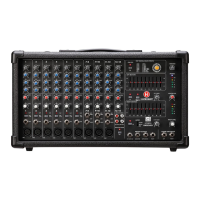
LP9800
POWERED MIXER
28
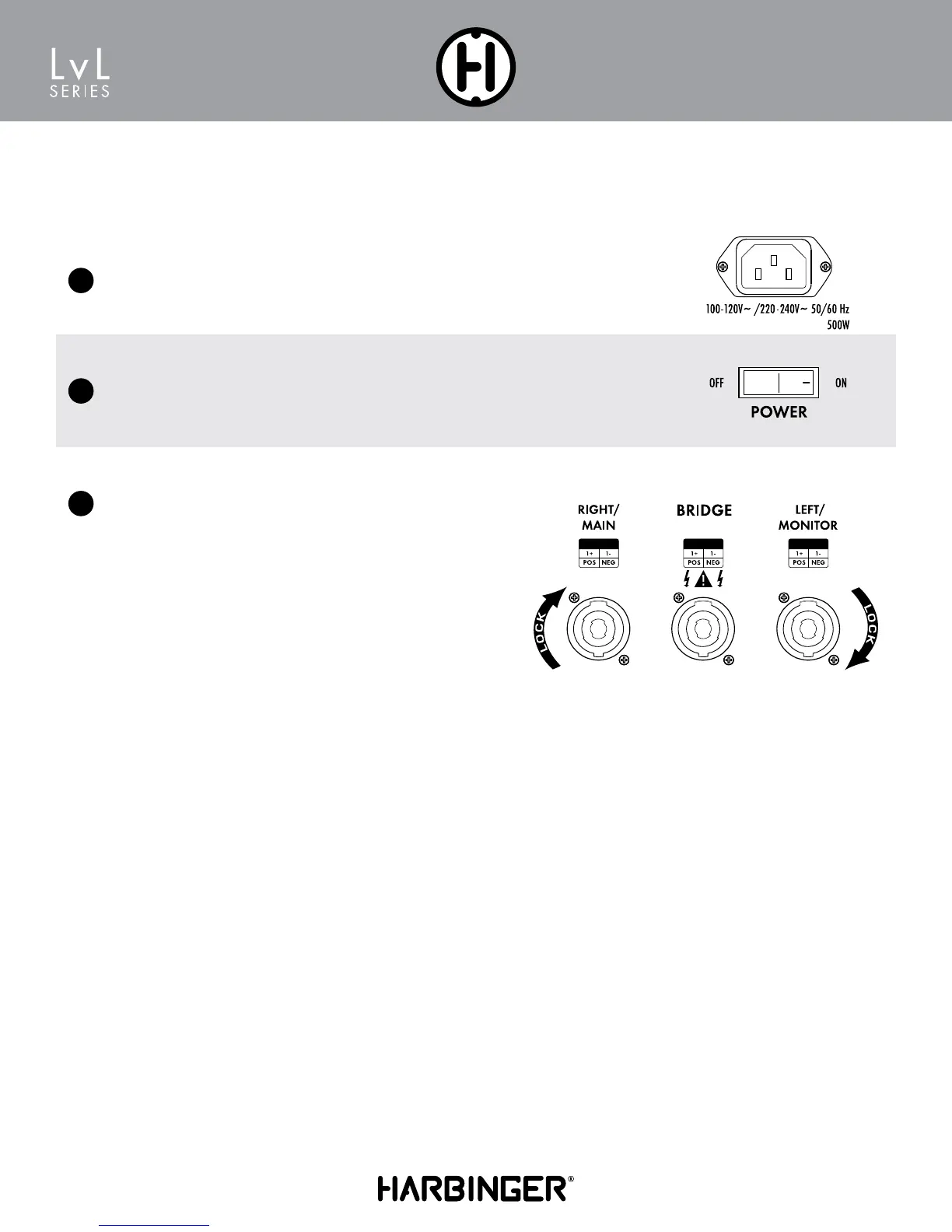
AC Power Cord Input
This is the AC Mains connection. Use only the supplied IEC cable or a UL listed replacement
IEC Cable and 100-120V/220-240V/50/60Hz switching power supply.
REAR PANEL
29
30
On Off Switch
This switch turns on the LP9800 and off. When powered on the blue
power led will light.
Speaker Outputs
L/Monitor Connect up to two (2) loudspeakers to the speaker
output jacks. Note that the LP9800 power amp is rated at 4Ω
Minimum Load. You may safely connect 2 x 8Ω speakers or
1 x 4Ω speaker.
Bridge Output (Mono) Connect one (1) 8Ω speaker to
this output.
Note that damage may occur to the LP9800 if using Bridge Mode
with more than one 8Ω speaker.
R/Main Connect up to two (2) loudspeakers to the speaker output
jacks. Note that the LP9800 power amp is rated at 4Ω Minimum
Load. You may safely connect 2 x 8Ω
speakers or 1 x 4Ω speaker.
Note: Twist-lock outputs are configured 1+ (pos)/1- (neg).
If Bridge Mono is used, no speakers should be connected to
Right/Main or Left Monitor


 To Next Page