EasyManua.ls Logo

Harbor Breeze 0184428 - User Manual

Harbor Breeze 0184428
22 pages
Print Icon
To Next Page IconTo Next Page
Loading...
Questions, problems, missing parts? Before returning to your retailer, call our customer
service department at 1-800-643-0067, 8 a.m. - 6 p.m., EST, Monday - Thursday, 8 a.m. - 5 p.m.,
EST, Friday.
1
Lowes.com/harborbreeze
Harbor Breeze® is a registered trademark
of LF, LLC. All Rights Reserved.
ATTACH YOUR RECEIPT HERE
Serial Number _________________________ Purchase Date _________________________
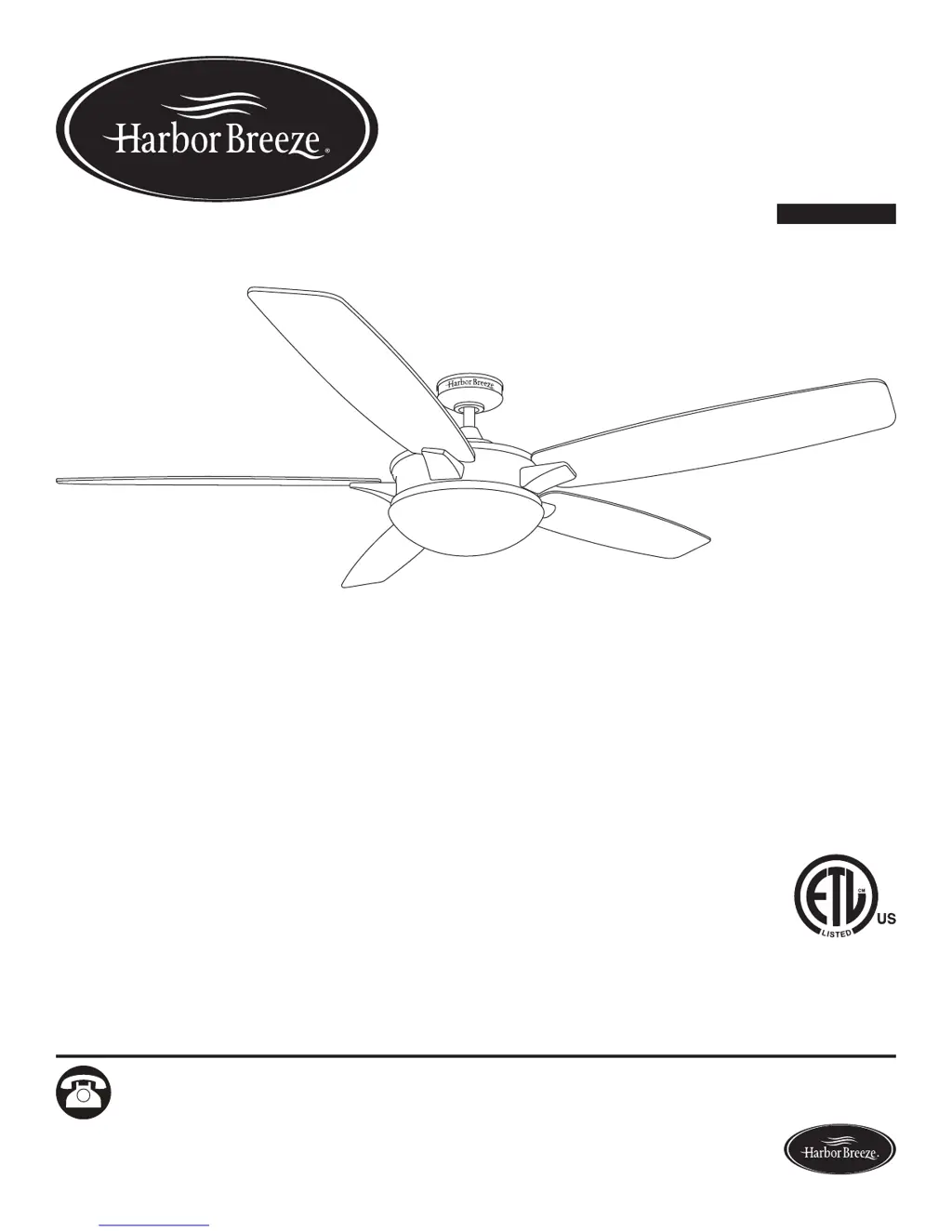
ITEM #0184428
KINGSBURY CEILING FAN
MODEL #40943
Español p. 23
EB15487

Questions and Answers

  • E
    Edward SellersAug 2, 2025
    Why is my Harbor Breeze Fan remote control not working?
    • J
      John LongAug 3, 2025
      Several factors can cause a remote control to malfunction. First, ensure the fan has power and the fuse is intact. If a power surge occurred, try turning the fan off and on, then press the LEARN button on the remote within 30 seconds. Also, replace the remote's battery with a new 12V battery. Lastly, if there's interference from another remote, adjust the dip switch settings inside the battery compartment.
  • D
    Dawn TaylorAug 9, 2025
    What to do if the lights on my Harbor Breeze Fan are not working?
    • S
      Spencer HansonAug 9, 2025
      If the fan operates correctly but the lights don't work, first, make sure the bulbs are correctly installed. Next, check that the light kit wire plugs are properly connected. If these steps don't work, turn off the power and check all connections at the ceiling outlet box.
  • C
    Carrie ClementsAug 15, 2025
    How to fix a noisy Harbor Breeze 0184428 Fan?
    • C
      clarkejulieAug 15, 2025
      A noisy fan can be caused by several issues. Start by checking and tightening all screws that hold the fan blades to the blade arms and the motor. Replace any cracked blades. Avoid using a full range dimmer switch to control the fan speed. Ensure the outlet box and mounting bracket are securely attached to the building structure and outlet box, respectively.
  • L
    Linda OrtizAug 21, 2025
    What to do if my Harbor Breeze 0184428 Fan is wobbling excessively?
    • A
      Amanda DorseyAug 21, 2025
      Excessive wobbling can occur for several reasons. Begin by checking and tightening all screws that secure the fan blades to the blade arms and the blade arms to the motor. If that doesn't resolve the issue, try switching one blade with a blade from the opposite side, or use a blade balancing kit. Also, turn off the power and ensure the mounting bracket is securely attached to the electrical outlet box. If the fan is too close to a vaulted ceiling, consider using a longer downrod or moving the fan. Finally, check and tighten the set screw in the yoke of the motor assembly.
  • O
    oblanchardAug 27, 2025
    How to troubleshoot a Harbor Breeze 0184428 Fan that won't move?
    • S
      Sara RiveraAug 27, 2025
      If your fan isn't moving, first ensure the power is on and the fuse is working. Then, turn off the power, loosen the canopy, and check all wire connections. Also, check that the single-pin connectors from the light kit and fan are properly connected. If the DC motor is obstructed, disable the power supply and restart the motor. If the motor's power exceeds 80W, the blade is overweight, so do not install unapproved blades.

Summary

Product Overview & Contents

Package Contents

Lists all components included in the fan package.

Hardware Contents

Details the specific hardware items provided for fan assembly.

Safety Information

Key Safety Warnings

Highlights critical safety notices including DANGER and WARNING statements.

Preparation Steps

Ensures parts are present, tools ready, and covers initial preparation.

Installation Guide

Initial Installation & Mounting Methods

Covers mounting type selection and clearance requirements.

Standard;Angle Mounting Assembly

Guides downrod assembly, wiring, and lead wire preparation.

Closemount Installation

Covers canopy attachment for closemount installation.

Final Assembly Steps

Covers canopy securing, blade attachment, and light kit installation.

Remote Control Installation

Instructions for installing the remote control's wall bracket and battery.

Operation and Maintenance

Operating Instructions

Explains remote control features for fan speed, light, and modes.

Care and Maintenance

Guidelines for regular fan cleaning, tightening screws, and bulb/battery replacement.

Troubleshooting

Fan Issues

Addresses problems like fan not moving, noise, or wobbling.

Light Kit Issues

Troubleshooting steps for when the fan lights are not working.

Remote Control Malfunction

Solutions for remote control not working, including re-syncing and battery checks.

Warranty and Parts

Lifetime Limited Warranty

Details the terms, coverage, and exclusions of the fan's warranty.

Replacement Parts List

Lists all fan parts with corresponding part numbers for ordering replacements.

Harbor Breeze 0184428 Specifications

General IconGeneral
BrandHarbor Breeze
Model0184428
CategoryFan
LanguageEnglish

Related product manuals