EasyManua.ls Logo

Harbor Breeze 0807431 - User Manual

Harbor Breeze 0807431
17 pages
Print Icon
To Next Page IconTo Next Page
Loading...
1
Questions, problems, missing parts? Before returning to your retailer, call our customer
service department at 1-800-643-0067, 8 a.m. - 6 p.m., EST, Monday - Thursday, 8 a.m. - 5 p.m.,
EST, Friday.
ATTACH YOUR RECEIPT HERE
Purchase Date _________________________
Harbor Breeze® is a registered trademark
of LF, LLC. All Rights Reserved.
EB16198
Español p. 18
H
a
r
b
o
r
B
r
e
e
z
e
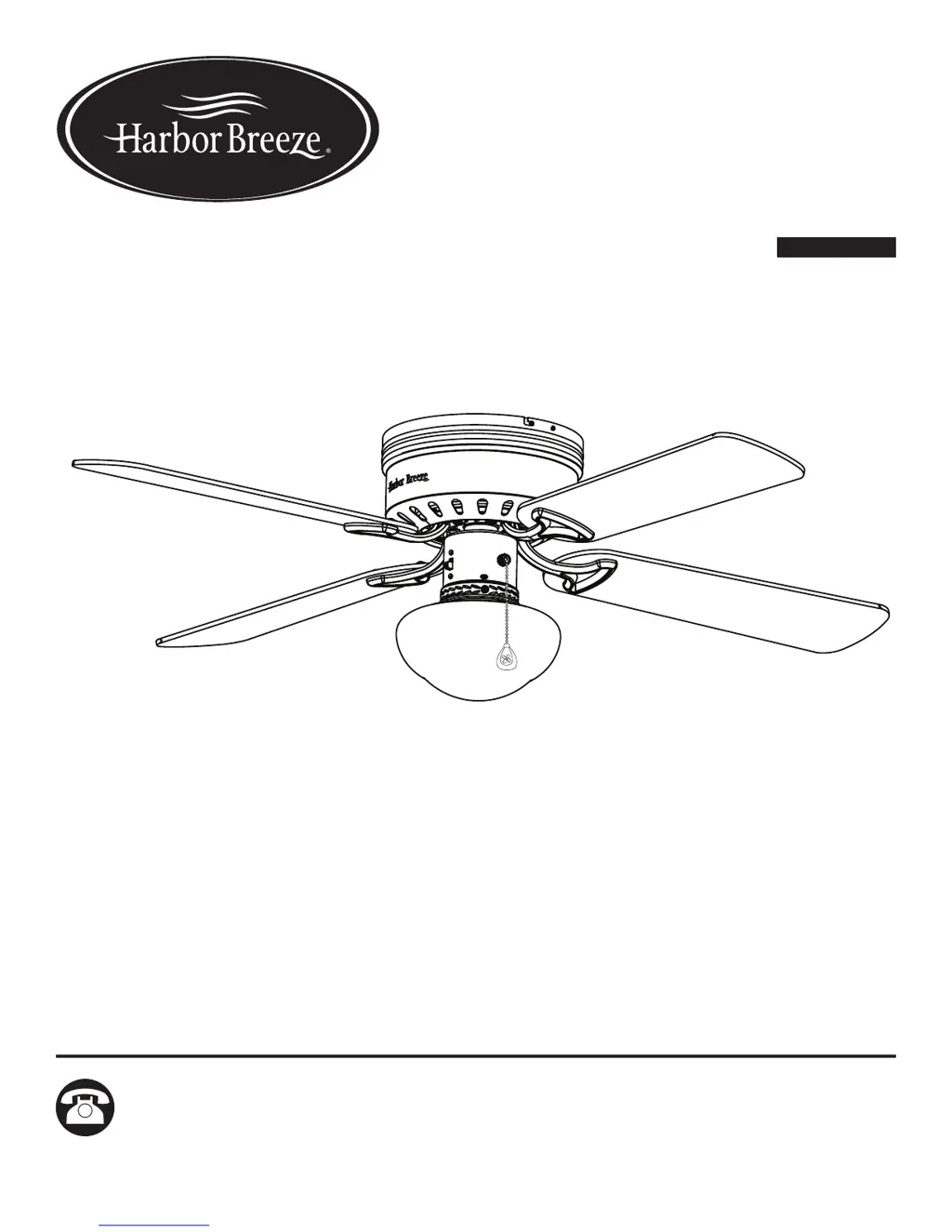
ITEM #0807431
BUILDER’S SERIES
CEILING FAN
MODEL #40680

Questions and Answers

  • R
    Rachel WalkerAug 9, 2025
    How to fix a Harbor Breeze 0807431 Fan that won't turn on?
    • S
      Steven MorenoAug 9, 2025
      If your Harbor Breeze Fan isn't moving, here's what you can check: * The reverse switch is not engaged. Firmly push the reverse switch completely up or down. * The wall switch is turned off. Make sure the wall switch is turned on. * The power is off or the fuse (breaker) is blown. Turn the power on or check the fuse (breaker). * There is a faulty wire connection. Turn the power off and check all connections at the ceiling outlet box.
  • R
    rodriguezericAug 15, 2025
    What to do if the lights on my Harbor Breeze 0807431 Fan are not working?
    • E
      emily53Aug 16, 2025
      If your Harbor Breeze Fan is working but the lights aren't, try these steps: * The bulbs are not installed correctly. Re-install the bulb(s). * The light kit wire plugs are not connected properly. Ensure the single-pin connectors in the light kit are connected properly. * There is a faulty wire connection. Turn the power off and check all connections at the ceiling outlet box.
  • R
    Rodney MullenAug 23, 2025
    Why is my Harbor Breeze 0807431 so noisy?
    • H
      hartmangarrettAug 23, 2025
      There are several reasons why your Harbor Breeze Fan might be noisy: * The blades are loose. Ensure all screws that hold the fan blades to the blade arms and the motor are tightened. * There is a cracked blade. Replace any cracked blades. * The wall control is not compatible with the fan. Avoid using a full range dimmer switch to control the fan speed. * The outlet box is not secure. Make sure the outlet box is securely attached to the building structure. * The mounting bracket is not secure. Ensure the mounting bracket is secured to the outlet box, and that the screws are tight.
  • P
    Patty BrownAug 31, 2025
    What to do if my Harbor Breeze 0807431 Fan is wobbling excessively?
    • P
      paullopezAug 31, 2025
      If your Harbor Breeze Fan is wobbling excessively, it could be due to several factors: * The blades and/or blade arms are loose. Check and tighten all screws that hold the fan blades to the blade arms and the blade arms to the motor. * The blades are unbalanced. Try switching one blade with a blade from the opposite side. Alternatively, balance the fan using the blade balancing kit (O). * The fan mounting is not secure. Turn off the power, loosen the canopy, and verify that the mounting bracket is secure to the electrical outlet box. The bracket must be flush without movement against the outlet box. Also, verify the outlet box is secure.

Summary

Safety Information

Outlet Box Support and Mounting

Ensure outlet box is securely attached and can support fan weight for stability.

Electrical Safety and Speed Control

Use correct wire connectors, avoid incompatible speed controls, and handle blade arms safely.

Safety Cautions

Preparation

Initial Installation

Power Disconnection and Mounting Type

Turn off power; fan is for flushmount installations only.

Mounting Installation

Upper Mounting Bracket

Secure the upper mounting bracket to the outlet box using proper hardware.

Wiring

Household and Fan Wire Connections

Connect fan wires (Green, White, Black, Blue) to supply wires using wire connectors.

Final Installation

Fan Assembly

Operating Instructions

Care and Maintenance

Troubleshooting

Fan Does Not Move

Check reverse switch, wall switch, power, and wire connections if the fan fails to operate.

Troubleshooting Fan Issues

Excessive Wobbling

Tighten loose blades/arms, balance blades, or ensure secure fan/bracket mounting.

Harbor Breeze 0807431 Specifications

General IconGeneral
BrandHarbor Breeze
Model0807431
CategoryFan
LanguageEnglish

Related product manuals