EasyManua.ls Logo

Harbor Breeze 0807421 - User Manual

Harbor Breeze 0807421
17 pages
Print Icon
To Next Page IconTo Next Page
Loading...
Harbor Breeze® is a registered trademark of
LF, LLC. All Rights Reserved.
1
ATTACH YOUR RECEIPT HERE
Purchase Date
VR20272
Questions, problems, missing parts? Before returning to your retailer, call our customer
service department at 1-800-643-0067, 8 a.m. - 8 p.m., EST, Monday - Sunday.
4007498
ITEM #0807421
0807422
2599776
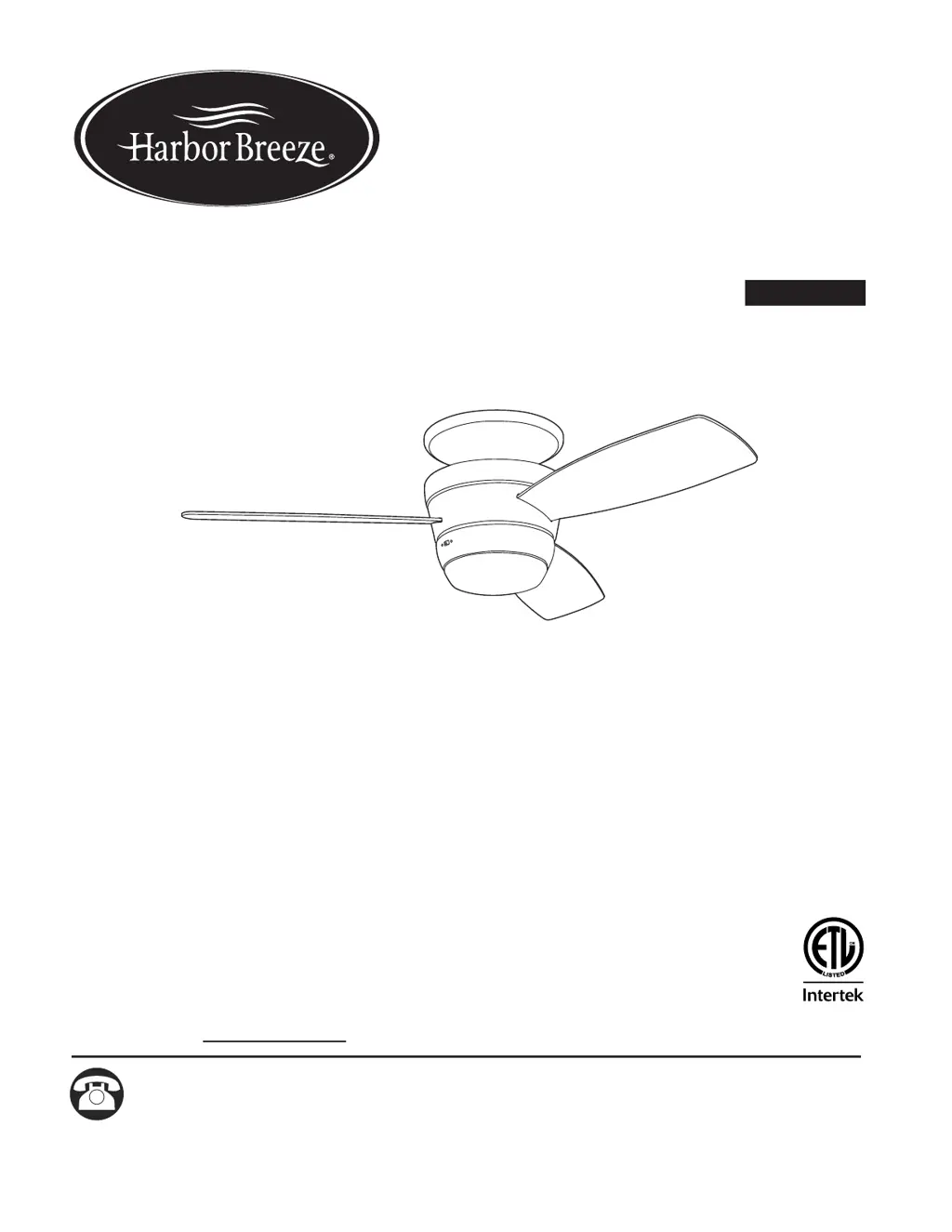
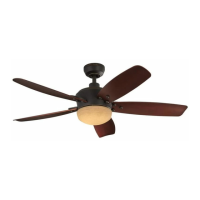
MAZON CEILING FAN
MODEL #MZ44BNK3LR
MZ44ORB3LR
MZ44WW3LR
Español p. 18
ATTACH YOUR RECEIPT HERE
ADJUNTE SU RECIBO AQUÍ

Other manuals for Harbor Breeze 0807421

Questions and Answers

  • N
    nicolegonzalezAug 8, 2025
    What to do if Harbor Breeze 0807421 Fan does not move?
    • R
      richard31Aug 8, 2025
      If your Harbor Breeze Fan isn't moving, first, ensure the reverse switch is fully engaged by pushing it firmly either left or right. Then, check if the power is on or if a fuse has blown at the circuit breaker. If the issue persists, turn off the power and check all wire connections in the motor assembly. Also, check that male and female plugs in fitter plate are connected properly according to instructions. Finally, the learning code process between fan and remote control transmitter may not have been successful and learning code was not activated, so turn off the power and repeat instructions.
  • K
    Karen BushAug 13, 2025
    What to do if Harbor Breeze 0807421 Fan operates but light fails?
    • Y
      youngjoshuaAug 13, 2025
      If your Harbor Breeze Fan operates but the light fails, first check the wires in the outlet box and re-wire if necessary. Ensure that the wall switch to the light is turned on. Also, verify that the molex connections in the fitter plate are properly connected.
  • C
    Casey KnightAug 17, 2025
    What to do if my Harbor Breeze 0807421 does not move?
    • S
      sarashermanAug 18, 2025
      If your Harbor Breeze Fan isn't moving, there could be several reasons. First, ensure the reverse switch is fully engaged by pushing it firmly to the left or right. Check that the power is on and the fuse at the circuit breaker is working. Turn the power off and check all wire connections in the motor assembly, making sure they are secure. If you have a light kit, verify that the male and female plugs in the fitter plate are correctly connected. Finally, the learning code process between the fan and remote control transmitter may not have been successful, so turn off the power and repeat the learning code instructions.
  • C
    Connie BallardAug 23, 2025
    What to do if my Harbor Breeze 0807421 Fan works but the light doesn't?
    • A
      Ann AndersonAug 23, 2025
      If your Harbor Breeze Fan operates but the light fails, begin by checking the wires in the outlet box and re-wire if necessary. Ensure that the wall switch to the light is turned on. Also, check that the molex connections in the fitter plate are properly connected.
  • E
    edavisAug 27, 2025
    Why is my Harbor Breeze 0807421 so noisy?
    • W
      William CarrollAug 28, 2025
      If your Harbor Breeze Fan is operating noisily, start by tightening all blade screws. If the noise continues, check for cracked blades and replace them if necessary. Ensure that you are only using the included speed control device and not a full range dimmer switch. New fans may require a 'break in' period of a few days, especially when running the fan at medium and high speeds. Also, verify that the motor assembly is securely mounted.
  • D
    Daniel PopeSep 2, 2025
    How to fix excessive wobbling in a Harbor Breeze Fan?
    • M
      Michelle MccoySep 2, 2025
      If your Harbor Breeze Fan is wobbling excessively, begin by tightening all blade screws. If wobbling persists, check that the blades are correctly attached. Try switching one blade with a blade from the opposite side to address potential imbalances. Also, verify that the fan is securely mounted.

Summary

Safety Information

Read and Save Instructions

Important instructions to read and save for safe installation and operation of the fan.

Danger Warnings

Critical warnings about potential serious injury or death during installation.

General Warning

Warnings about fire, electrical shock, or personal injury risks during installation.

Installation Procedures

Initial Installation: Power Off

Crucial safety step to disconnect electrical power before starting installation.

Wiring Instructions

Detailed steps for connecting fan wires to ceiling wires, including warnings.

Operating Instructions

Remote Control Operation

Explanation of remote buttons for fan speed, light control, and reverse function.

Troubleshooting and Warranty

Common Troubleshooting Issues

Diagnosing and correcting problems like fan not moving, noise, or wobbling.

Harbor Breeze 0807421 Specifications

General IconGeneral
Model Number0807421
BrandHarbor Breeze
Number of Blades5
Reversible MotorYes
Number of Speeds3
Control TypePull chain
WarrantyLimited lifetime
ENERGY STAR CertifiedNo
Remote Control IncludedNo
CategoryFan
Blade Span52 inches
Motor TypeAC

Related product manuals