EasyManua.ls Logo

Harbor Breeze FW60AGV3LR - User Manual

Harbor Breeze FW60AGV3LR
18 pages
Print Icon
To Next Page IconTo Next Page
Loading...
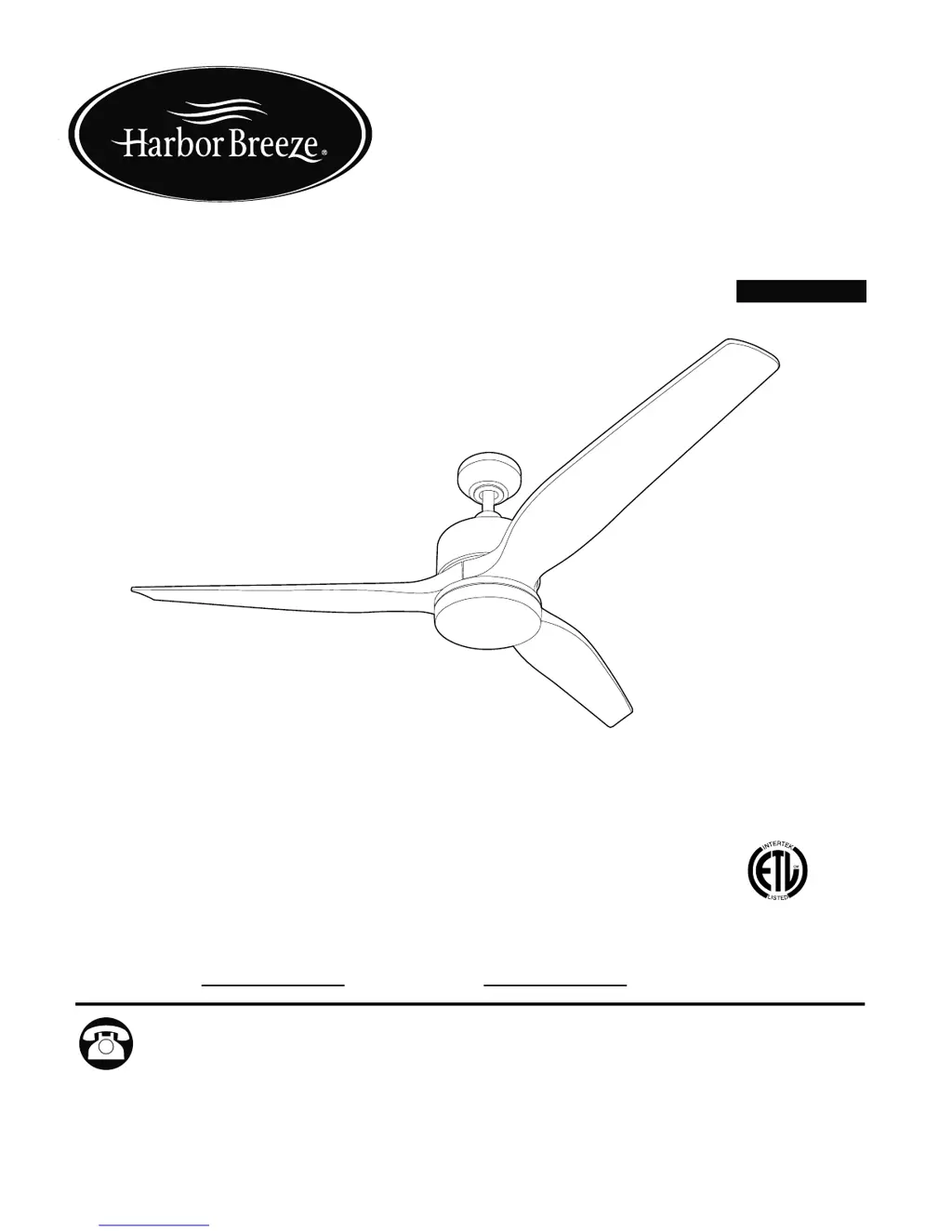
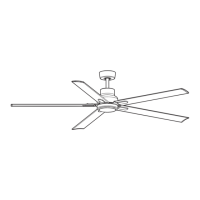
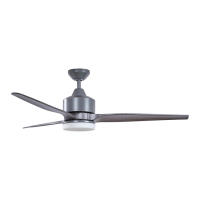
FAIRWIND CEILING FAN
Harbor Breeze® is a registered trademark
of LF, LLC. All Rights Reserved.
ITEM #0883804
MODEL #FW60AGV3LR
Questions, problems, missing parts? Before returning to your retailer, call our customer
service department at 1-800-643-0067, 8 a.m. - 6 p.m., EST, Monday - Thursday, 8 a.m. -
5 p.m., EST, Friday.
ATTACH YOUR RECEIPT HERE
Serial Number
Purchase Date
1
Español p. 19
AB17959
4007498
APPROVED FOR USE IN
DAMP LOCATIONS

Questions and Answers

  • M
    Mason Gross MDAug 3, 2025
    Why is my Harbor Breeze FW60AGV3LR wobbling excessively?
    • S
      Stacey BradyAug 3, 2025
      Excessive wobbling in your Harbor Breeze Fan can occur due to several reasons. First, ensure all motor screws and washers are tightened. If the issue persists, try switching one blade with a blade from the opposite side to address potential imbalance. Also, turn the power off and carefully loosen the canopy to verify that the mounting bracket is secure. A fan too close to a vaulted ceiling might also cause wobbling; consider using a longer downrod or moving the fan. Finally, check if the set screw(s) on the motor housing yoke or the set screw on the hanging ball are not tightened properly and tighten them securely.
  • S
    Stephen HernandezAug 10, 2025
    What to do if my Harbor Breeze FW60AGV3LR is not moving?
    • E
      Erin ArellanoAug 10, 2025
      If your Harbor Breeze Fan isn't moving, start by checking that the reverse switch is fully engaged by pushing it firmly either up or down. Then, ensure that the power is on and the fuse is working correctly. If these steps don't resolve the issue, turn the power off, loosen the canopy, and check all wire connections. Also, check that molex connections in light kit fitter are connected properly according to instructions.
  • S
    Susan SmithAug 17, 2025
    What to do if my Harbor Breeze Fan operates but the lights fail?
    • A
      Alexis McclainAug 18, 2025
      If your Harbor Breeze Fan operates, but the lights are not working, first ensure that the wall switch to the fan is turned on. If that's not the issue, check the wires in the canopy. Also, check wires on light kit fitter.
  • B
    Bryan JacksonAug 25, 2025
    Why is my Harbor Breeze FW60AGV3LR making so much noise?
    • Z
      zandersonAug 26, 2025
      Noisy operation in your Harbor Breeze Fan could be due to a few reasons. Start by tightening all motor screws and washers, as loose blades can cause noise. Inspect the blades for cracks and replace any cracked blades. If the fan is new, allow it a “break in” period of a few days, especially when running it at medium and high speeds.

Summary

Safety Information

Danger Warnings

Critical warnings regarding electrical shock, injury, and use of power tools during installation.

Warnings and Cautions

Safety advice on outlet box compatibility, wiring, blade handling, and electrical shock prevention.

Initial Installation Steps

Wiring Procedures

Wire Connector Usage and Safety

Instructions on using wire connectors and associated electrical safety precautions.

Electrical Connection Steps

Detailed instructions for connecting fan wires to the remote receiver and ceiling supply.

Final Installation Steps

Operating Instructions

Remote Control Operation

Explanation of fan speed, light control, and dimmer functions via the remote.

Care and Maintenance

Troubleshooting Common Issues

Limited Lifetime Warranty

Harbor Breeze FW60AGV3LR Specifications

General IconGeneral
BrandHarbor Breeze
ModelFW60AGV3LR
TypeCeiling Fan
Blade Span60 inches
Number of Blades5
Motor TypeAC
Motor Speeds3
Reversible MotorYes
Light Kit IncludedYes
Control TypeRemote Control
FinishBrushed Nickel
ENERGY STAR CertifiedNo
Mounting TypeDownrod Mount

Related product manuals