EasyManua.ls Logo

Harbor Breeze FWH60BNK3LRS - User Manual

Harbor Breeze FWH60BNK3LRS
17 pages
Print Icon
To Next Page IconTo Next Page
Loading...
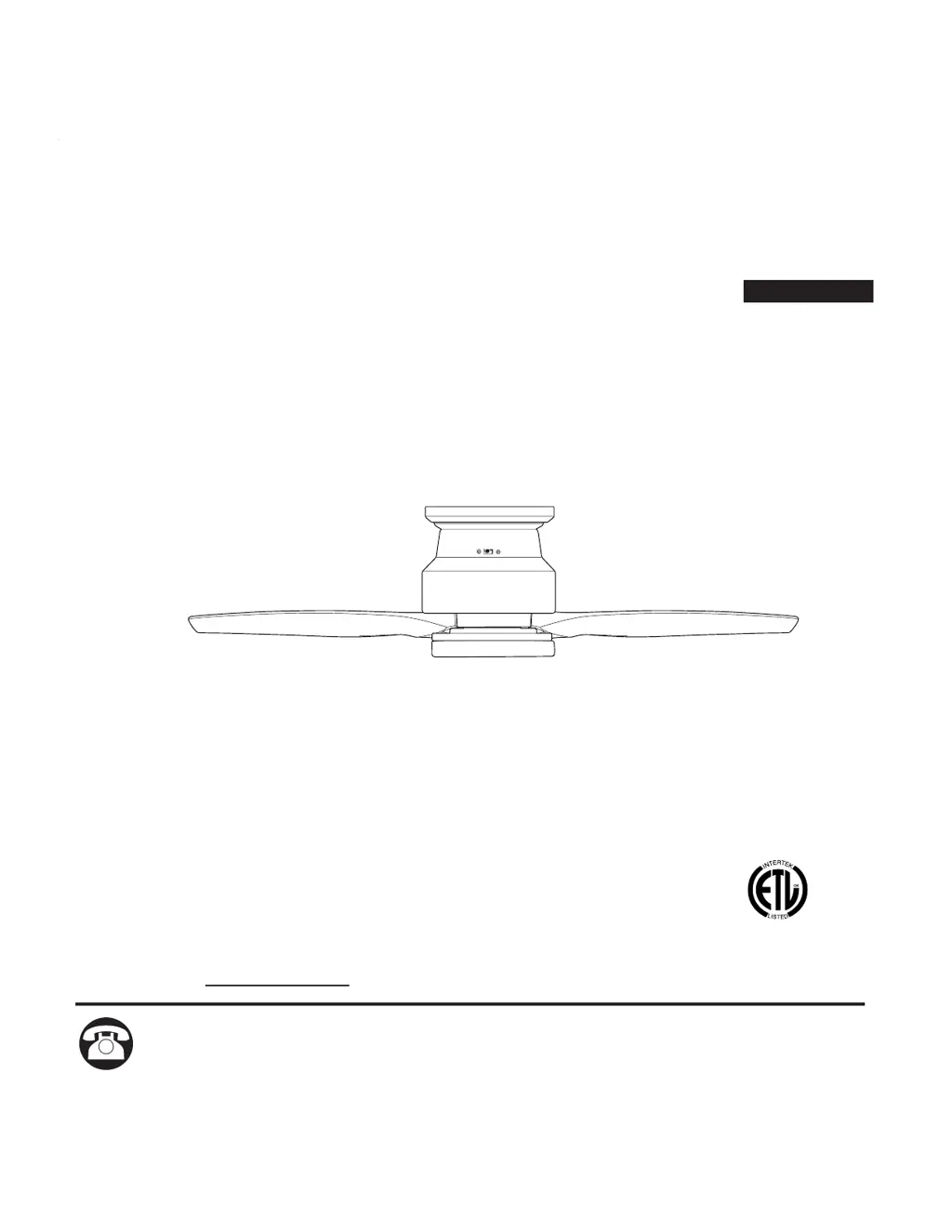
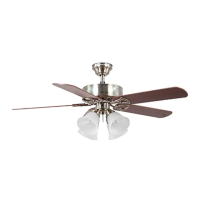
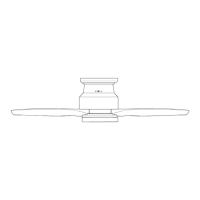
FAIRWIND HUGGER
LED CEILING FAN
ITEM #1596996
MODEL #FWH60BNK3LRS
Purchase Date
1
Español p. 18
APPROVED FOR USE IN
DAMP LOCATIONS
ATTACH YOUR RECEIPT HERE
Questions, problems, missing parts? Before returning to your retailer, call our customer
service department at 1-800-527-1292, 8:30 a.m. - 5 p.m., CST, Monday - Friday.

Questions and Answers

  • S
    Steven CraigAug 3, 2025
    How to fix excessive wobbling in my Harbor Breeze FWH60BNK3LRS?
    • P
      pricejamesAug 3, 2025
      Excessive wobbling in your Harbor Breeze fan can be due to several reasons: 1. Loose blades: Tighten all motor screw/washers (BB). 2. Unbalanced blades: Switch one blade with a blade from the opposite side. 3. Insecure mounting: Verify the mounting plate (A) is secure.
  • R
    Robert LunaAug 13, 2025
    What to do if my Harbor Breeze Fan does not move?
    • K
      Kristy RodgersAug 13, 2025
      If your Harbor Breeze fan isn't moving, it could be due to a couple of things. First, the reverse switch may not be engaged; push the switch firmly either left or right. Second, there might be a faulty wire connection; turn the power off, loosen the motor housing, and check all connections.
  • C
    Colleen CampbellAug 23, 2025
    Why is my Harbor Breeze Fan so noisy?
    • M
      Michael JohnsonAug 23, 2025
      A noisy Harbor Breeze fan can be caused by several factors. The blades may be loose, requiring you to tighten all motor screw/washers (BB). Another cause might be a cracked blade, in which case you should replace the blade (I). The motor housing could also be loose; verify that the mounting plate screw/washers (B) are secure. If the fan is new, allow it a “break in” period of a few days, especially when running the fan at Medium and High speeds.

Summary

Safety Information

Danger

Critical safety alert regarding structural integrity and tool use.

Warning

Important advisories on electrical connections, mounting, and handling.

Package Contents

Hardware Contents

Preparation

Initial Installation

Power Disconnection

Essential first step to disconnect power before installation.

Mounting Plate Installation

Securing the mounting plate to the outlet box.

Ring and Motor Housing Attachment

Attaching the ring and hanging the motor housing.

Wiring

Wiring Connections

Detailed steps for connecting fan and receiver wires.

Final Installation

Receiver and Housing Assembly

Installing the remote control receiver and motor housing.

Blade and Fitter Plate Attachment

Securing fan blades and the fitter plate.

Light Kit Installation

Connecting the LED light kit wiring and attaching it.

Shade and Remote Bracket

Attaching the shade and installing the remote control bracket.

Operating Instructions

Remote Control Setup

Installing the battery and pairing the remote control transmitter.

Fan and Light Control

Using the remote buttons to control fan speed and light.

Fan Reverse Function

Adjusting the fan's airflow direction for seasonal performance.

Care and Maintenance

Troubleshooting

Limited Lifetime Warranty

Replacement Parts List

Harbor Breeze FWH60BNK3LRS Specifications

General IconGeneral
ModelFWH60BNK3LRS
TypeCeiling fan
Fan Diameter (Inches)60
Blade Span60 inches
Number of Blades5
Light Kit IncludedYes
Number of Lights3
Motor Speeds3
Remote Control IncludedYes
Downrod Length (Inches)4.5
Motor TypeAC
Reverse Air FlowYes
FinishBrushed nickel
Light IncludedYes
Mounting OptionsDownrod
Room SizeLarge (over 400 sq. ft.)
Control TypeRemote

Related product manuals