EasyManua.ls Logo

Harbor Breeze OXFORD 42473 - User Manual

Harbor Breeze OXFORD 42473
23 pages
Print Icon
To Next Page IconTo Next Page
Loading...
1
HARBOR BREEZE and logo design are trademarks or
registered trademarks of LF, LLC. All rights reserved.
ATTACH YOUR RECEIPT HERE
SG24548
ITEM #3856481/3856480/5737478
MODEL #42473/42474/43387
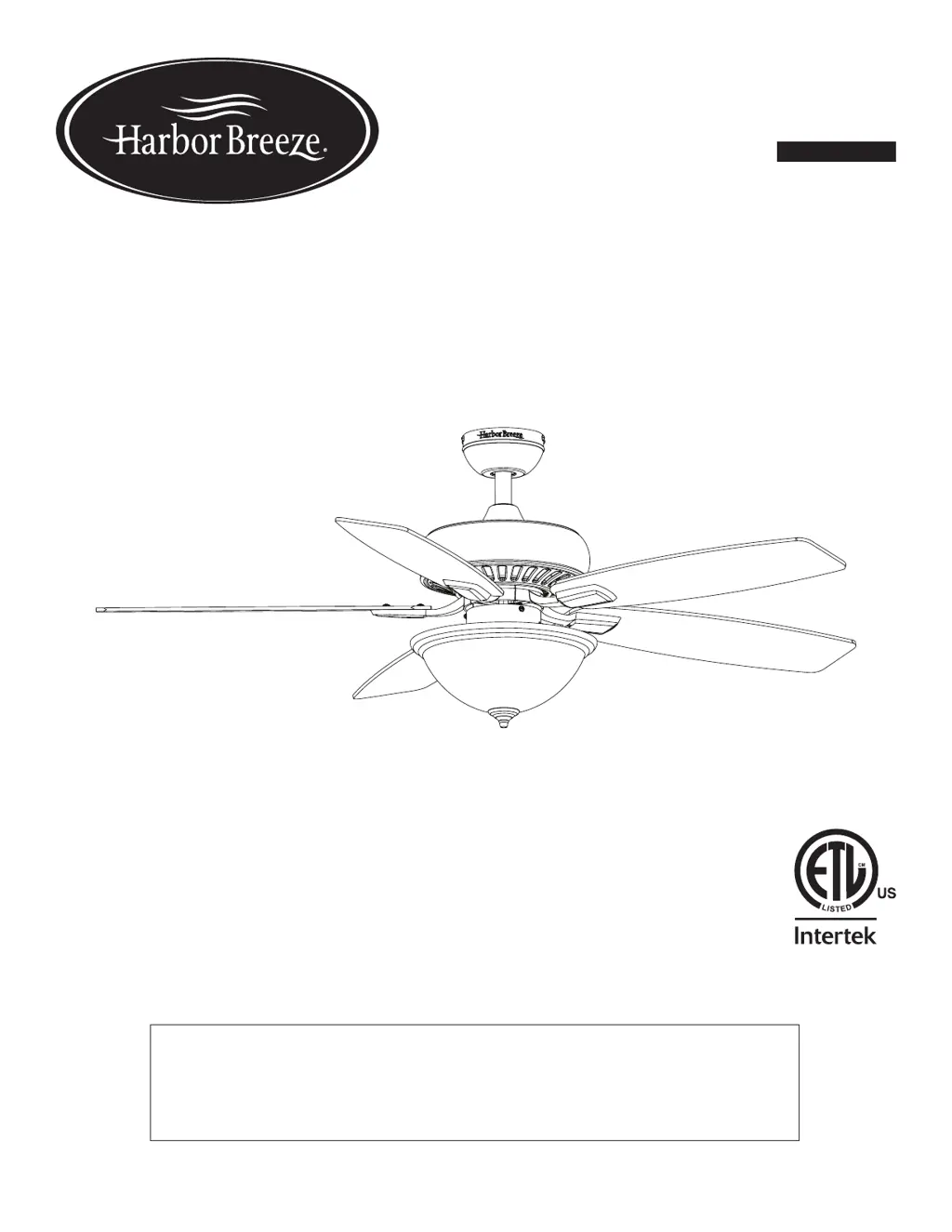
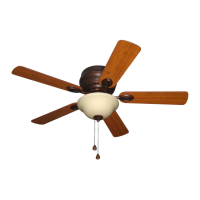
OXFORD CEILING FAN
Español p. 24
Purchase Date _________________________
Thank you for purchasing this HARBOR BREEZE product.
Questions, problems, or missing parts?
Before returning, contact us at:
888-251-1003, 8 a.m. - 8 p.m., EST, Monday - Sunday or at ascs@lowes.com.

Questions and Answers

  • A
    Ashley JacobsAug 7, 2025
    What to do if my Harbor Breeze Fan remote control does not work?
    • K
      Kathy StewartAug 7, 2025
      First, a power surge may have cleared the memory, so turn off the main power, then turn it back on. Within 30 seconds, press and hold the high and low speed buttons on the remote at the same time for 5 seconds. The LED indicator will flash 3 times, indicating successful synchronization. The fan will start on low speed with the light off. Also, the battery in the remote control may need replacing. Insert a new 12V battery. Finally, interference from another remote could be the issue; turn off power to other fans nearby and re-sync the remote.
  • T
    tara09Aug 13, 2025
    What to do if my Harbor Breeze Fan does not move?
    • P
      Pamela ClineAug 13, 2025
      If your fan isn't moving, first, ensure the reverse switch is firmly pushed to either the left or right. Then, check that the wall switch is turned on. Also, verify that the power is on and the fuse (breaker) is not blown. Finally, turn the power off and check all wire connections at the ceiling outlet box for any faults.
  • J
    Jason FletcherAug 20, 2025
    What to do if the lights are not working on my Harbor Breeze OXFORD 42473?
    • R
      Robin RobinsonAug 20, 2025
      If the fan is working but the lights aren't, first, make sure the bulb(s) are installed correctly by re-installing them. Next, check that the 6-pin connectors in the light kit fitter are connected properly. Finally, turn the power off and check all wire connections at the ceiling outlet box.
  • C
    Charlene PorterAug 26, 2025
    Why is my Harbor Breeze OXFORD 42473 Fan so noisy?
    • A
      Andre GalvanAug 26, 2025
      The noise could be due to several reasons. Check that all screws holding the fan blades to the blade arms and the motor are tightened. A cracked blade can also cause noise, so replace it if needed. Avoid using a full range dimmer switch to control the fan speed, as the wall control might not be compatible. Ensure the outlet box is securely attached to the building structure and the mounting bracket is secured to the outlet box with tight screws.
  • D
    David MataAug 31, 2025
    How to fix excessive wobbling in my Harbor Breeze OXFORD 42473 Fan?
    • U
      uwallaceAug 31, 2025
      Excessive wobbling can be caused by several factors. Start by checking and tightening all screws that hold the fan blades to the blade arms and the blade arms to the motor. If that doesn't work, try switching one blade with a blade from the opposite side, or use a blade balancing kit (sold separately). Also, turn off the power, loosen the canopy, and verify that the mounting bracket is secure to the electrical outlet box, ensuring it's flush without movement. If the fan is too close to the vaulted ceiling, use a longer downrod (sold separately) or move the fan. Finally, lift up the yoke cover and tighten the set screw to the yoke until secure.

Summary

Package Contents

Hardware Contents

Safety Information

Preparation

Initial Installation

Standard or Angled Mounting Instructions

Closemount Instructions

Wiring

Final Installation

Operating Instructions

Care and Maintenance

Troubleshooting

Limited Lifetime Warranty

Replacement Parts List

Harbor Breeze OXFORD 42473 Specifications

General IconGeneral
BrandHarbor Breeze
ModelOXFORD 42473
CategoryFan
LanguageEnglish

Related product manuals