EasyManua.ls Logo

Harbor Breeze CLRO52-II - User Manual

Harbor Breeze CLRO52-II
8 pages
Print Icon
To Next Page IconTo Next Page
Loading...
115
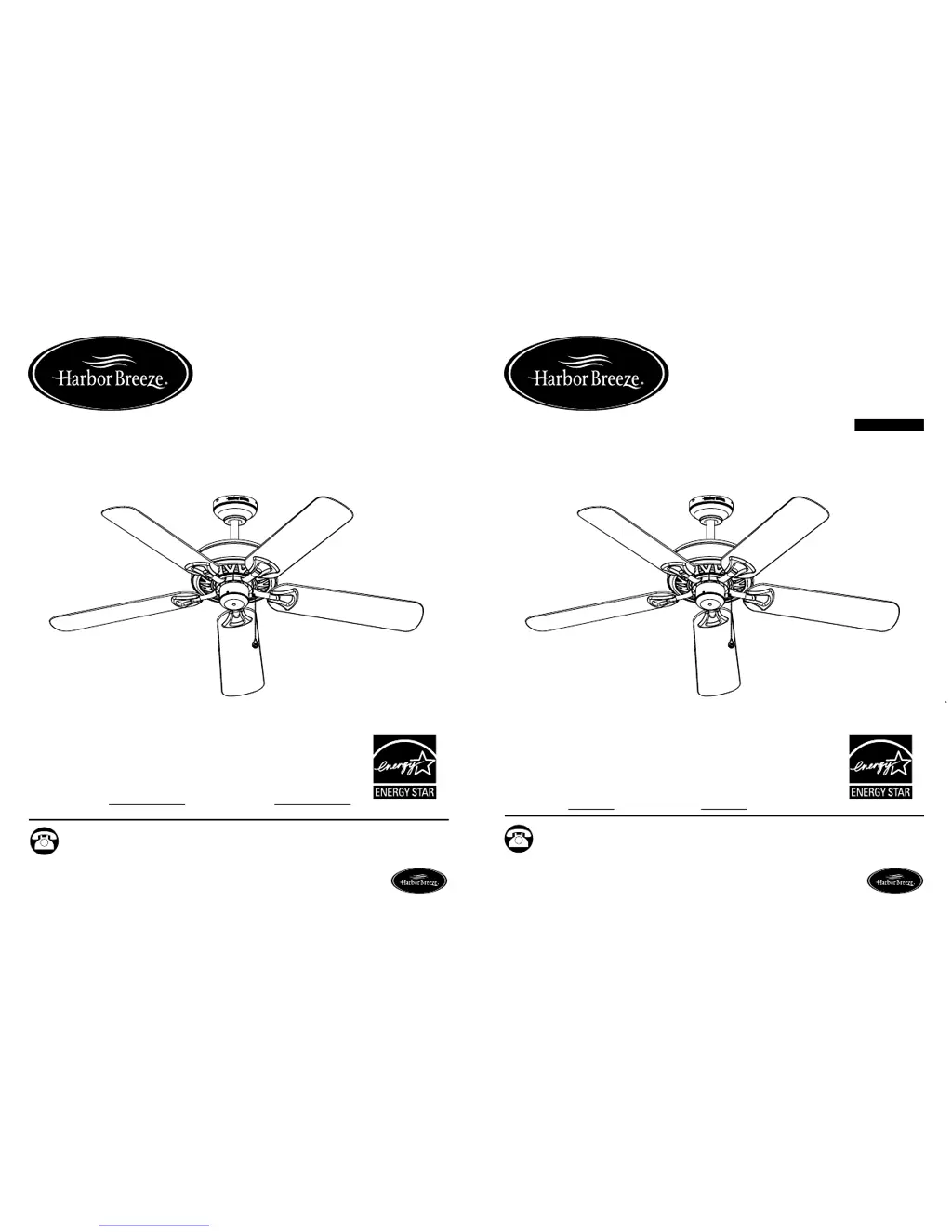
CALERA CEILING FAN
ITEM #0036261
ARTÍCULO #0036261
MODEL #00829
MODELO #00829
Español p. 15
Serial Number
Purchase Date
Harbor Breeze ® is a registered trademark of LF,
LLC. All Rights Reserved.
Questions, problems, missing parts? Before returning to your retailer, call our customer
service department at 1-800-643-0067, 8 a.m. - 6 p.m., EST, Monday - Thursday, 8 a.m. -
5 p.m., EST, Friday.
ATTACH YOUR RECEIPT HERE
Lowes.com/harborbreezeLowes.com/harborbreeze
UL MODEL #CLRO52-II
MODELO UL #CLRO52-II
Harbor Breeze ® es una marca registrada de LF,
LLC. Todos los derechos reservados.
VENTILADOR DE TECHO
CALERA
¿Preguntas, problemas, piezas faltantes? Antes de volver a la tienda, llame a nuestro
Departamento de Servicio al Cliente al 1-800-643-0067, de lunes a jueves de 8 a.m. a 6 p.m.,
hora estándar del Este, o los viernes de 8 a.m. a 5 p.m., hora estándar del Este.
ADJUNTE SU RECIBO AQUÍ
Número de serie
Fecha de compra
EB 14201

Questions and Answers

  • S
    Sean JohnsonAug 1, 2025
    Why is my Harbor Breeze CLRO52-II Fan wobbling so much?
    • J
      Jennifer JohnsonAug 1, 2025
      If your Harbor Breeze Fan is wobbling excessively, there are several potential causes. First, check and tighten all blade screws. If that doesn't solve the issue, the blade brackets might be incorrectly attached; try reinstalling them. Unbalanced blades can also cause wobbling, so switch a blade with one from the opposite side. Ensure the fan is securely mounted by turning the power off, carefully loosening the canopy, and remounting it securely. Finally, if the fan is too close to a vaulted ceiling, consider lowering it or moving it to another location.
  • M
    Michael RobertsonAug 11, 2025
    How to fix a noisy Harbor Breeze CLRO52-II?
    • R
      ruizbenjaminAug 11, 2025
      If your Harbor Breeze Fan is operating noisily, start by tightening all blade screws, as loose blades can be a common cause. If the noise persists, inspect the blades for cracks and replace any cracked blades by calling customer service. Also, ensure you are using an approved speed control device, as unapproved ones can cause noisy operation. Replace it with an approved speed control device if needed.
  • T
    timothyrodriguezAug 21, 2025
    What to do if my Harbor Breeze CLRO52-II does not move?
    • C
      Chad BassAug 21, 2025
      If your Harbor Breeze Fan is not moving, there could be a few reasons. First, make sure the chain switch is not in the “off” position; pull the chain switch to turn it on. If that doesn't work, there might be a faulty wire connection. In this case, turn the power off, loosen the canopy, and check all connections. Finally, ensure the reverse switch is fully engaged by pushing it firmly either way.

Summary

Safety Information

Read and Save Instructions

Essential instructions for safe assembly and operation of the fan.

Package Contents

Hardware Contents

Preparation

Initial Installation

Downrod Style Fan Mounting

Instructions for mounting the fan using the downrod method.

Closemount Style Fan Mounting

Wiring

Final Installation

Operating Instructions

Pull Chain Operation

Operation of the pull chain for fan speed control.

Reverse Switch Operation

How to use the reverse switch for airflow direction.

Care and Maintenance

Troubleshooting

Warranty

Replacement Parts List

Harbor Breeze CLRO52-II Specifications

General IconGeneral
TypeCeiling Fan
Blade Span52 inches
Motor TypeAC Motor
Number of Blades5
Light Kit IncludedYes
Control TypePull Chain
FinishBronze
ModelCLRO52-II
Motor Speed3-speed
ReversibleYes
Indoor/OutdoorIndoor
MaterialMetal

Related product manuals