myHARGRAY
DVR USER GUIDE
27
NOTE:
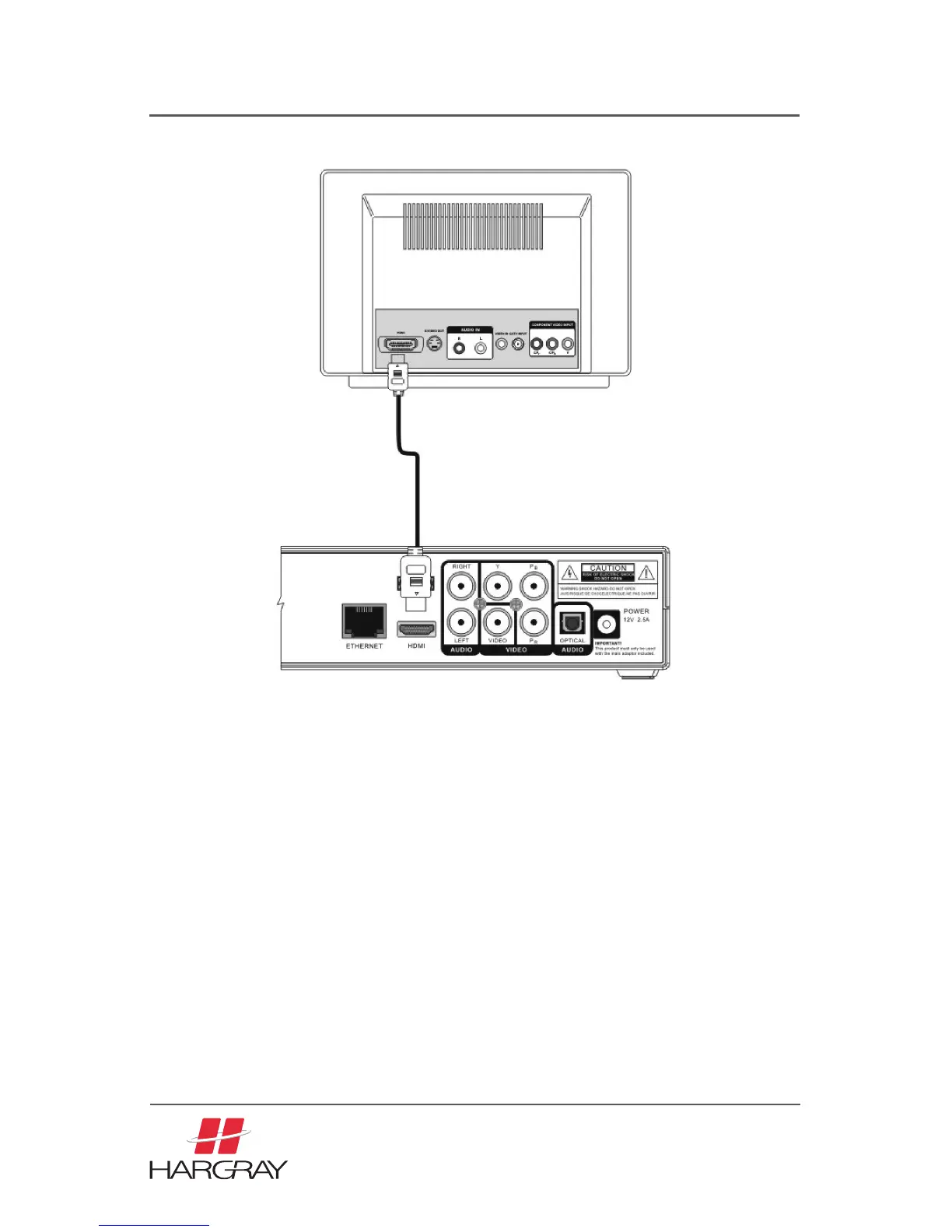
• HDMI is an evolving technology, so it is possible that some TVs may not operate
properly with Set Top Box. Component output is the preferred way to connect to
your HD TV.
• When the HDMI connection cannot be verified by your TV, disconnect the HDMI
cable and then connect it again, or turn off the TV and then turn it on again.
• Analog DVI is not supported. If your TV supports digital DVI but not HDMI, you can
use an HDMI to DVI convector cable or adaptor to connect the Set Top Box HDMI to
the TV DVI. In this case, you need to connect the audio cable separately.
• Be sure to use an HDMI cable with the HDMI logo.
• If your TV does not support multi-channel audio, the Set Top Box will output PCM
audio only.
• Please refer to the next section to set the Component and HDMI output resolution.



 To Next Page