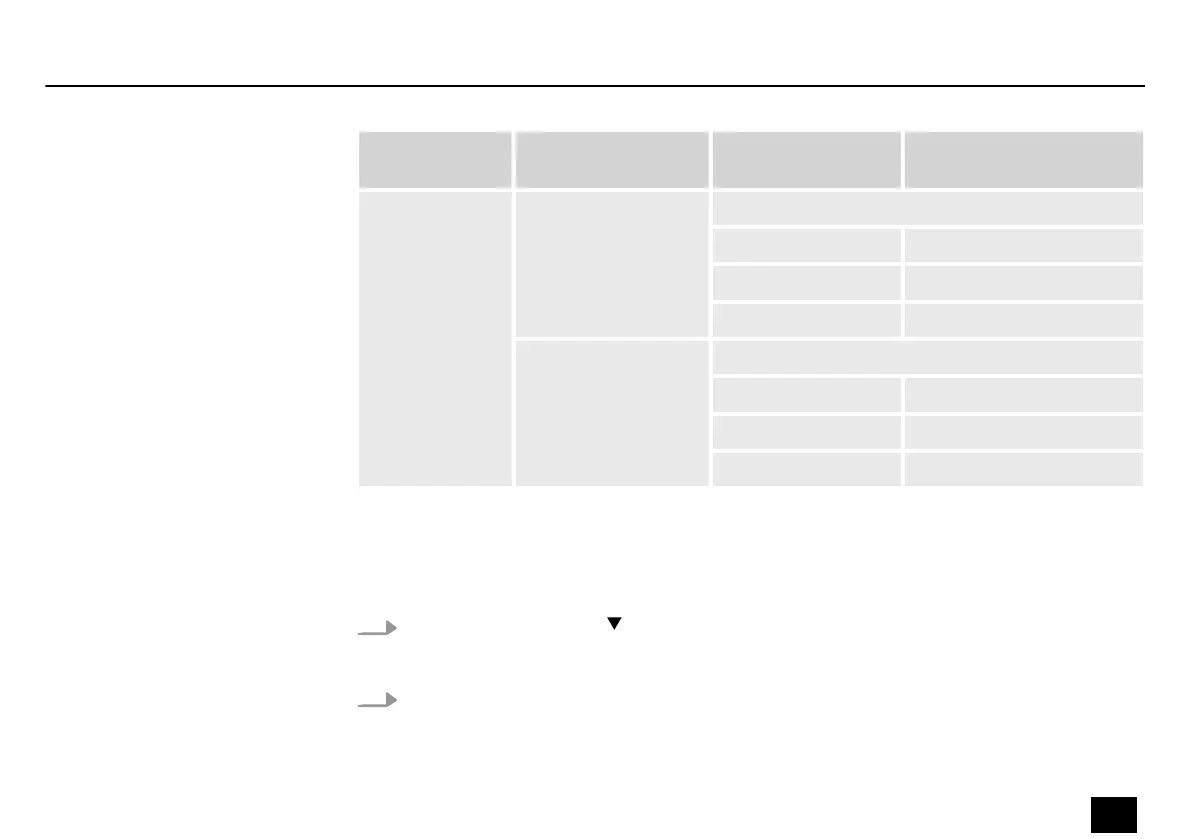
Sub menu
menu level 1
Menu level 2 Menu level 3 Description
‘MODE’ ‘RHYTHM’ Adjusts the operating mode Rhythm.
‘STYLE’ Adjusts the drum rhythm.
‘BPM’ Sets the beats per minute.
‘VOLUME’ Adjusts the volume
‘METRONOME’ Sets the operating Metronome.
‘STYLE’ Adjusts the drum rhythm.
‘BPM’ Sets the beats per minute.
‘VOLUME’ Adjusts the volume
6.5 Tuner
1.
Hold down the [TUNER] footswitch.
ð
The tuner is activated.
2. Turn [VALUE] to select the desired submenu.
Operating
DNAfx GiT
33
Multi Eects Unit


 To Next Page