6 Operating
6.1 Presets
6.1.1 Selecting presets
The device has 200 pre-set slots.
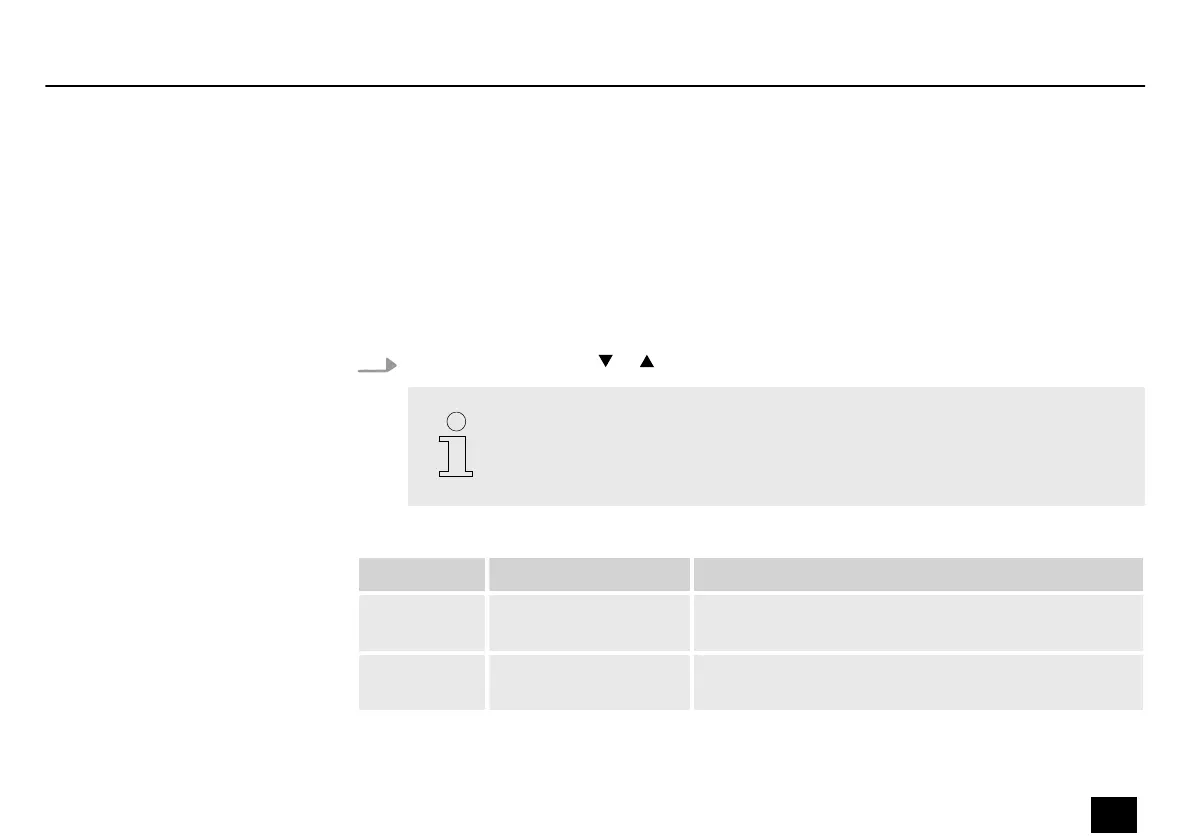
Press the footswitches or or turn the [VALUE] knob to switch between presets.
The LEDs in the eect block light up according to the eect chain setting for the
current preset.
Preset Requirement Function
P001…P050 Eects AMP and CAB
enabled
Connection of full-range devices (headphones,
sound card, mixer, full-range speakers, etc.)
P051…P100 Eects AMP enabled Connection to the RETURN interface of the guitar
amplier
Operating
DNAfx GiT
25
Multi Eects Unit


 To Next Page