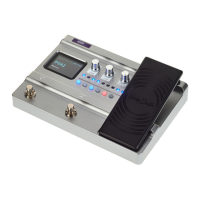
6.8 System settings
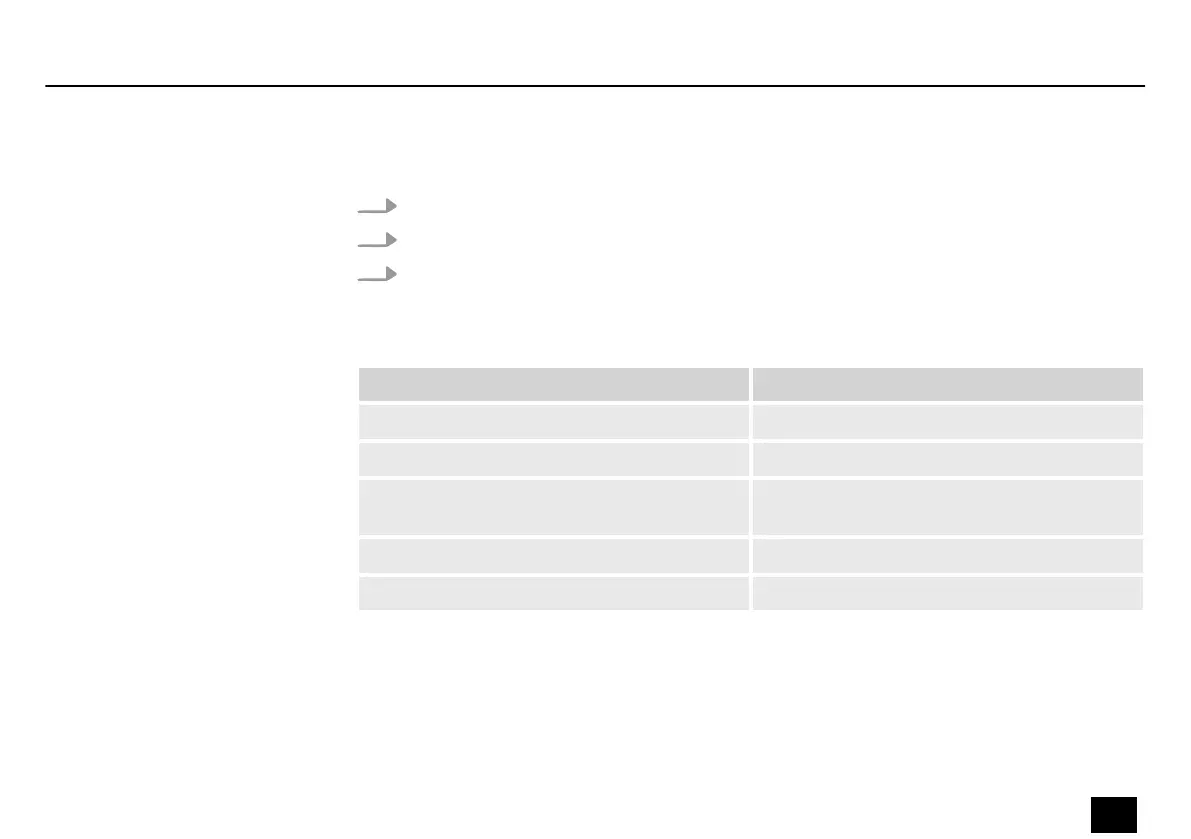
1. Press [SYSTEM] to call up the system settings.
2. Turn [VALUE] to select the desired submenu.
3. Press [VALUE].
ð
The setting is conrmed.
Submenu Description
‘INPUT LEVEL’ Sets the input level of the device, -∞~+6 dB.
‘SCREEN’ Adjusts the brightness of the display.
‘CAB SIM TRHU’ Sets the dierent output options in the
speaker box simulation of the device.
‘RESET’ Resets the device to factory defaults.
‘OTG OUT’ Sets the output level for OTG mode.
Operating
DNAfx GiT
37
Multi Eects Unit


 To Next Page