EasyManua.ls Logo

Harman AKG KM200 - User Manual

Harman AKG KM200
28 pages
Print Icon
To Next Page IconTo Next Page
Loading...
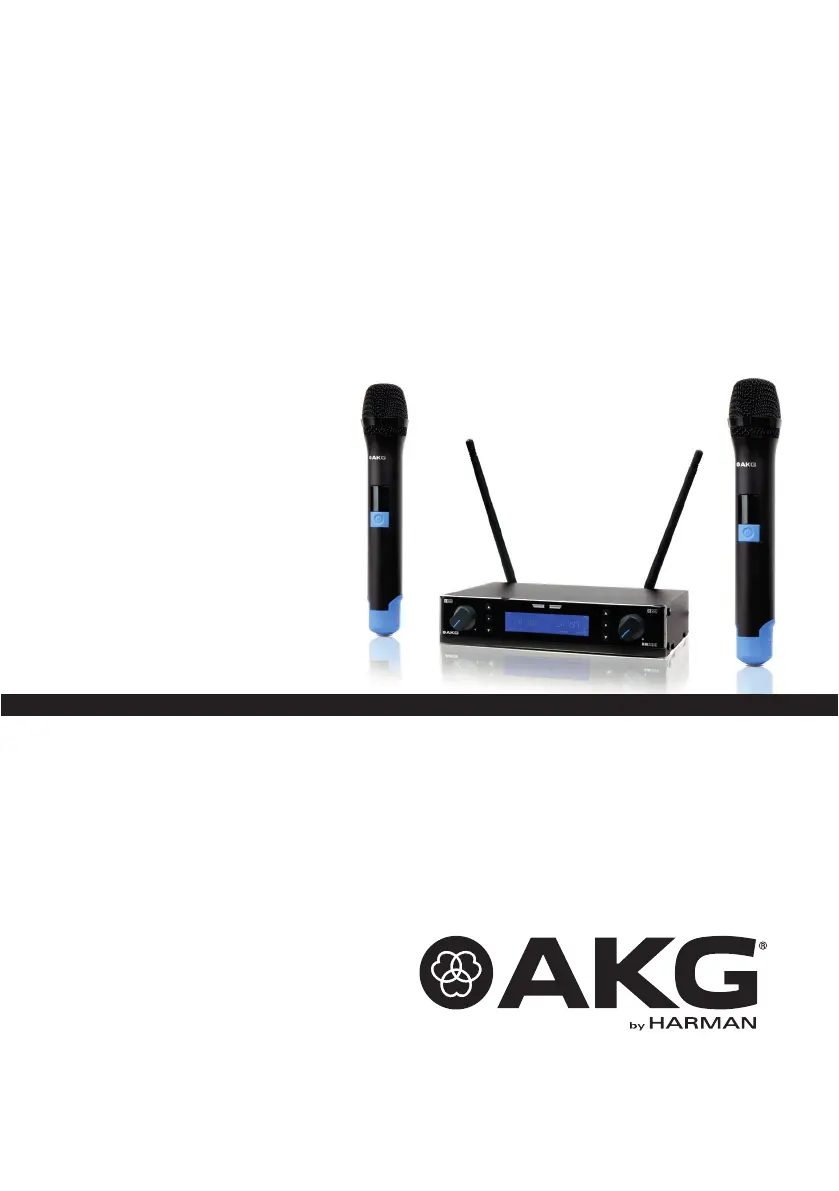
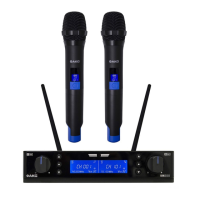
KM200
WIRELESS MICROPHONE SYSTEM
无线麦克风系统

Questions and Answers

  • C
    Christopher WebbAug 14, 2025
    What to do if my Harman Microphone system has noise, crackling, or unwanted signals?
    • B
      bbrooksAug 14, 2025
      If you're experiencing noise, crackling, or unwanted signals with your Harman Microphone system, try the following: First, adjust the receiver's location to address potential antenna positioning issues. Also, identify and switch off any nearby interference sources such as other wireless systems, TVs, radios, walkie-talkies, or defective electrical appliances. You can also try adjusting the GAIN control until the distortion disappears.
  • A
    Anthony HartmanAug 23, 2025
    How to fix a Harman Microphone system with no sound?
    • D
      Dakota GatesAug 23, 2025
      To troubleshoot a Harman Microphone system with no sound, consider these potential solutions: * Ensure the AC adapter is connected properly. * Verify the receiver is turned on. * Check the connection between the receiver and the mixer or amplifier. * Adjust the Output Gain control. * Confirm the transmitter and receiver frequencies match. * Check the transmitter's on/off switch and battery condition. * Reduce the distance between the transmitter and receiver, remove obstructions, ensure line of sight and move the receiver away from metal objects.
  • S
    Steven BlairNov 3, 2025
    Why is there no sound coming from my Harman Microphone system?
    • L
      Levi WolfeNov 3, 2025
      There might be several reasons for the lack of sound from your Harman Microphone system. First, ensure the AC adapter is properly connected to both the receiver and the power outlet. Then, check if the receiver is switched on. Also, verify that the receiver is correctly connected to your mixer or amplifier. Make sure the Output Gain control on the receiver isn't set to zero. Confirm that the transmitter has the same frequency range as the receiver and that both are tuned to the same frequency. Check the transmitter's on/off switch to ensure it's set to "ON," and verify that the batteries are correctly inserted and not depleted. Finally, ensure that the transmitter is within range of the receiver, there are no obstructions between them, and there's a clear line of sight. Also, check that th...

Summary

Important Safety Information

Safety Instructions

Lists critical safety precautions for operating the equipment.

Product Descriptions

SR200 Wireless Receiver LCD Display

HT200 Wireless Transmitter

HT200 Wireless Transmitter LCD Display

System Operation

SR200 Installation

HT200 Installation

Setup The System

Specification

Trouble Shooting

Channel Number vs Frequency

Harman AKG KM200 Specifications

General IconGeneral
BrandHarman
ModelAKG KM200
CategoryMicrophone system
LanguageEnglish

Related product manuals