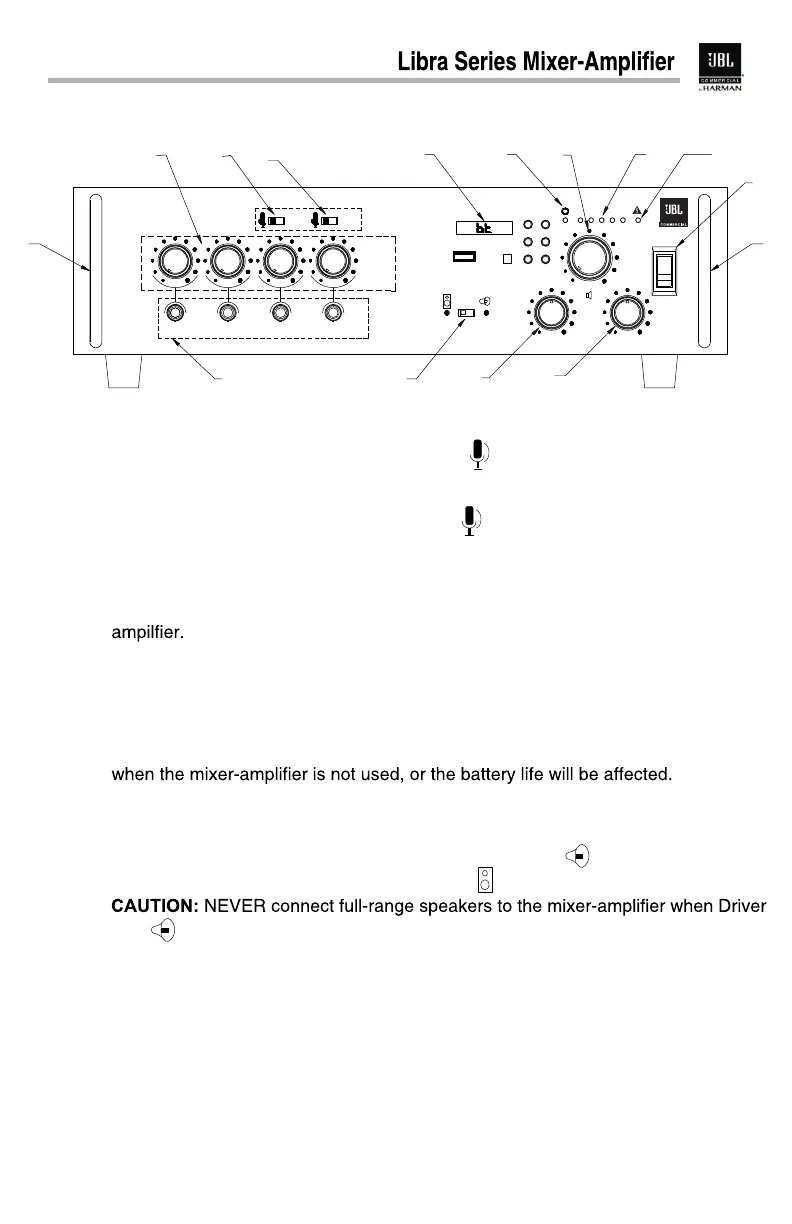
M 3 PlayerPlay the source from BT or USB. p
Supported audio formats: MP3 & WAV files with bit rate from 32 kbps.
MIC Input and MP3 Input Selector - Select to deliver the signal from MIC
Grab Handle
Volume Control Knobs Adjusts the input level for each channel independantly.
MIC Input and AUX Input Selectors Select to deliver the signal from
MIC input. Select to deliver the audio signal from the devices connectedAUX
to the auxiliary input.
input. Select from front panel.USB
Master Volume Control Knob- Adjusts the overall volume level from the mixer-
Master Volume Level Indicator- Indicates the instantaneous output level.
Power LED Illuminates in white when the unit is on.
Power Switch Switches on and off the power to the unit.
NOTE: Stand by power from the battery source wont be interrupted by the Power
Switch. It is recommended to disconnect the battery from Battery Terminal Block
MIC Input Jacks Connect to low-impedance microphones to input the balanced
and unbalanced signal.
A.
B.
C.
D.
E.
F.
G.
H.
I.
J.
A A
B
D
E FH G
I
N
M
L
KJ
Box Spkr Driver Unit
USB
POWER MODE
PREV/ VOL-NEXT/VOL+
PLAY/PAUSE RE PEAT
AUX
USB
BASS TREBLE
MIC 1 MIC 2 MIC 3/AUX
MIC 4/USB
4
Box Speaker or Driver Unit Selector Select Driver Unit to connect mid-high
frequency range speakers. Select Box SPKR to connect full-range speakers.
Unit is selected. Otherwise the speakers may be damaged.
BASS Control Knob Attenuates or boosts the signal level of low frequencies.
Rotate left to decrease while right to increase.
NOTE: When the knob is set to the middle position of the adjusting range, it wont
affect the original signal.
TREBLE Control Knob Attenuates or Boosts the signal level of high frequencies.
Rotate left to decrease while right to increase.
NOTE: When the knob is set to the middle position of the adjusting range, it wont
affect the original signal.
Overload LED Illuminates in red when overload or short circuit occurs.
K.
L.
M.
N.
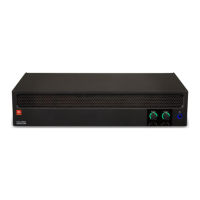
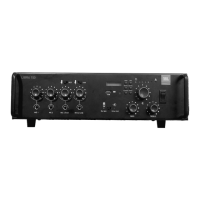
Front Panel Controls and Indicators
Front Panel
LIBRA 150
C
P




 To Next Page