Date printed: 24.01.12
73
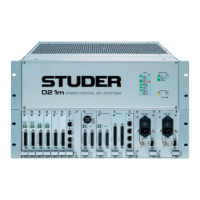
D21m System
Performa Mode
Don't change
Don't change
For Future Use
S1
4321
Default setting
for A949.0412.21
Default setting
for A949.0412.22
Performa Mode
Don't change
Don't change
For Future Use
ON
LEDs LOCK On if a valid signal is available at the input that is locked to the system clock.
DIP switch When using the Performa core, only 48 channels can be transmitted from the
core to the D21m system. In order not to lose audio data, the channel selector
of the HD card S has to be configured to this mode by setting switch #1 of
DIP switch S1 to the ON position.
The other three switches #2-4 have to remain in their default positions and
must not be changed.
Note The default settings for the card versions A949.0412.21 and A949.0412.22
are different, as shown in the diagram above.
Connector Pin Assignment HD IN 1/2 / HD OUT 1/2 (8pin RJ45)
1
8
Socket View
Pin Signal (Input) Signal (Output)
1 Rx 0 + Tx 0 +
2 Rx 0 – Tx 0 –
3 Rx 1 + Tx 1 +
4 Rx Clk + Tx Clk +
5 Rx Clk – Tx Clk –
6 Rx 1 – Tx 1 –
7 Rx 2 + Tx 2 +
8 Rx 2 – Tx 2 –


 To Next Page
 Loading...