EasyManua.ls Logo

Harman VP4 ROW - Emergency

Harman VP4 ROW
272 pages
Print Icon
To Next Page IconTo Next Page
To Previous Page IconTo Previous Page
Loading...
Uconnect™ ACCESS USER’S MANUAL 147
•
Distance
to final Destination
•
Vehicle
Speed
•
Distance
Traveled
•
Overall average
speed
•
Moving average
speed
•
Maximum
speed reached
•
Total time traveled
•
Travel
time spent moving
•
Travel
time spent stopped
NOTE: You can touch the back
arrow soft-key
to return
to the
previous screen
or the X
soft-key
to exit.
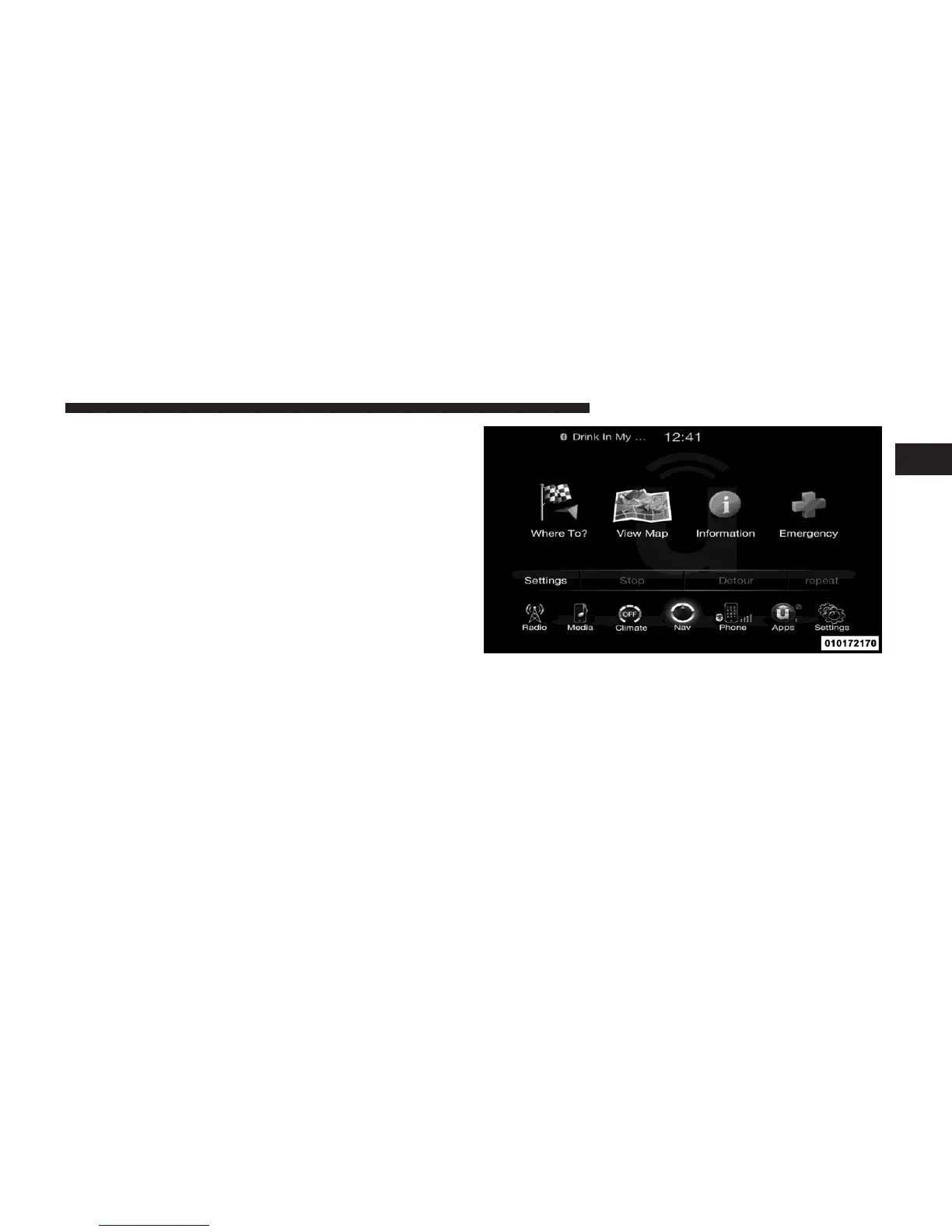
Emergency
1
From
the
Nav Main Menu, touch
the
Emergency
soft-key
and touch one of the following options to search and
route to a
specific
location.
•
Hospital
–
Search and route
to a
Hospital close
to your
current
location
•
Police – Search and route to a Police Station close to
your
current
location

Table of Contents