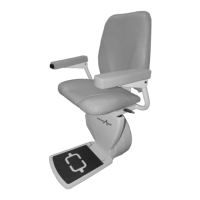
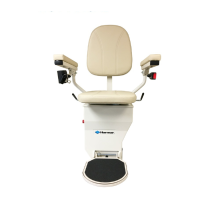
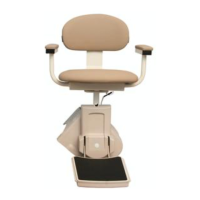
SL300 PINNACLE STAIRLIFT: Owner’s Manual
22MAR2024 | 610-00058 G
7
OPERATION
PINNACLE STAIRLIFT: SECTION 3
CONTROLS
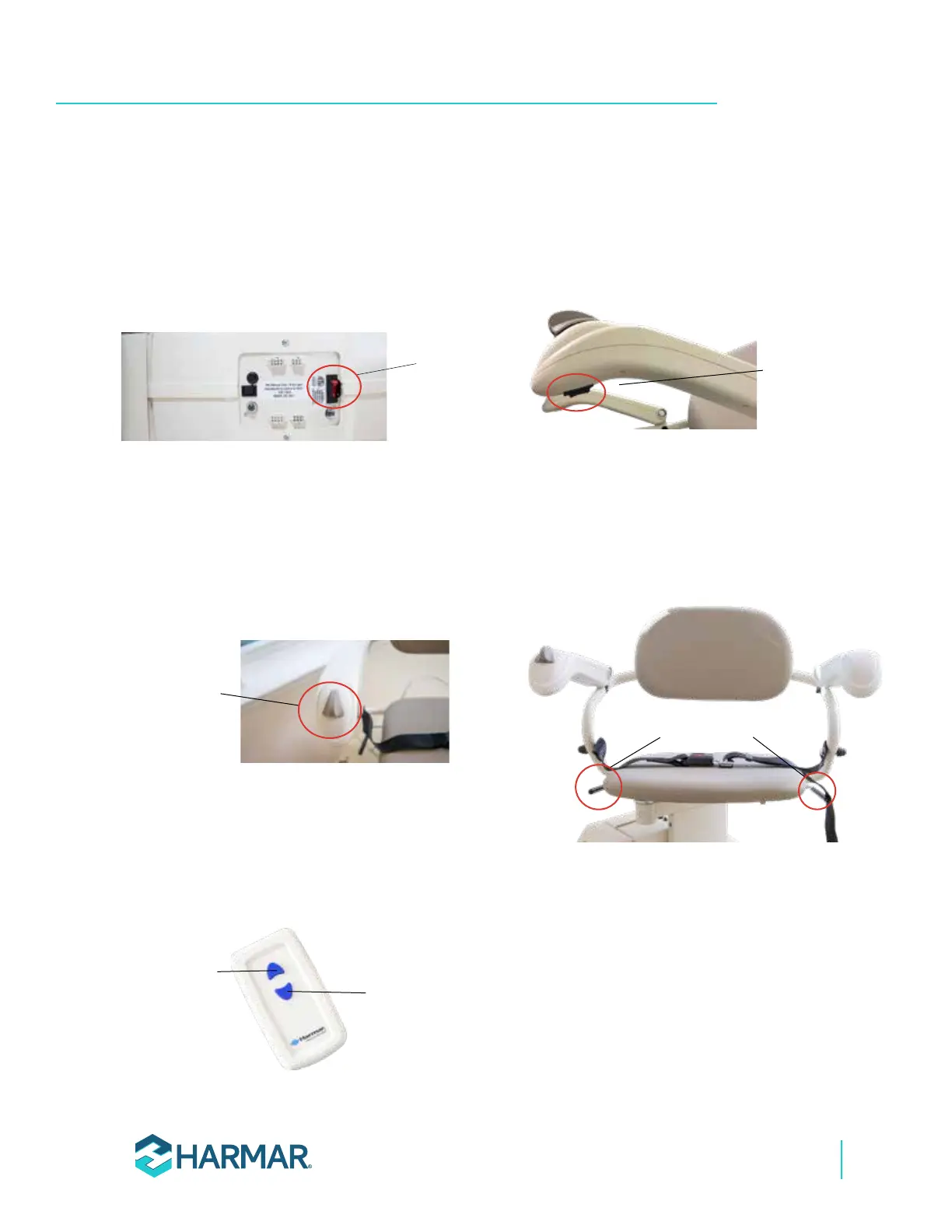
• A red “On/Off” switch is located on top of the
chassis. This switch is normally left in the “On”
position. This switch can be turned “Off” if
you do not expect to use the lift for an
extended period of time.
See Figure 2-1.
On/Off
switch
Figure 2-1
• The main “Up/Down” control switch is
conveniently positioned on the armrest,
allowing flexibility for user preference, either
on the right or left armrest. Employ this
controller for the routine operation of the lift
while securely seated in a comfortable
position.
See Figure 2-2.
Up/Down
control
switch
Figure 2-2
• The remote call/send hand control units are
equipped with “Up” and “Down” buttons.
These buttons serve the purpose of sending
the unit up or down (unoccupied), particularly
useful in scenarios with multiple users.
See Figure 2-3.
Up button
Down button
Figure 2-3
• For units equipped with the optional Power
Footrest, the control switch is conveniently
situated under the main UP/Down control
switch armrest. This placement provides easy
access for users to operate the Power Footrest
feature.
See Figure 2-4.
Up/Down Power
Footrest switch
Figure 2-4
• For units not equipped with the optional
Power Swivel, the standard manual swivel
levers are positioned on either side under the
seat. These levers facilitate the manual
swiveling of the seat for convenient entry and
exit from the lift.
See Figure 2-5.
Manual
Swivel levers
Figure 2-5


 To Next Page