The ProView 7000 EMS
© 2010 Harmonic Inc. 3 ProView 7000, v.2.3, Rev. A
The ProView 7000 EMS
The ProView 7000 EMS application provides a GUI for easy management of the
ProView 7000. Most EMS functions can be performed via the front panel. You need to have
an internet or LAN connection to use EMS.
EMS System Requirements
Minimum platform requirements for EMS:
■ P4 or equivalent processor @ 2 GHz or higher
■ 1 GB of RAM (2 GB highly recommended)
■ Windows XP, Windows Vista, or Windows 7 operating system
Installing EMS
The ProView 7000 EMS is stored in the ProView 7000 for easy installation using a web
browser.
To install the ProView 7000 EMS:
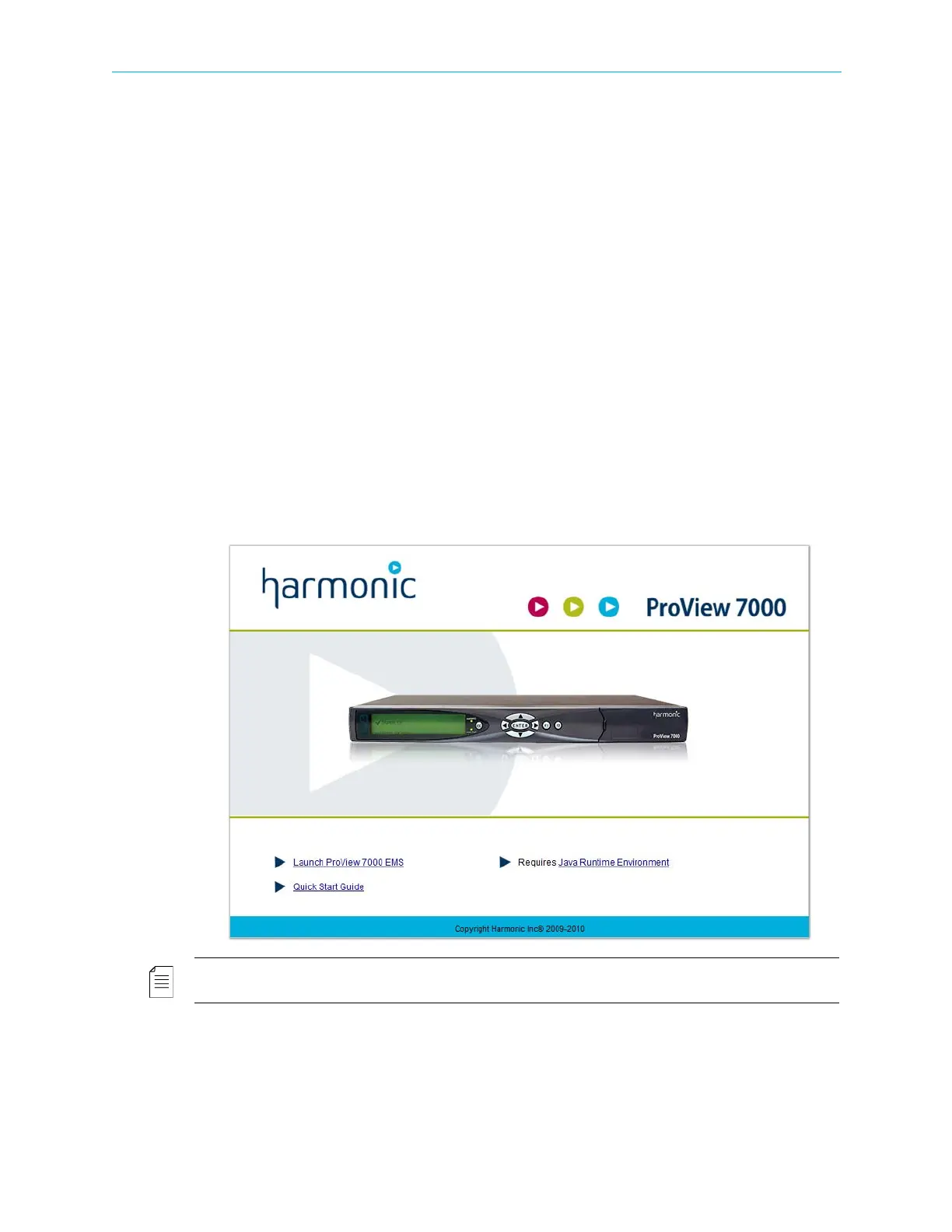
1. Run a web browser and enter the ProView 7000 IP address.
The initial ProView 7000 dialog displays.
NOTE: The EMS application is a Java-based program which requires Java Runtime Environment version
1.6. If needed, install Java Runtime Environment 1.6, using the link provided on the Java Web start page



 To Next Page