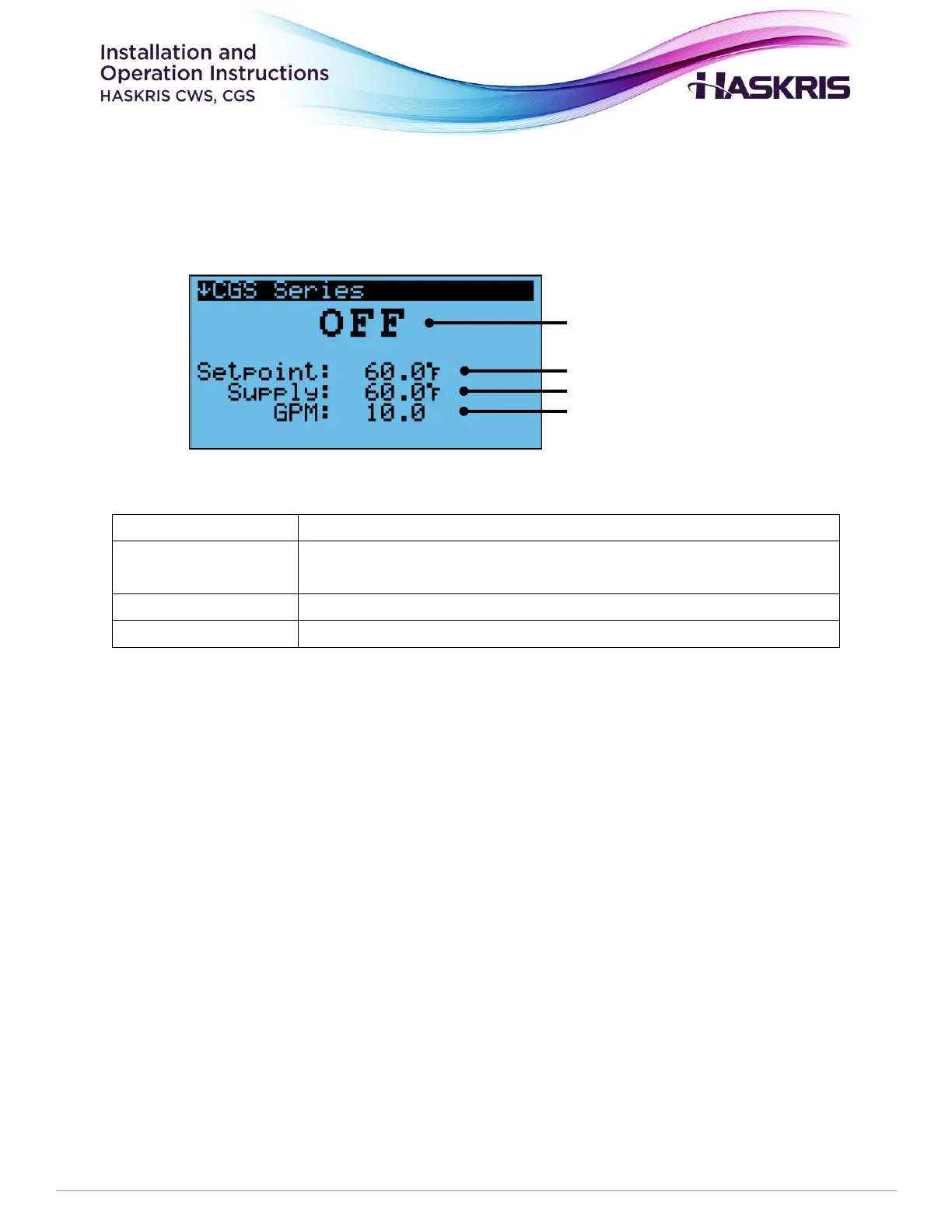
Status Modes
• OFF – This appears when the unit is off due to the ON/OFF switch. When OFF, the unit will not
switch over to city water backup.
• Startup – This appears for 60 seconds when the unit is switched ON or reset. During startup
the unit will not switch over to city water backup.
• Auto – AUTO mode is selected on the Mode Selection screen. In this mode, the unit will
automatically switch over to city water backup when the supply temperature rises to the high
temperature alarm set point, or when the flow rate falls to the low flow alarm set point or
below the activation threshold of the flow switch.
• FAILOVER – The unit has automatically switched to city water backup on a high temperature
or low flow condition.
• FORCE CWBS – Force CWBS mode is selected on the Mode Selection screen. In this mode, city
water backup is active.
• DISABLED – Disabled is selected in the Mode Selection screen. In this mode, city water backup
will not activate.



 To Next Page