Adjusting Temperature Setpoint (CGS only)
Notes: Setpoint is the only adjustable value on the Main display (Figure 5). To change the setting,
follow the procedure below.
1. Press to move the blinking cursor to the value
2. Press or to adjust the value
3. Press to move the blinking cursor to the top left corner
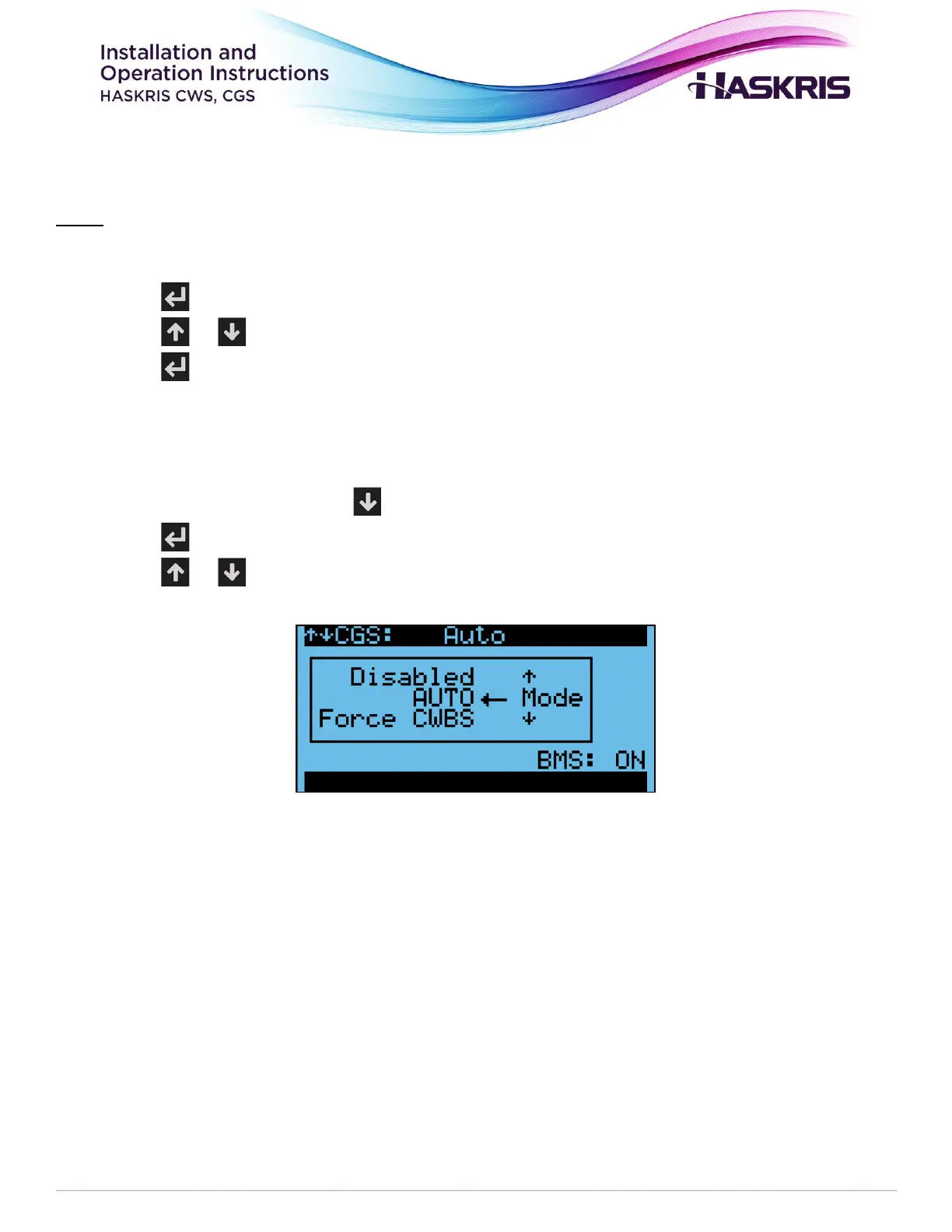
Mode Selection
1. From the main screen, press to access the mode selection screen (figure 6).
2. Press to move the blinking cursor to Mode
3. Press or to change the mode
Figure 6: Mode selection



 To Next Page