EasyManua.ls Logo

Hasler IM5000 Series - User Manual

Hasler IM5000 Series
363 pages
Print Icon
To Next Page IconTo Next Page
Loading...
USER’S GUIDE
IM5000 Series
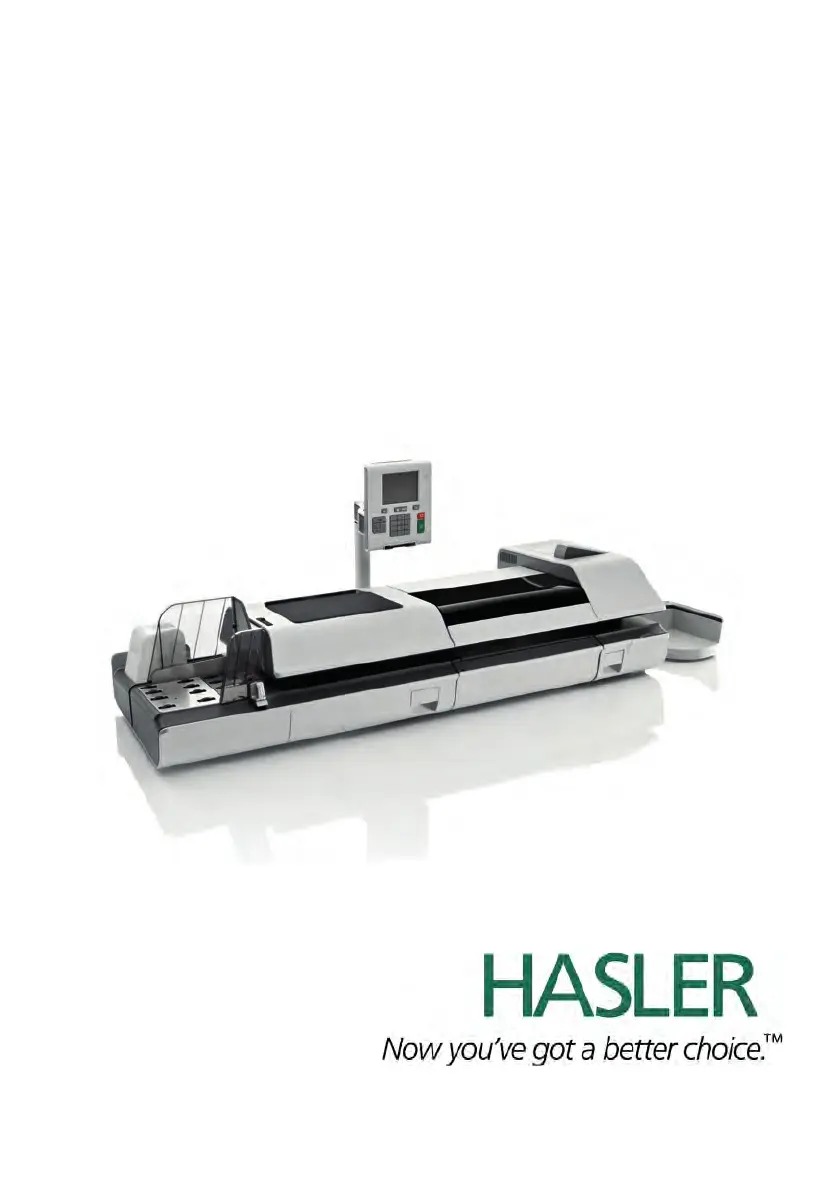
MAILING SYSTEM
with iMeter
TM
Postage Meter

Table of Contents

Questions and Answers

Summary

Read this First

What you will Find in this Manual

Describes the contents and structure of the user guide.

Safety Requirements

Details essential safety precautions for operating the equipment.

Mailing System Overview

Mailing System Components

Provides an overview of the mailing system's physical parts and their functions.

Operator Controls

Explains the function of the machine's control panel, keys, and display elements.

System Power Management

Details how to turn the system on/off and manage its power states.

Processing Mail

Processing Mail Guidelines

Procedures for processing mail and system setup.

Standard Setup

Recommends steps for mail preparation and system setup.

Running Mail

Describes running mail based on different weighing modes.

Running Special Mail Types

Procedures for mail with specific requirements like re-dating.

Detailed Steps to Run Mail

Step-by-step instructions for various mail processing tasks.

Postage and Funds Management

Overview

Introduces operations for managing and monitoring postal funds.

Managing Funds

Details loading postage funds and checking meter balances.

Unlocking the PSD

Explains connecting to postal service to unlock meter periodically.

Account Management and Access Control

Introducing the Account Modes

Explains four account modes and their impact on security and management.

Implementing an Account Mode

Guides on selecting and configuring account modes.

Managing Accounts

Covers creating, editing, and managing accounts and structures.

Managing Operator PIN Codes

Details creating and managing operator PIN codes for access control.

Advanced Reporting Functions

Describes advanced reporting for budgeting and surcharges.

Reports

Reports Overview

Explains viewing, printing, and storing system usage and expenditure information.

Generating Reports

Outlines generating reports with parameter selection and output options.

Counter Data Reports

Details generating batch data reports for mail processing.

Postage Data Reports

Covers generating reports on daily, daily usage, and monthly postage consumption.

System Data Reports

Covers reports on machine configuration, events, and network settings.

Advanced Reporting

Explains advanced reporting for budget consumption and limit tracking.

Online Services

iMeter Applications Overview

Introduces online services for system use, updating, and remote support.

Connecting to Online Services

Describes connecting the system to online services via automatic and manual calls.

Uploading Statistics

Explains how to manually or automatically upload report data to the online services server.

System Online Services

Covers system services like Ink Management, Rate Protection, and account upgrades.

e-Confirmation Services

Details processing USPS eDelivery, eSignature, and eCertified Mail tracking.

Configuring the System

Settings Overview

Describes user and supervisor settings for system configuration.

Logging in; out as the Supervisor

Guides on supervisor login/logout for system configuration access.

Postage Default Settings

Covers changing default rates, permits, weighing modes, and postage settings.

Printing Default Settings

Sets default values for stamp elements like text, ad slogan, and print offset.

Imprint Memories

Explains creating, editing, and managing stamp configuration presets.

Postage Warning Settings

Details how to configure high-value and low-funds warnings for postage amounts.

Sealer Default Settings

Allows setting default modes for the sealer, including sealing state and moistening level.

Weighing Devices Settings

Covers settings for weighing devices, including zeroing and accuracy.

Adjusting Display and Sounds

Guides on changing display language, brightness, and system beep settings.

Other System Settings

Covers system time-outs and machine time/date management.

Remote Label Dispenser (RLD)

Introduces RLD, its status, configuration, and maintenance.

Connection Settings

Details setting up postal/online service connections and LAN parameters.

Connecting a PC

Explains how to control the mailing system remotely from a PC and recover control.

Inserter Mode

Covers connecting an inserter and activating the inserter mode for system operation.

Changing Motorized Conveyor Stacker Positions

Provides instructions for installing the motorized conveyor stacker in different positions.

Options and Updates

Overview

Introduces system updates, optional functions, and text/ad slogan management.

Managing Optional Features

Guides on displaying available options and loading/activating new ones.

Managing Custom Text Messages

Details adding, modifying, or deleting custom text messages for stamps.

Managing Ad slogans

Explains managing ad slogans for stamps, including downloading.

Managing Postal Rates

Covers displaying and downloading new postal rate tables.

Managing Permits

Describes how to display, add, delete, and set default permits.

Updating System Software

Guides on checking for and performing system software updates.

Maintenance

Maintaining the Ink System

Covers checking ink levels, changing the ink tank, and print head information.

Maintaining the Feeder

Details replacing feeder fingers rubber pads for proper mail feeding.

Maintaining the Sealer Water Network

Explains filling the sealer bottle and cleaning the water filter.

Cleaning the Mail Path

Covers cleaning the moistening ramp, belts, rollers, and mail path sensors.

Touchscreen Calibration

Provides instructions for calibrating the touchscreen for precision.

Maintenance processes

Outlines service processes like withdrawing/installing PSD and update registration.

Troubleshooting

Envelope Stoppages and Jams

Helps resolve envelope blockages and jams in the print base and feeder.

Label Stoppages and Jams

Provides steps to clear label blockages and jams in the print base.

Weighing Problems

Addresses issues with the weighing platform or module not weighing properly.

Diagnostics and System Data

Explains accessing diagnostics and viewing system data like software and hardware info.

System Specifications

General Specifications

Lists general specifications for base, feeder, and weighing module.

System Connections

Illustrates connection diagrams for base, feeder, and weighing module.

System Connectors

Details connectors on the base, feeder, and other modules.

Mail Specifications

Provides envelope and label dimensions, weights, and stack characteristics.

Operating Specifications

Lists operating ranges for the dynamic weighing module and account limits.

Environmental conditions

Specifies optimal environmental conditions for weighing accuracy and module placement.

Menu Reference

Provides a reference table of user and supervisor menu options.

Hasler IM5000 Series Specifications

General IconGeneral
ConnectivityEthernet
Media TypesEnvelopes
Operating Temperature50°F to 95°F (10°C to 35°C)
Humidity20% to 80% non-condensing
Sealing SystemAutomatic moistening and sealing
Printing TechnologyThermal inkjet

Related product manuals