13
END POSITION PROGRAMMING
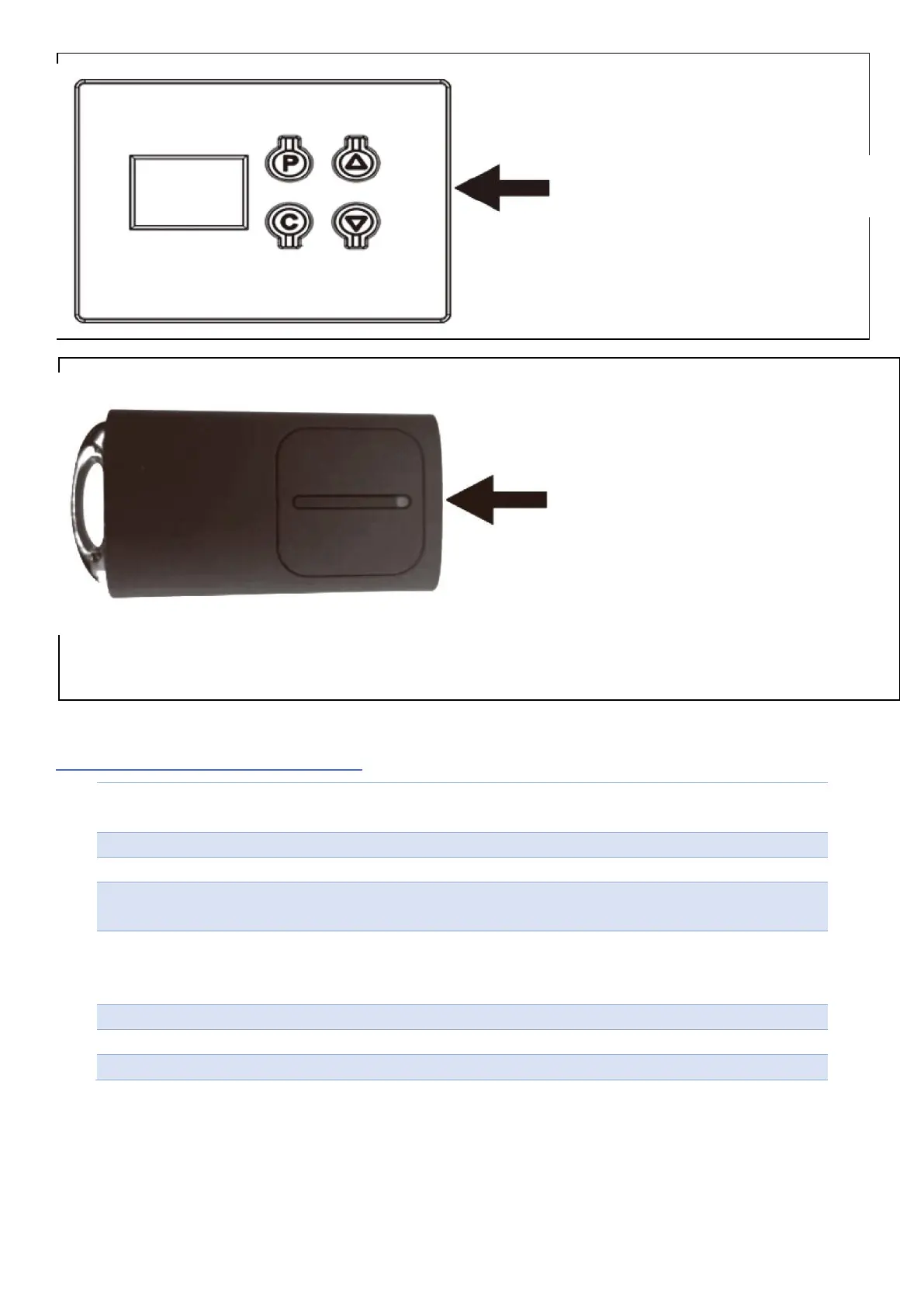
Press and hold "P" until "P1" is displayed.
Again, short press “P”, it will display “OP”.
Then press and hold ▲ (the door will start to open) “OP” will flash.
When the door reaches the desired opening height, immediately release
the ▲ button and confirm by pressing “P”, then “CL” will be displayed.
Press and hold ▼ in sequence, (door will start closing) “CL” will blink.
When the door is closed, immediately release the ▼ button and confirm
by pressing “P”.
The door will open and close automatically. By performing a control cycle
When "- -" is displayed, programming is complete
From that moment on, the keyfobs (after logging in) can control the gate
Control of all functions via the
Control Panel
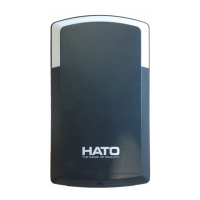
The remote control has four
buttons (channels). Depending on
the functions included in the
operator, the remote control can
operate from one to four different
garage doors.
With the gate and ventilation
interlocks disabled - 4 gates.
The remote control will support
only one drive when the functions
and locks and the ventilation of
the gate are activated.


 To Next Page