1) If previously locked, unlock Docking Station using supplied key.
2) Rotate Latch Handle counter-clockwise to the “UNDOCK” position.
3) Once unlatched grab both sides of computer and carefully lift out of
Docking Station, rear end rst.
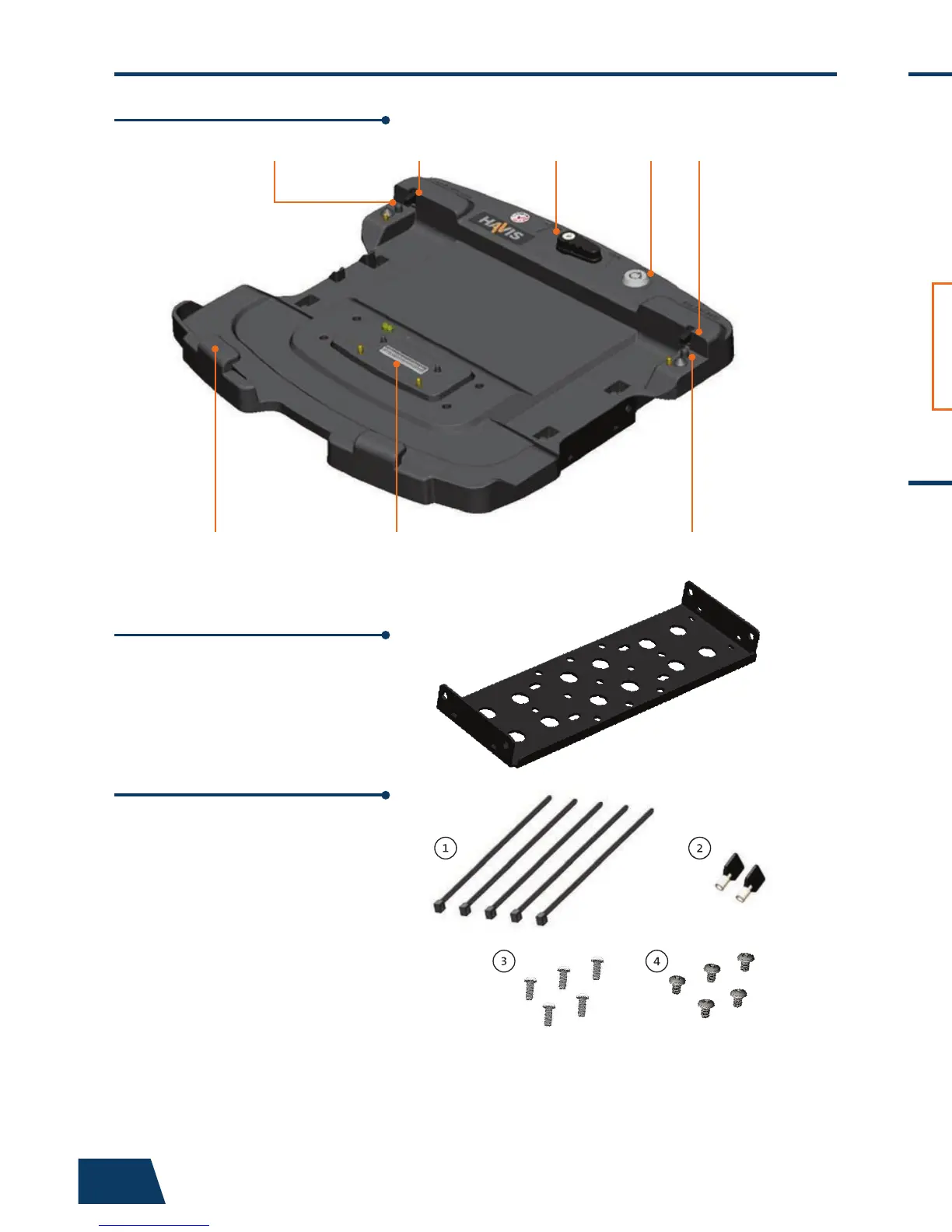
This Hardware Kit includes:
1. Zip Ties (5)
2. Keys (2)
3. 1/4”-20 x 5/8” long
Button Head Screws (5)
4. Phillips 1/4”-20 x 3/8”
long Screws (5)
Tools required for installation:
• 5/32” Hex Drive
(For attaching Mounting Bracket to Motion
Device with Button Head 1/4”-20 Screws)
• #3 Phillips
(For attaching Docking Station to Mounting
Bracket with Button Head 1/4”-20 Screws)
Parts Included
4 9
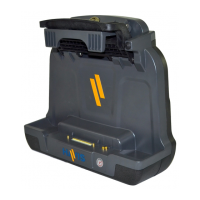
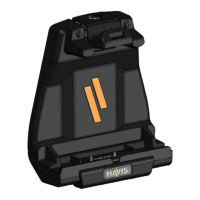
Docking Station
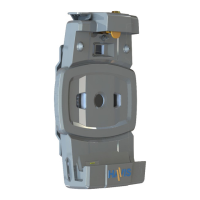
Mounting Bracket
(PN-0034-SM)
Numerous hole patterns present in
Mounting Bracket will accomodate Havis
Motion Devices as well as most competitors’
Hardware Kit (HWK-0036)
Hold Down LugHold Down Lug
Locator Post
Barrel LockLatch Handle
Front Hooks Docking Connector Locator Post
Operation - Docking (continued)
Operation - Undocking
4) For theft deterrence, secure computer by locking Docking Station with
supplied key (Hardware Kit Item 2).
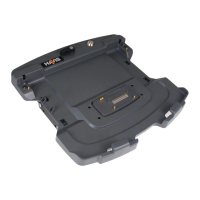
Docking Station will accommodate
all Toughbook 54 models, providing
access to bottom SmartCard reader
while computer is secured in the
Docking Station.


 To Next Page