www.havis.com • 1-800-524-9900
6 7
Cable Management
Insert as many zip ties as
necessary to secure cables.
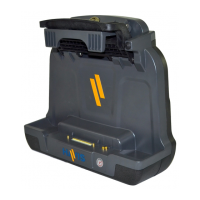
2) Lower the Docking Station to the Mounting Bracket as shown and secure
with (4) 1/4”-20 x 3/8” long screws (Hardware Kit Item 4). Torque screws
to 80 in-lbs (9.0 Nm) ± 10%.
1/4”-20 Screws
Installation
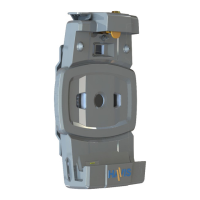
1) Remove the Mounting Bracket from the packaging. Install the
Mounting Bracket to the Motion Device using (4) 1/4“-20 x 5/8” long
screws (Hardware Kit Item 3). Torque screws to 80 in-lbs (9.0Nm) ± 10%.
NOTE: Numerous hole patterns present in Mounting Bracket will accomodate Havis Motion
Devices as well as most competitors’
1/4”-20 x 5/8” Button Head Screws
Mounting Bracket
Typical Motion Device Example
(not included)
NOTE: We recommend applying a drop of medium strength (blue)
thread locking adhesive to the threads of all fasteners.
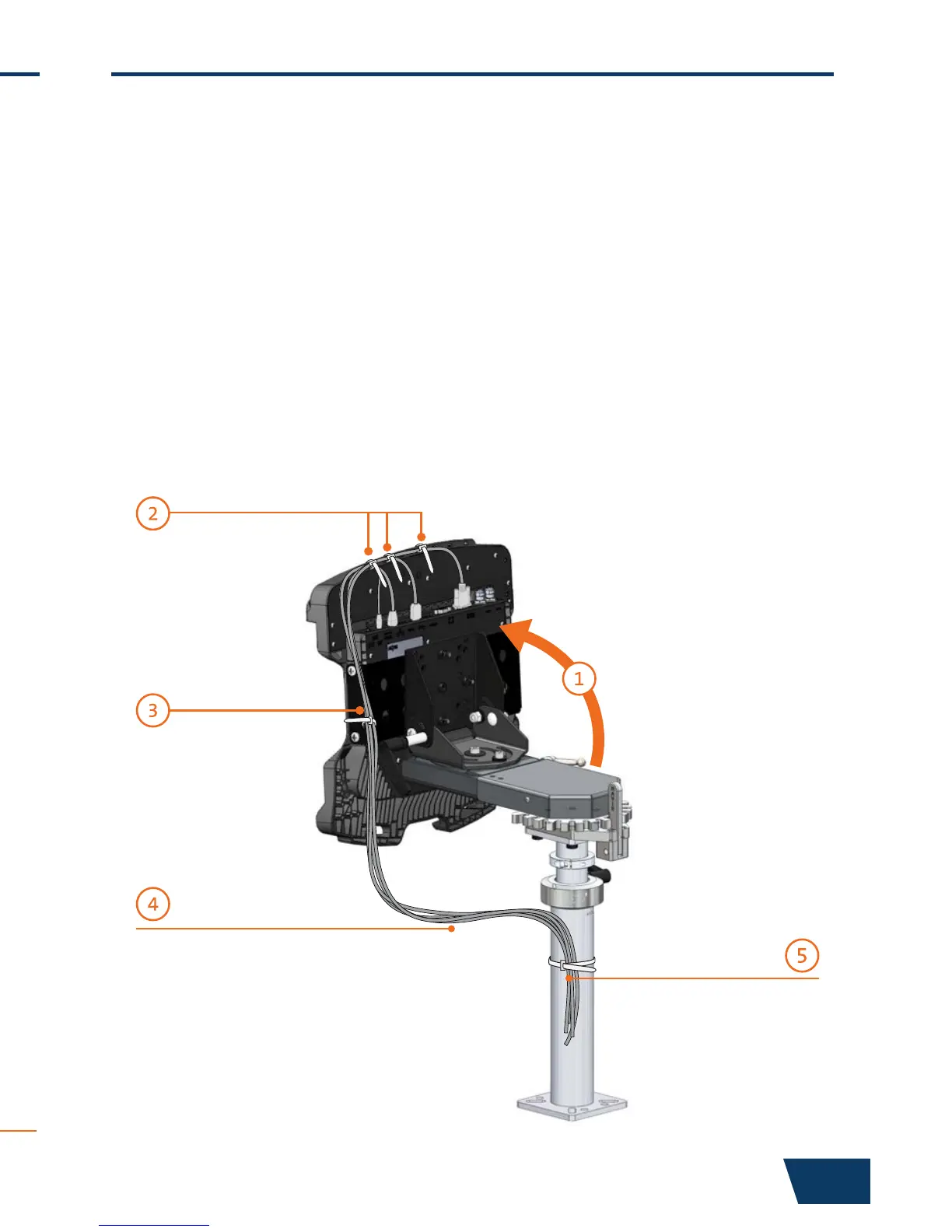
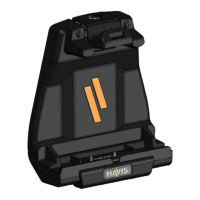
1) Tip the Docking Station to a position that is comfortable to work with.
2) Install all cables that are necessary for computing needs.
Use Zip Ties (Hardware Kit Item 1) to strain relieve cables at rear of
Docking Station.
3) Route all cables along one side to ensure proper cable management
and avoid pinching any cables. Strain relieve the entire cable bundle to
one of the strain relief points along the corners of the Mounting Bracket
to prevent tension on the connectors.
4) Create a service loop with cables to ensure that no tension is on the
connectors and to enable intended motion.
5) Tie off cables onto a stationary part of the mounting system.
Collect cables and secure
to the mounting system.
(Note: Mounting system not included)
This loop must be large enough
to allow full range of expected
rotation and extension without
stressing connections.


 To Next Page