Need help?
Do you have a question about the Havit KB863CM and is the answer not in the manual?
Steps to connect the keyboard to a computer via USB.
Switch between 3 lighting modes using FN key combinations.
Procedure for defining custom backlight patterns using specific key combinations.
Activates specific key backlighting for office productivity.
Activates specific key backlighting for gaming scenarios.
Locks or unlocks the Windows key to prevent accidental activation.
Control media playback, volume, and system functions via FN key combinations.
Details DPI settings, color effects, and LED control for the mouse.
 General
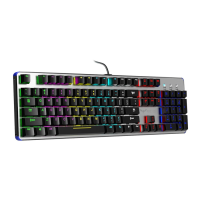
| Type | Mechanical |
|---|---|
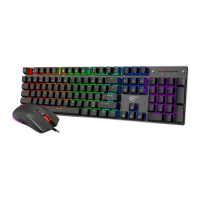
| Key Backlighting | RGB |
| Connection Type | Wired |
| Polling Rate | 1000 Hz |
| Anti-Ghosting | Full N-Key Rollover |
| Media Controls | Yes |
| Weight | 900g |
| Number of Keys | 104 |
| Interface | USB |
| Keycap Material | ABS |
| Keycaps | Double-shot |
| Cable Length | 1.5 m |
| Switch Type | Blue Switch |
| Keyboard Layout | US |

 To Next Page