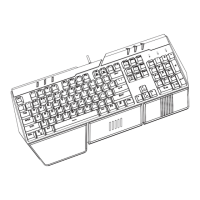
3
Keyboard Specification
Interface Type: USB
Size: 433*124,5-35 mm
Operating Voltage: 5V
Operating Current: 300mA
Key Life: 50 000 000 times
Cable length: 1500 mm
Compatible with Windows 2000/XP/Vista/Win7/Win8/Win10
Connecting with Your Computer
1. Turn on your computer.
2. Insert the USB interface of keyboard into a USB port of your computer (better
choose the USB port locating on the back of the chassis instead of those on the
front)
3. Wait for 1 minute, and your keyboard will automatically read by your computer
with no extra driver needed.
(Note: This is play and play keyboard no need of any driver.)
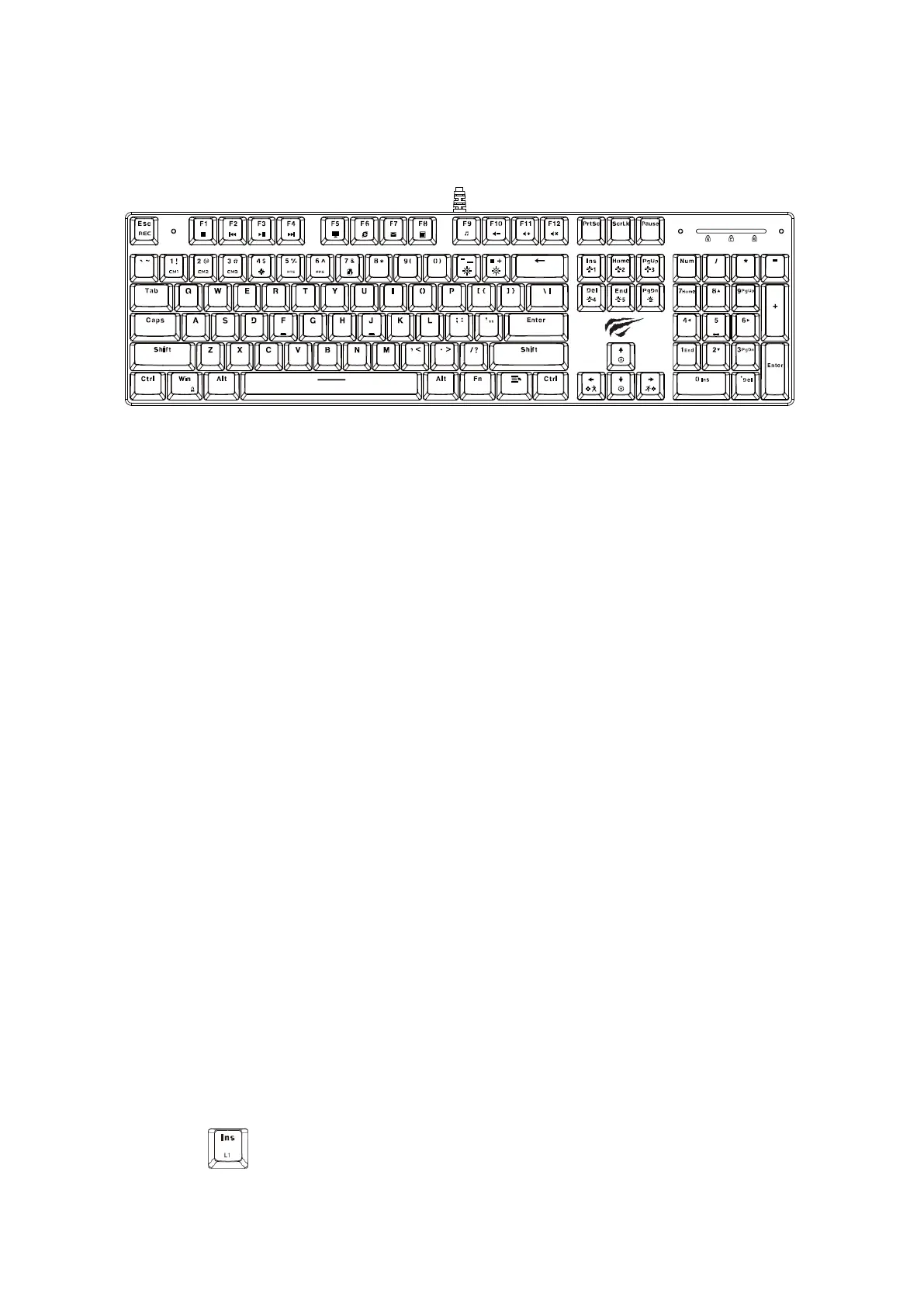
Status indicator: “Caps Lock, “WIN”
LED Backlit Adjustment:
1. FN + : 3 Lighting modes switch


 To Next Page