Explore a new world! www.cnfpv.com
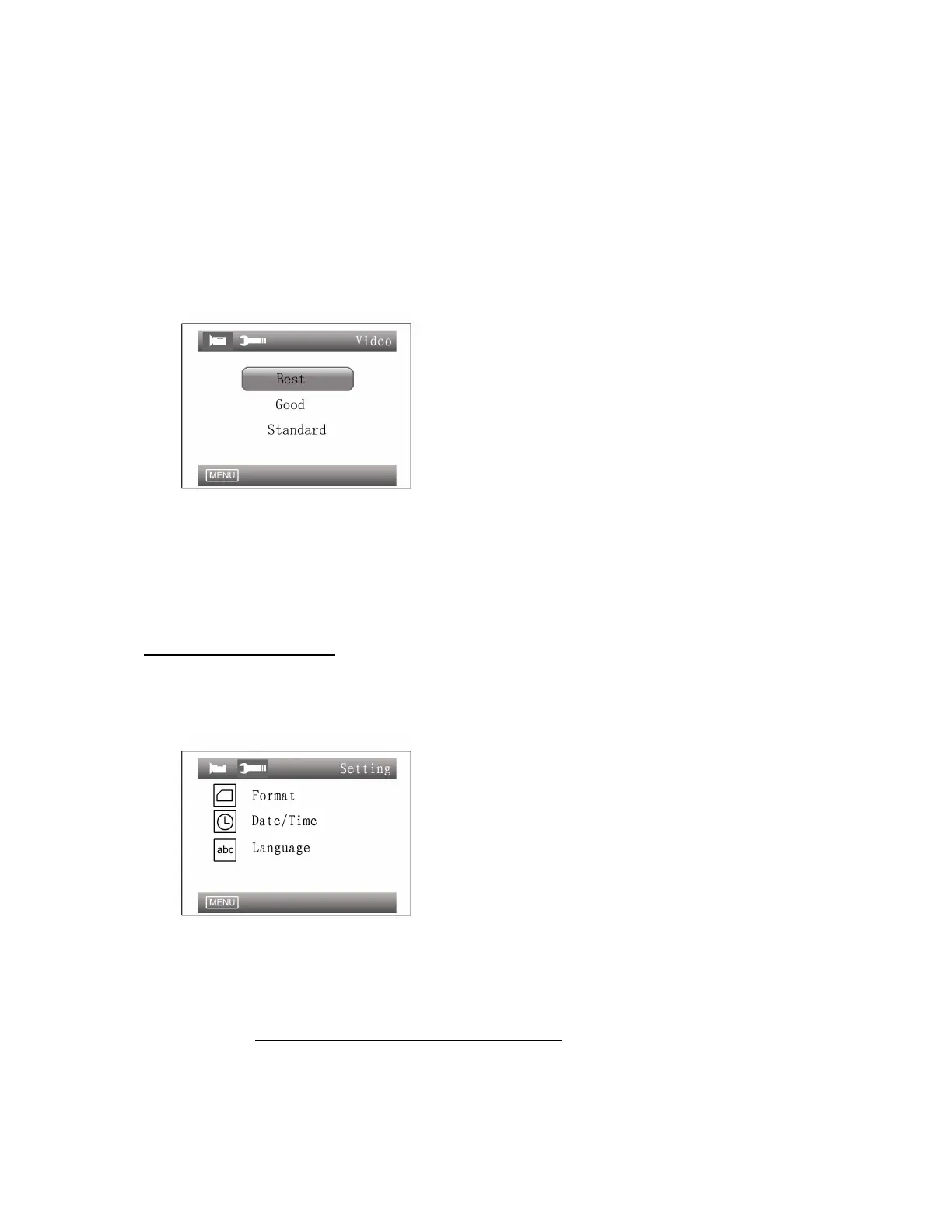
Image Quality:
Image definition and video file size can be adjusted by 3 levels. Higher image
quality results in higher image definition and larger video file;
When resolution D1(720×576(PAL)) is selected, the file sizes of videos
recorded at different Image Quality options are as follows:
Best: 1.7G/h
Good: 1.2G/h
Standard: 800M/h
Auto power up recording:
Select YES/ON to decide whether videos need to be auto recorded when
power up.
Advanced Settings:
Press the MENU button twice will pop up the Advanced Setting options including
Format, Date/Time and Language.
Format:
Enter Advanced Settings, and select Format option to format the TF card. In
order to optimize the file system ,DVR will format the TF card, if it’s used for the
first time; Please back up your data in TF Card.
Note: all files stored in the TF card will be deleted after the card is formatted.


 To Next Page