Explore a new world! www.cnfpv.com
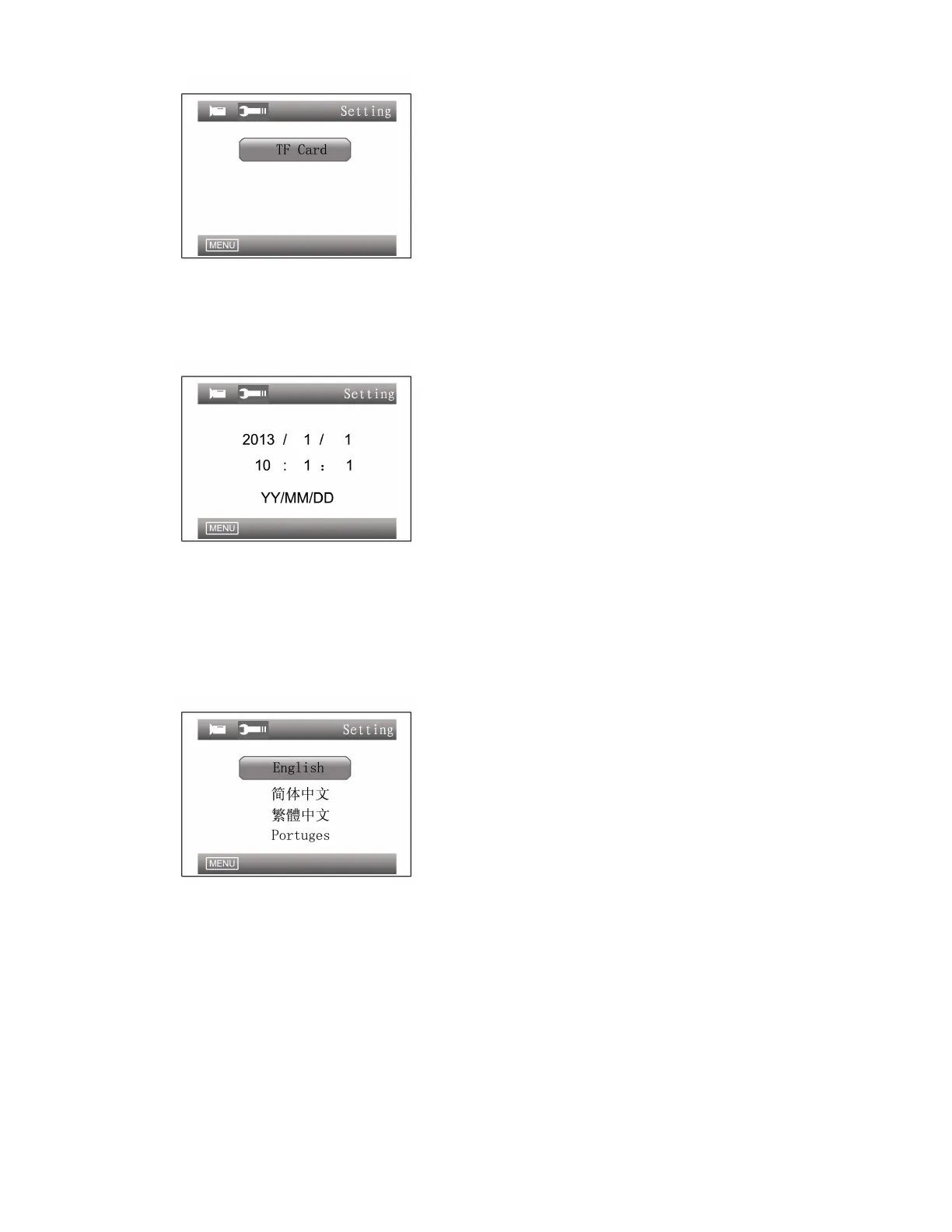
Date/Time:
Enter Advanced Settings → select Date/Time option → press UP/DOWN
button to select a desired date/time → press MENU button to exit.
Language:
Enter Advanced Settings → select Language option → press UP/DOWN button
to select a desired language from 8 languages provided → press MENU button to
exit.
TV Mode:
Video output system can be selected and video input system will be automatically
identified. Select the system according to which country you are in.(Keep it in PAL,
do not change)


 To Next Page