Explore a new world! www.cnfpv.com
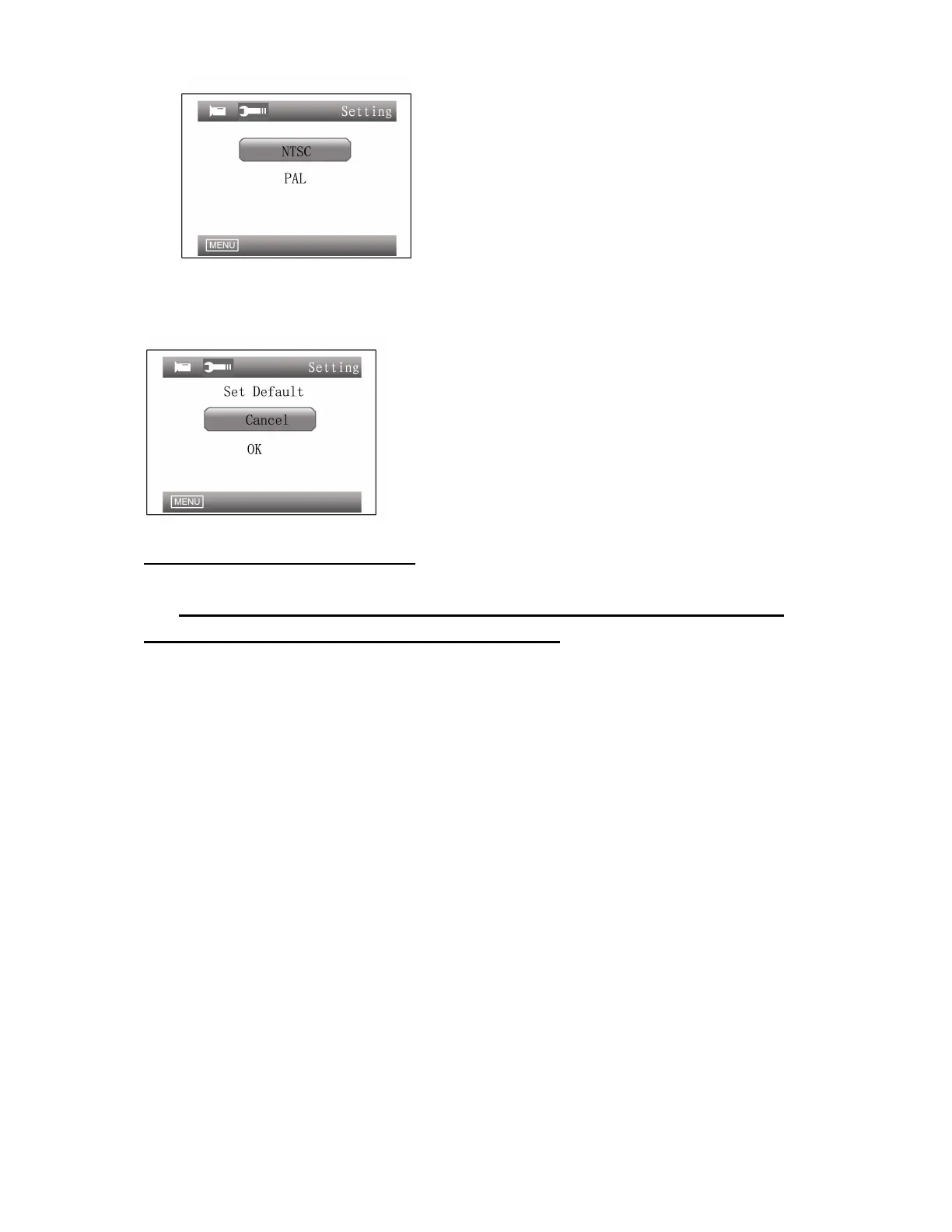
Default Settings:
This option leads back to factory default settings.
Quick Access Descriptions:
In any mode except menu setting, Monitor keys can be
used as shortcuts described as follows:
Interface Switch:
Pressing RIGHT/LEFT button can switch between FPV, DVR, external video
interfaces and HDMI interfaces.
Show/Hide Indication Windows:
In any interface, pressing UP button (of the display control group) once can hide
the indication windows, and pressing UP again can show them again.
Show Help Menu:
In any interface, pressing DOWN button (of the display control group) can show
Help menu, pressing DOWN again can make it disappear.
The power indicator light:
When the system starts, if the power indicator is on, it indicates that the power is
on.
In any of the FPV, DVR and external video interfaces ,When recording, the LED
will flash.
When the battery is too low and the system alarms, the LED will flash.


 To Next Page