16
Step 5
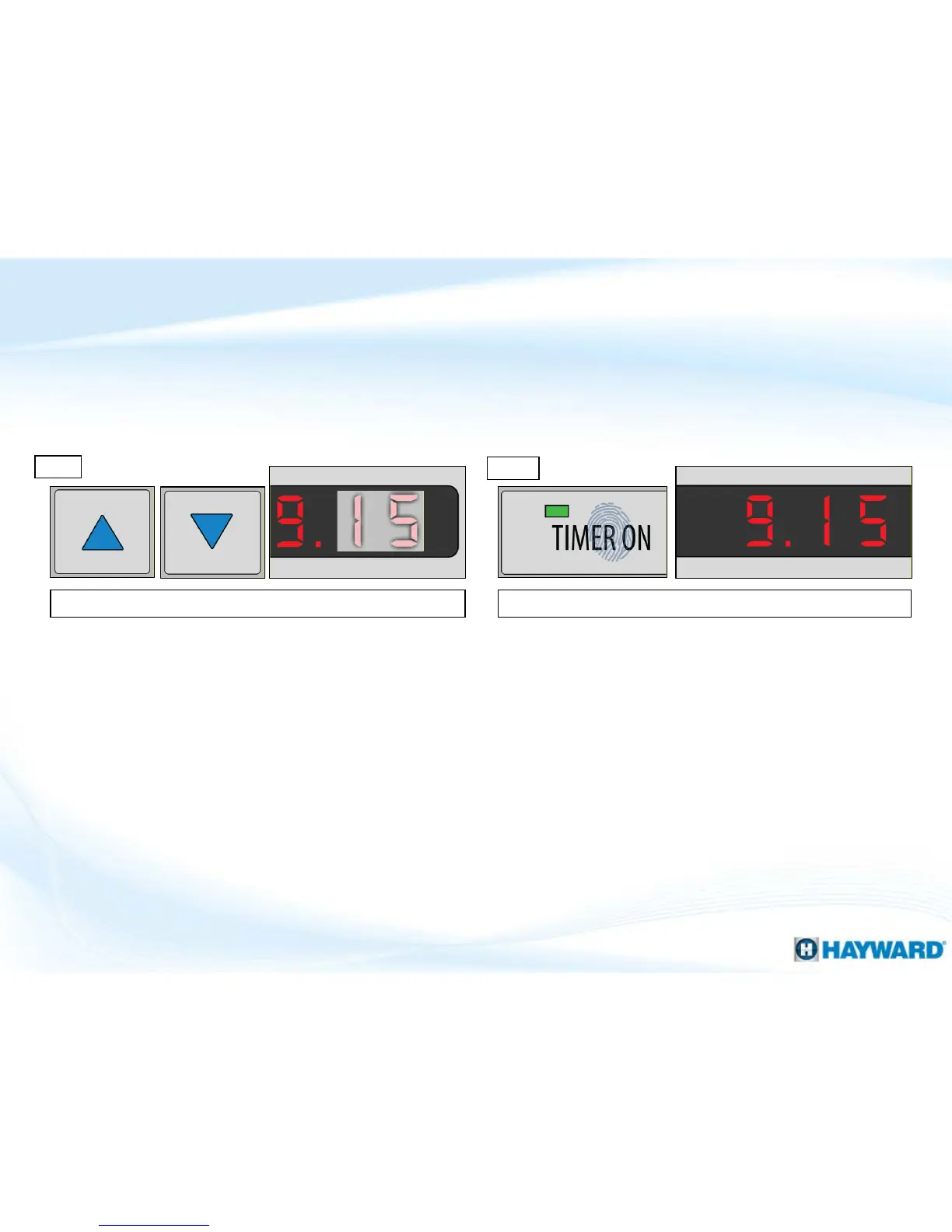
Use the up or down arrow to adjust the hours. Press “TIMER ON” a final time to save and exit. *
Step 6
Note: Step 6, IF you wish to cancel all changes, press the Power button instead of “TIMER ON”.
How To: Set Timer ON/OFF (cont.)
Note: blocked off areas of the display represent flashing numbers.
*NOTE: YOU MUST ALSO SET OFF TIME: To set the OFF time,
repeat steps 1-6, ONLY this time press the “TIMER OFF” button.












 To Next Page