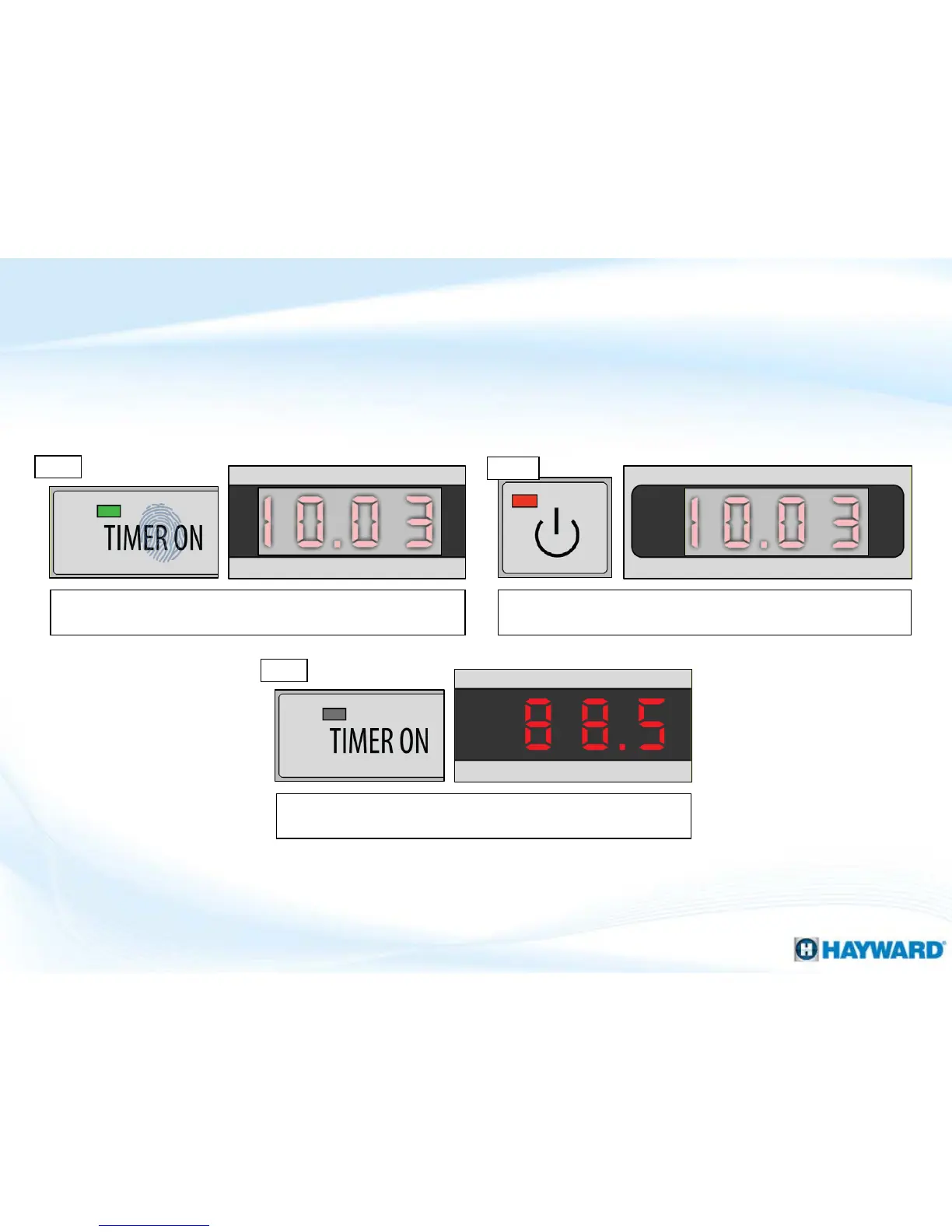
Step 3
NOTE: At this point the Timer ON LED should have gone out &
the display should return to the temperature reading. *
Step 1
How To: Cancel Existing Timers
17
Follow these steps to cancel the ON/OFF timer. Note: blocked off areas of the display
represent flashing numbers.
Press the “TIMER ON” button to show the start time; it will
appear in a flashing state.
Press & release the power button to cancel this ON timer (DO
NOT HOLD DOWN).
Step 2
*NOTE YOU MUST ALSO CANCEL OFF TIME: repeat steps 1-3, ONLY
this time press the “TIMER OFF” button.




 To Next Page