EasyManua.ls Logo

HButler ORBIT - Contents and Compatibility; Installing;Replacing the Battery; Mobile Device Compatibility

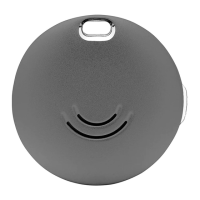
HButler ORBIT
13 pages
Print Icon
To Next Page IconTo Next Page
To Previous Page IconTo Previous Page
Loading...
Contents and Compatiblity
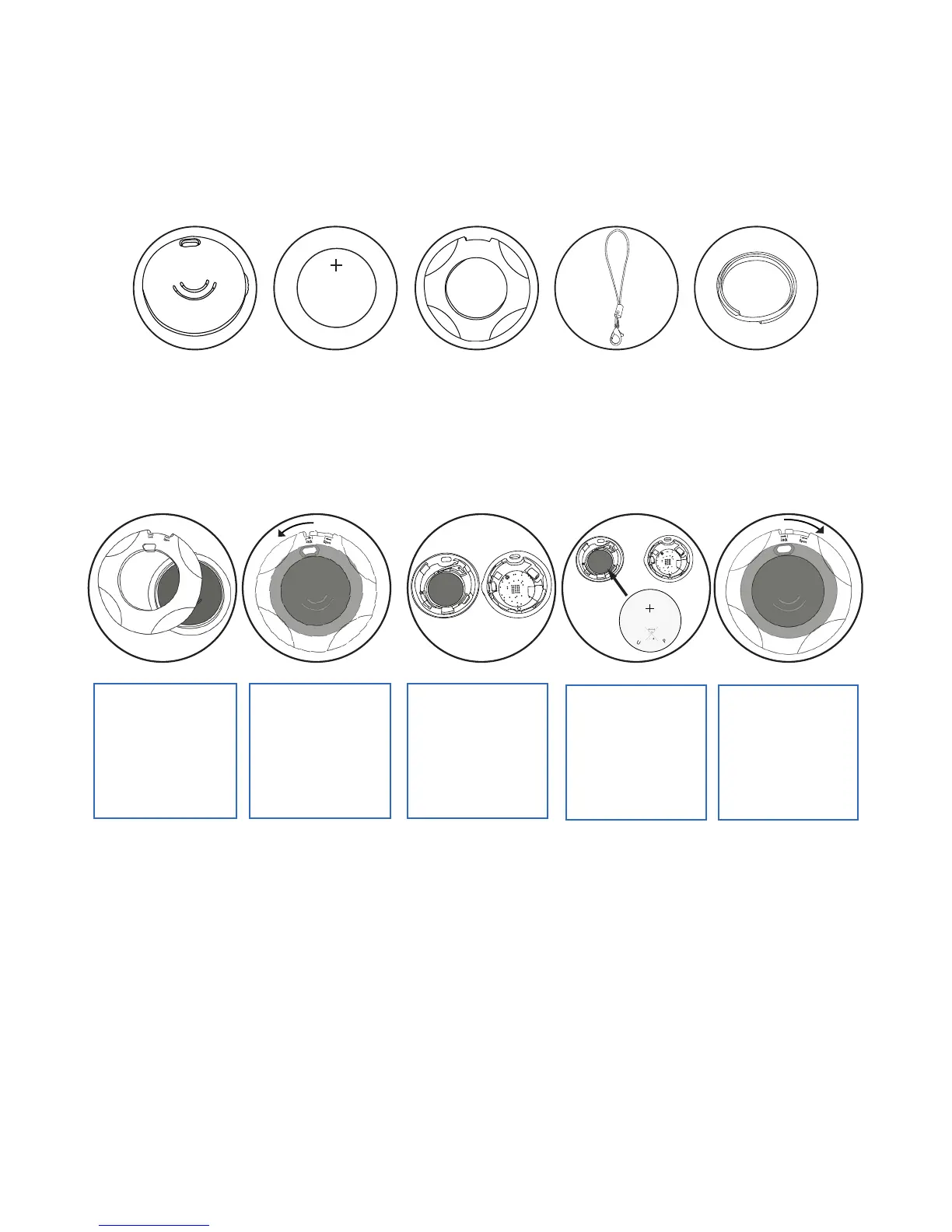
What’s Included
Installing/Replacing the Battery
Mobile Device Compatibility
C
R
2
0
2
5
IDEA
3
V
L
I
T
H
I
U
M
C
E
L
L
J
A
P
A
N
S
T
D
CR2032
ORBIT Spare Battery 2x Battery Tool Keychain Keyring
ORBIT syncs with the following devices that support Bluetooth 4.0:
iOS
iPhone 4S
iPhone 5
iPhone 5C
iPhone 5S
iPhone 6
iPhone 6+
iPad 3
iPad Retina
iPad Mini
iPad Mini Retina
Android
Samsung s4
Samsung s5
Samsung s6
Samsung Note 3
Samsung Note 4
Nexus 4Nexus 5
Nexus 6
HTC One M8
LG G3
LG G4
1. Battery is included
inside. To replace the
battery, enclose the
Orbit in between the
2 battery opening
tools.
2. Twist the top
battery tool
anti-clockwise to
open.
3. Open the Orbit
and detach old
battery from inside.
4. Place the new
battery with the (+)
symbol facing down.
5. Push the top and
bottom Orbit shell
together. Place the
Orbit in between the
opening tool. Twist
clockwise to lock Orbit
close.
CR 2025
p3.

Other manuals for HButler ORBIT